
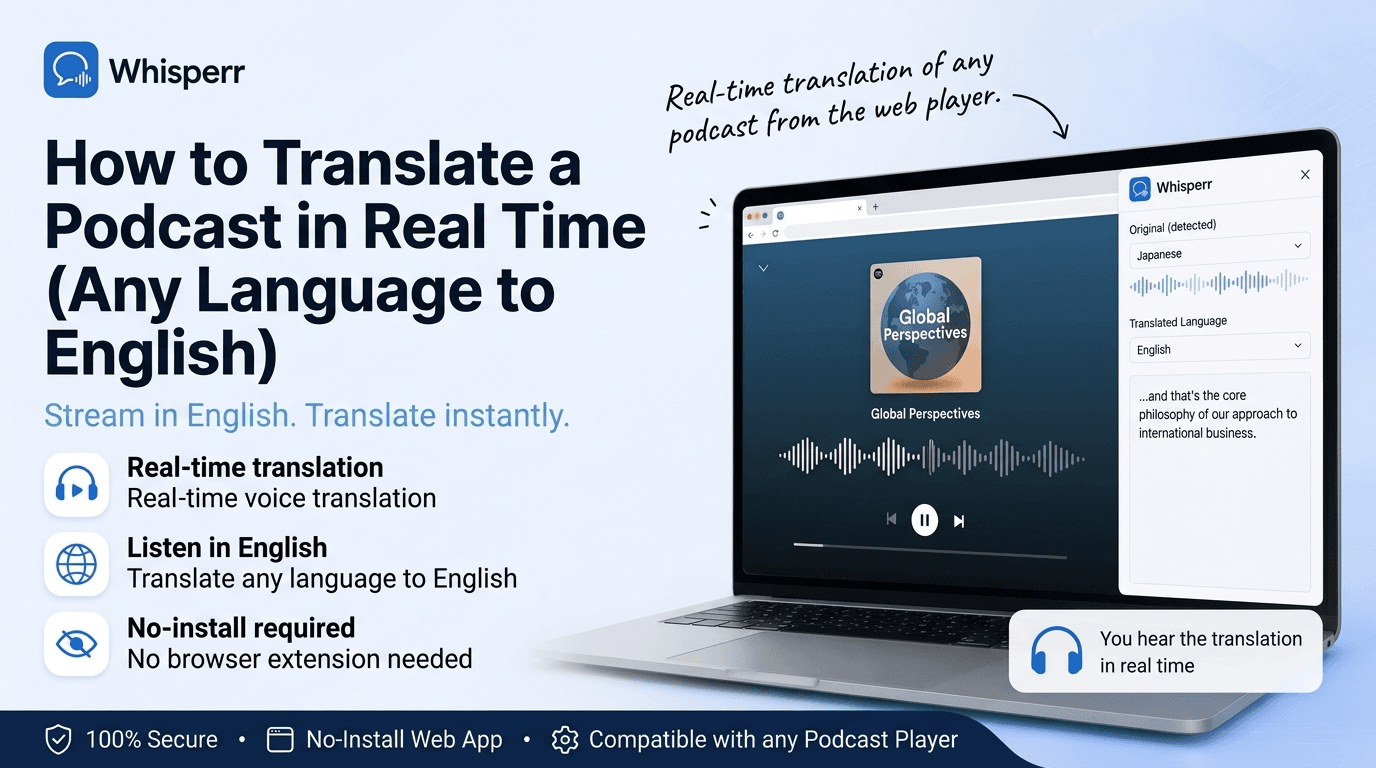
How to Translate a Podcast in Real Time (Any Language to English)

You found a great podcast, but it is in Spanish, Japanese, German, or Portuguese, and there is no English version. Maybe it is a daily news show, a niche interview series, or a creator you follow who only publishes in their own language. The old fix was to find a transcript, paste chunks into a translator, and read along out of sync, which kills the experience. There is a better way: translate the podcast to English by voice, live, as it streams.
This guide explains exactly how to do that, step by step, plus where it helps, how accurate it is in 2026, and what to look for in a tool.

What real-time podcast translation actually means
Real-time podcast translation converts the spoken audio of a podcast into readable English as it plays, with only a short delay. Instead of translating a finished transcript or a block of typed text, it works on the live audio stream coming out of your podcast app and produces a running English translation you can read while you listen.
That "real-time" part is what separates it from a basic translator. A standard voice translator is turn-based: you play a clip, you stop, it translates, then you continue. A realtime voice translator removes the pauses. It transcribes and translates on a rolling basis, so the English keeps up with natural speech instead of waiting for the episode to finish. And because good voice translation is two-way by default, you pick the podcast's language and English once, with no "source" and "target" to flip.
People look for this under a lot of names: live voice translator, live audio translate, real time audio translation, or simply voice translation. They all describe the same idea, which is to translate spoken audio, live, with minimal lag.
How live podcast translation works

Behind the simple experience of reading English captions over a podcast, a real-time translator runs a short pipeline many times a minute, fast enough that it feels instant.
First, it captures the audio. The cleanest approach is to capture the sound directly from the source, meaning the audio your device is already playing, rather than pointing a microphone at a speaker. Next, that audio goes into a speech recognition model that turns the spoken words into text in the original language. Then a translation model converts that text into English, refining the phrasing as more context arrives, which is why a caption sometimes adjusts itself a beat after it appears. Finally, the English is shown to you as live captions you can read while the episode keeps playing.
The whole loop, from a host speaking to you reading the English, typically completes in a second or two.
How to translate a podcast to English in real time

Here is the full flow with Whisperr. It works the same whether the podcast is playing in Spotify, Apple Podcasts, YouTube, a browser, or any other app, and it takes under a minute to set up.
1. Open Whisperr

Open the web app in your browser, or grab the app for iPhone or Android. There is a desktop browser extension too. Sign in or create a free account.
2. Pick the podcast's language and English

Choose your two languages: whatever the podcast is in, and English. That is all the setup the translation needs. Whisperr translates both directions by default, so you do not have to decide which one is the "source" or flip anything.
3. Start the capture

Tap Start. On a phone, allow the standard screen or audio capture prompt (the same one every screen recorder uses) so Whisperr can hear the audio your device is playing directly. In a browser, click Record and pick the tab the podcast is playing in, making sure "share tab audio" is checked. Capturing the audio at the source is what keeps the translation clean, with no microphone echo or room noise.
4. Play the podcast and read the live English translation

Start the episode. The English captions roll in line by line as the hosts talk, with only a short delay. On mobile you can turn on floating subtitles so the captions sit on top of your podcast app, letting you follow the show and the translation at the same time.
5. Stop when the episode ends

When the episode is over, return to Whisperr and tap Stop. That is it.
Where real-time podcast translation helps

Because it works on any audio reaching your device, you can point it at almost any kind of show.
News and daily shows
Keep up with a foreign-language daily news podcast or current-affairs show in English, the same morning it drops, without waiting for anyone to publish a translation.
Interviews and long-form chat

Follow a two-hour interview or panel discussion where guests speak quickly and overlap, reading along in English so you catch the nuance instead of just the gist.
Language learning

Listen to a native-language podcast while reading the English, so you pick up vocabulary and phrasing in context instead of drilling flashcards.
Creators and niche shows

Follow a creator, hobby show, or regional podcast that will never get an official English release, and understand every episode as it comes out.
The same approach works for any language pair. Pick any other combination and it behaves identically, so it is an accurate Spanish translator for everyday English to Spanish translation voice too, whether you are listening to a podcast from Madrid or Mexico City.
How accurate is real-time podcast translation in 2026?
Accuracy has improved dramatically. For clear speech, a good real-time translator follows a podcast reliably, accurate enough to understand the argument, catch the jokes, and keep the thread of a long conversation. Podcasts are often a friendly case for translation, because the audio is usually recorded cleanly with good microphones and little background noise.
The hardest cases are the same ones a human interpreter struggles with: several hosts talking over each other, heavy slang or inside references, thick regional accents, and very technical jargon. The single biggest factor you control is audio quality, and since most podcasts are well produced, the English coming out tends to be clean. Capturing the source audio directly, rather than through a microphone, keeps it that way.
Why Whisperr is built for live podcast translation

Whisperr is a realtime voice translator designed around live, real-world audio rather than slow, turn-based exchanges.
It captures audio directly

On iPhone and Android, Whisperr captures your device's audio; on desktop, it captures a browser tab or your system audio. No second device, no pointing a mic at a speaker, no echo. It simply hears the podcast your phone or computer is already playing.
It translates continuously, both ways

Pick the podcast's language and English once, hit Start, and Whisperr keeps translating in the background as the episode plays. Translation runs two-way by default, so if you are talking through the episode with someone, both sides are covered with no extra setup.
Floating captions stay on top

On mobile, translated captions float over whatever you are doing, including your podcast app, a video, or a browser, so you read the English without leaving the screen you are on.
100+ languages, including the long tail

Whether the podcast is in Spanish, Japanese, German, Korean, Arabic, or a far less common language, Whisperr handles it. It is a dependably accurate Spanish translator when you need English to Spanish translation voice on the spot, and it covers the long tail of languages other tools skip.
It works everywhere you do

Use it on the web app, iPhone, and Android, plus a browser extension for any modern browser, with one subscription across all of them and a free tier to try it.
Frequently Asked Questions
How do I translate a podcast to English in real time?
Open a realtime voice translator like Whisperr, pick the podcast's language and English as your two languages, and start the capture so it can hear the audio your device is playing. It transcribes the spoken words and shows an English translation within a second or two, live, while the episode keeps playing. Because it is two-way by default, anything you say back is translated as well.
Can I translate a podcast without downloading the episode or finding a transcript?
Yes. A real-time translator works on the live audio stream rather than a finished file or transcript, so there is nothing to download or paste in. You start it once and read the English captions as the podcast plays, which makes it usable for live shows, brand-new episodes, and back catalogs alike.
Is the podcast translation accurate?
For clear speech, yes. Podcasts are usually recorded with good microphones and little background noise, so modern speech recognition and translation handle them reliably, accurate enough to follow the argument and catch the details. Multiple hosts talking over each other, heavy slang, and strong accents are the hardest cases, and clean source audio is the biggest factor in getting a good result.
Do I need to set the podcast as the source and English as the target?
No. You just pick your two languages, the podcast's language and English, and the translation runs both directions automatically. There is no source or target to configure.
Do I need special hardware or earbuds?
No. A software realtime voice translator runs on the phone or computer you already have and captures the audio your device is playing. You do not need dedicated translation earbuds or a second device.
Can it translate any podcast language, not just the popular ones?
Yes. Whisperr supports 100+ languages and translates between them in real time, so you can pair English with almost any language. The same tool that translates a Spanish or Japanese podcast also works across the long tail of less common languages, and it doubles as an accurate Spanish translator for English to Spanish translation voice.
Try it on your next episode
The fastest way to understand live podcast translation is to point it at a real episode and watch the English roll in. Open the show in your podcast app or browser, pick the podcast's language and English, and read along in real time. Try Whisperr on the web app, iPhone, Android, or the browser extension on the next podcast you cannot quite follow.