
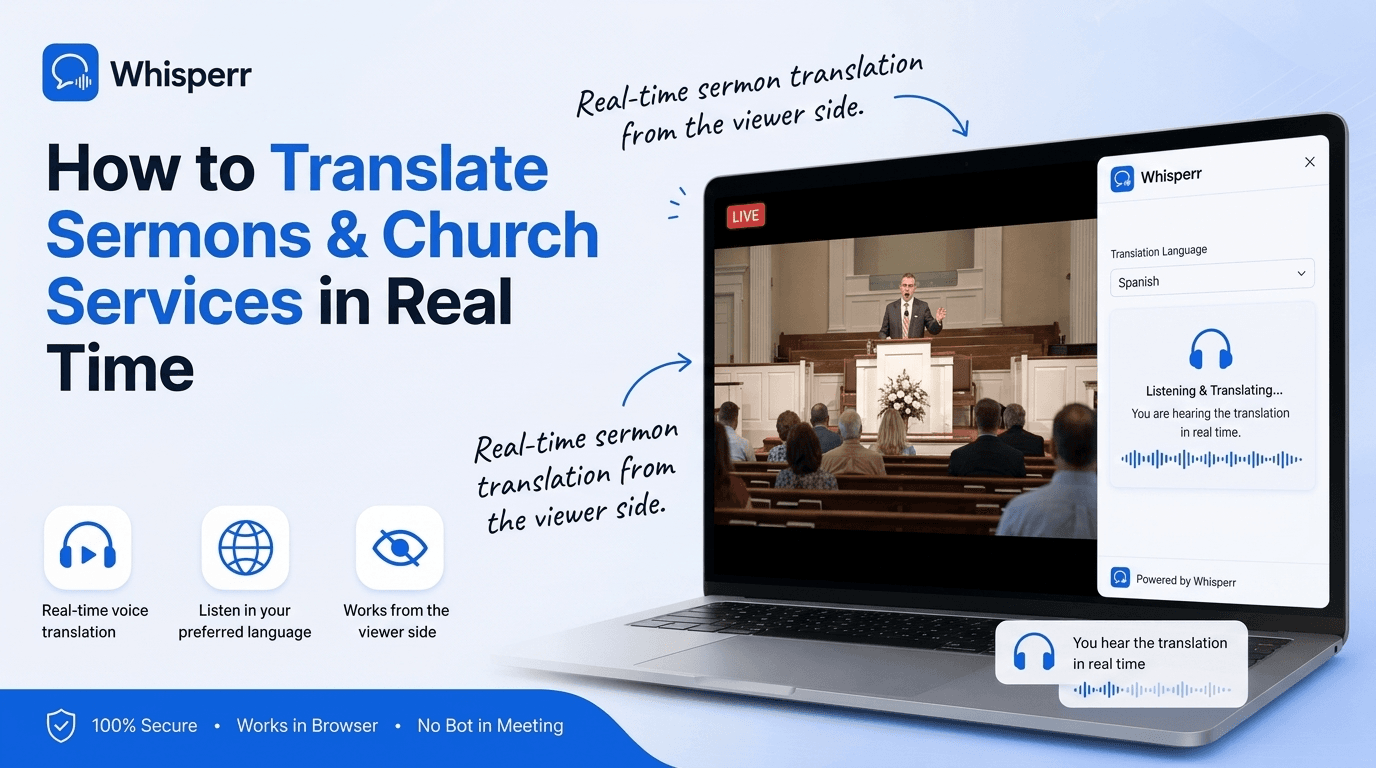
How to Translate Sermons & Church Services in Real Time

The message is the part that matters most, and a language barrier is the one thing that can keep it from landing. Maybe your congregation has grown to include families who think and pray in Spanish, Tagalog, Korean, or Ukrainian. Maybe you're the visitor, sitting in a pew while the sermon moves in a language you can almost follow but not at full preaching pace. Either way, you don't want a translated transcript emailed out next week. You want a realtime voice translator working during the service, turning what's spoken at the front into the language each person reads and understands best.
That's exactly what this guide is for. Whether you're running the service or attending it, online or in the building, you can turn any sermon into live voice translation on the devices people already have in their pockets. No special equipment, no interpreter on the payroll, no one at the front doing anything different. This walks through the three reliable ways to do it, end to end.
Why most churches can't offer live interpretation

Live human interpretation is wonderful when a church can afford it, and most can't. A trained interpreter for a single language pair costs real money every week, and that only covers one language. Add a second or third language group and you need a booth, a set of receivers, a transmitter, and a volunteer for each one. The hardware alone runs into the thousands, the receivers walk off, the batteries die mid-service, and the moment a new family arrives speaking a language you didn't plan for, none of it helps them.
The workaround is to treat the sermon audio like any other audio source and pipe it into a translation layer that runs on each listener's own device. Whisperr is built exactly for that. It listens to a sermon, whether through a shared broadcast room, a phone microphone in the pew, or an online stream, and produces live voice translate captions in 100+ language pairs. Pick two languages and you've got a realtime voice translator working for that person, in real time, with the spoken translation read into their ear and the text on their screen. One subscription on the church side covers an unlimited multilingual audience.
What you need before you start

- A Whisperr account for whoever is hosting the translation. The free tier is enough to try it in a service.
- For Broadcast Mode (the whole congregation): the Whisperr web app on a laptop at the sound desk, or the iPhone or Android app, plus a way to share a link (a slide, a printed bulletin with a QR code, or the church Wi-Fi page).
- For following along privately in person: the Whisperr app on your phone, plus headphones or a single earbud.
- For an online or livestreamed service: a laptop or desktop with any modern browser, or the Whisperr app on your phone.
Pick the situation that matches you below. In every one of them you just choose two languages, for example English and Spanish for an english to spanish translation voice feed, or English and Korean. You never set a "source" or a "target." Whisperr does two-way translation by default, so it handles voice translation in both directions and the order doesn't matter.
Situation 1: Serve the whole congregation at once (Broadcast Mode)

This is the setup for a church that wants every visitor to follow along in their own language, with no equipment handed out and nothing for attendees to install. The pastor or the AV team runs Whisperr in Broadcast Mode, which generates a public room link. Anyone who opens that link reads the live translated captions in their browser, on their own phone. One speaker, many viewers, no receivers to buy or batteries to charge.
Step 1: Decide who captures the audio
Pick the cleanest source for the spoken word. The simplest option is a laptop at the sound desk running the Whisperr web app, fed from the same mic the preacher already uses. If you'd rather stay mobile, the iPhone or Android app can broadcast straight from a phone near the front.
Step 2: Turn on Broadcast before you record

Tick the Broadcast checkbox before you start recording, and pick your two languages, for example English and the language of the congregation you're serving. The cleaner the audio feed into Whisperr, the better the translation that goes out to everyone reading.
Step 3: Start recording and share the room link

Start the recording and Whisperr generates a room URL. Share it however your congregation will see it: put it on the welcome slide, print a QR code in the bulletin, or drop it on the church Wi-Fi splash page. Viewers open the link in any browser, with no account and no install.
Step 4: Preach normally and let them read along

That's it. The preacher speaks as they always do, and the live voice translation streams onto every viewer's screen in their language as the words are spoken. Closing the recording closes the room, so each service gets a fresh link.
One note on languages per room: each broadcast room carries one target language. If you're serving, say, Spanish and Korean speakers at the same time, open one room for each language pair and share both links, one with each group.
Situation 2: Follow the sermon privately in the pew
When you're the visitor and you just want to understand the message for yourself, you don't need the church to set anything up. You let your phone's microphone listen to the room and read the translation through your earbuds. This turns a crowded sanctuary into a private interpreter that only you can hear.

Step 1: Install Whisperr on your phone

Install the Whisperr app on your iPhone or Android phone and sign in. Do this before the service starts so you're ready when the preacher begins.
Step 2: Pick the two languages

In the language selector, pick the two languages, for example the service language and your own. You don't have to designate a source or a target. Whisperr translates both ways, so this same setup works as an accurate Spanish translator if the sermon is in Spanish and you read English, or the other way around.
Step 3: Turn on Auto-speak translations

Turn on Auto-speak translations and Whisperr reads each line aloud as it appears. Pop in one earbud and hear the translation whispered while the preacher talks, hands-free, so you can keep your eyes on the front.
Step 4: Tap New Recording and start listening

Open a new session and tap the microphone icon. The first time, your phone asks for microphone permission, so allow it. The app enters live translate mode and begins streaming captions the moment any voice is detected.
Step 5: Place your phone where it can hear the front

Lay your phone face-up where it can pick up the preacher cleanly, and read the captions as the sermon unfolds. The single biggest factor in translation quality is how clearly the microphone hears the speaker, so a seat closer to the front or near a speaker helps.
Situation 3: Watch an online or livestreamed service at home
Plenty of services now stream on YouTube, Facebook, or a church website, and you can translate those just as easily. On a computer you capture the stream tab directly, which gives Whisperr a clean audio feed with no room noise. On a phone you use Floating Subtitles over the video.
Step 1: Open the service stream in a browser tab

On your computer, open the livestream in any modern browser tab and start it playing. Capturing the audio at the tab is the cleanest signal you can give Whisperr, because there's no microphone echo getting in the way.
Step 2: Open the Whisperr web app in a second tab

In a new tab, open the Whisperr web app and sign in. Don't close the stream tab. Whisperr needs it open and playing to capture the audio.
Step 3: Pick the two languages and start Screen Capture

Pick the two languages, click New Recording, choose Screen Capture, then select your stream tab and make sure Share tab audio is ticked. Whisperr immediately starts turning the sermon into a live audio translate feed in your language.
Step 4: On a phone, use Floating Subtitles instead
-300x200.png)
If you're watching the stream on your phone, open the Whisperr app, pick your two languages, switch to Floating Subtitles mode, and start a recording. The translated captions appear in a small window on top of the video, so you read along while the service plays.
Why this beats interpreter booths and headsets

It's genuinely free to try. The Whisperr free tier covers a service, so a church can test live translation this Sunday without buying a single receiver.
No hardware to buy or manage. No booth, no transmitter, no box of headsets to charge, label, hand out, and chase down after the service. Everyone uses the phone already in their pocket.
It scales to any number of languages and people. With Broadcast Mode, one subscription on the church side serves an unlimited audience, and a new language group is just another room link, not another thousand dollars of equipment.
It's private when it needs to be. An attendee following along on their own phone reads the translation quietly through an earbud. Nobody else in the room knows it's there.
100+ language pairs, including the long tail most consumer tools under-serve. English to Spanish translation voice, Spanish to English, Korean, Tagalog, Mandarin, Vietnamese, Ukrainian, Arabic, Portuguese, Amharic, and the rest of the languages real congregations actually include.
How accurate is real-time sermon translation?

Accuracy has improved dramatically. For clear speech, a good realtime voice translator follows a sermon reliably, accurate enough to keep up with a preacher's pace, a Scripture reading, or a testimony. Capturing the audio from a clean source, the sound desk feed for a broadcast or the stream tab for an online service, helps the most, because there's no room echo getting in the way.
The hardest cases are the same ones a human interpreter struggles with: a noisy room, several people speaking over each other, strong regional accents, and dense theological or denominational vocabulary. The single biggest factor you control is audio quality. For a broadcast, feeding Whisperr from the same microphone the preacher uses gives the cleanest signal. For an in-person listener, sitting closer to the front and placing the phone where it can hear clearly makes a noticeable difference.
Tips for the cleanest translation in a service

- Feed Broadcast Mode from the sound desk. A direct line from the preacher's microphone beats a phone picking up a room, because the audio is clean and direct.
- Sit near the front when listening in person. The closer your phone's microphone is to the speaker, the better the voice translation.
- Use a single earbud, not the speaker. It keeps the spoken translation private and lets you hear it clearly while still being present in the room.
- Open one room per language. For multilingual congregations, run a separate broadcast room for each language pair and share each link with the right group.
- Test it before the service. Run a 30-second check during sound-check so the languages, the link, and the audio feed are all working before people arrive.
Frequently Asked Questions
Do we need to hire an interpreter or buy headsets to translate our services?
No. With Broadcast Mode, the church records the sermon in Whisperr and shares one room link, and the whole congregation reads the live translation on their own phones in any browser. There's no booth, no receivers, and no per-listener hardware. One subscription on the church side covers an unlimited multilingual audience.
Do attendees need to install an app or create an account?
For Broadcast Mode, no. Viewers just open the shared room link in any browser, with no account and no install. Only the person hosting the translation needs a Whisperr account. If an individual wants to follow along privately using their phone's microphone instead, they install the Whisperr app themselves.
Can we translate into more than one language at the same time?
Yes, by running one broadcast room per language pair. Open a room for English to Spanish and another for English to Korean, then share each link with the matching group. Each room carries one target language.
Will it understand Scripture references and theological terms?
For clear speech it handles religious and theological vocabulary well, and a clean audio feed helps the most. The biggest factor is audio quality, so a direct sound-desk feed for a broadcast, or a seat near the front for an in-person listener, makes denominational terms and Scripture readings much easier to follow.
Do I need to set a source and target language?
No. You just pick the two languages, for example English and Spanish, and Whisperr handles voice translation both ways automatically. You never designate a source or a target.
Does this work for our congregation's language?
Almost certainly. Whisperr supports 100+ languages and translates between them in real time, so you can pair the service language with whatever languages your families speak. The same tool that gives you an accurate Spanish translator for an english to spanish translation voice feed also works across the long tail of less common languages real congregations need.
Try it in your next service

The fastest way to understand live sermon translation is to point it at a real service and watch the captions roll in. Pick the situation that matches you, pick your two languages, and let Whisperr carry the message across the language barrier. Try it on the web app, iPhone, Android, or the browser extension this Sunday.