
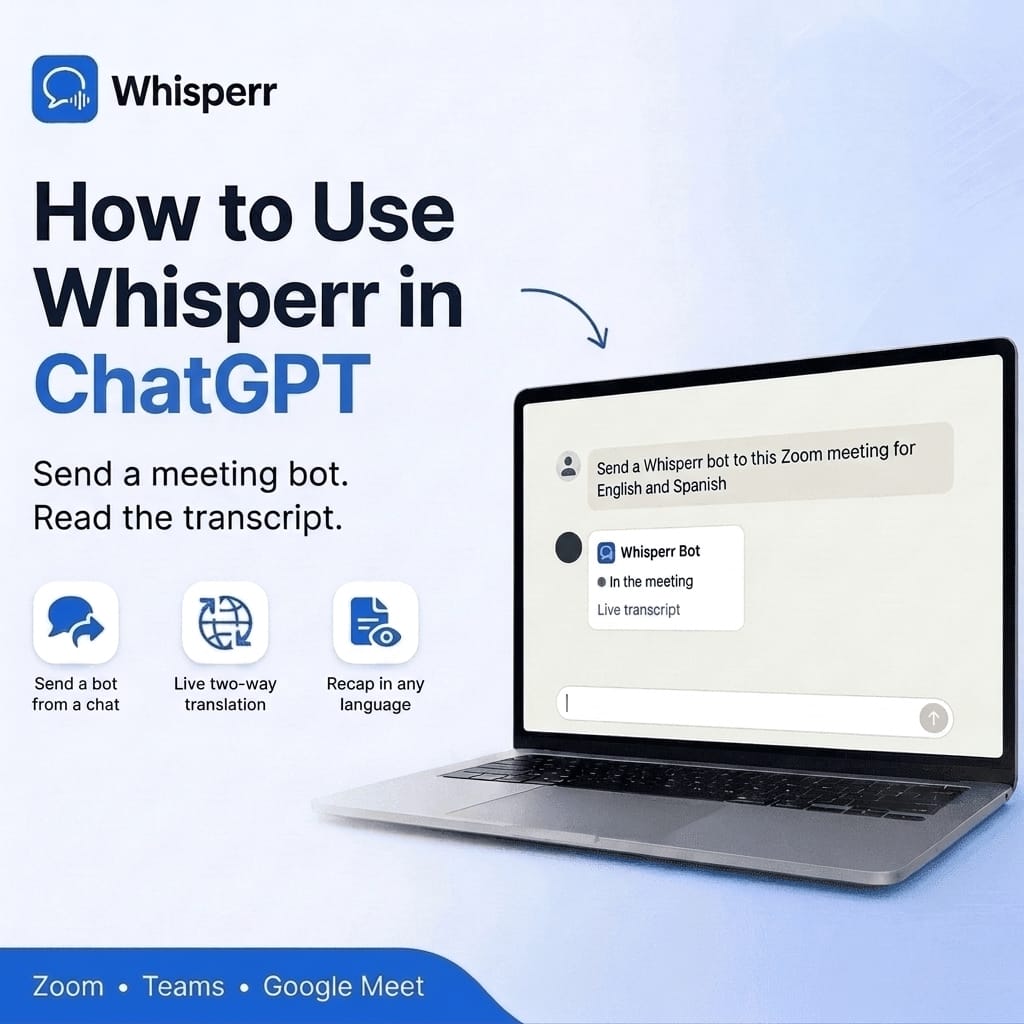
How to Use Whisperr in ChatGPT: Send a Meeting Bot and Read Transcripts

You are about to join a call in a language you only half follow, and the link is sitting in your calendar. What you would like to say to your assistant is simply: join this meeting, translate it for me, and tell me what was agreed afterwards.
That now works in ChatGPT. Whisperr connects through MCP, the open standard that lets an AI assistant use outside tools. Once connected, ChatGPT can send a Whisperr meeting bot into a Zoom, Microsoft Teams or Google Meet call, check on it, stop it, and read back the transcript and its translations when the call is over.

This guide shows the setup with every screen, and what to ask once it is running.
What ChatGPT can do once Whisperr is connected
ChatGPT gets six Whisperr tools. You never have to name them. You just ask, and ChatGPT picks the right one.
- Send a meeting bot to a Zoom, Teams or Google Meet link, with the two languages you want. You get back a live transcript link you can open or share. Anyone who has that link can follow the live captions, so share it only with people you want to include.
- Check a bot to see whether it is waiting in the lobby, in the meeting, or has left, and whether the transcript was saved.
- Stop a bot so it leaves the meeting.
- List your bots to see recent and running ones.
- List your conversations to find saved meetings, calls and live sessions from any Whisperr app.
- Read a transcript with its translations, so ChatGPT can summarize it, pull out action items, or answer questions about what was said.
ChatGPT does the reading, so you can ask for the result in any language, not only the two the meeting used. A meeting held in Japanese and English can come back as a Spanish recap.
What you need before you start
- A Whisperr account. Reading saved conversations works on any account. Sending a bot needs an active Whisperr subscription, and a subscription runs one bot at a time.
- ChatGPT on the web, signed in. You add the server on chatgpt.com, in a browser of your choice. Whether you can add a custom MCP server depends on your ChatGPT plan and your workspace settings. On a Business workspace only admins and owners can add one, so ask your admin if you do not see the option.
- A meeting link for Zoom, Microsoft Teams or Google Meet.
Connect Whisperr to ChatGPT
ChatGPT connects to Whisperr as a custom MCP server. You paste one address, sign in to Whisperr with your normal account, and click Allow. There is no key to copy and nothing to type in a terminal. It takes about two minutes.
Step 1: Copy the server address from MCP Integration
Sign in to the Whisperr web app and click MCP Integration in the left menu, just below Dictionary. Click the copy button next to the address at the top of the page. It ends in /mcp. The box is labeled for Claude, but it is the same address for ChatGPT. Keep it on your clipboard for step 3.

Step 2: Open Plugins and add a custom MCP server
In ChatGPT on the web, click Plugins in the left sidebar. Click Add at the top right, then choose Add custom MCP server.

Step 3: Fill in the form and create the plugin
Type Whisperr as the name. A description is optional, for example "Realtime transcription and translation". Under Connection, leave Server URL selected and paste the address you copied. Under Authentication, choose OAuth. Leave Advanced OAuth settings as they are, because Whisperr registers ChatGPT automatically.
Then tick I understand and want to continue. ChatGPT warns that custom MCP servers introduce risk and that you should only connect to servers you trust. This one is your own Whisperr account's server, so the warning is expected. Click Create as a plugin.

Step 4: Click Connect Whisperr
ChatGPT shows a notice about how it shares data with the app, and that Whisperr's use of that data follows Whisperr's own terms and privacy policy. Click Connect Whisperr.

Step 5: Sign in to Whisperr and click Allow
ChatGPT sends you to Whisperr. If you are not signed in, sign in first with Google, Apple or your email. Then you see Connect ChatGPT to Whisperr, with the account you are signed in as and exactly what ChatGPT will be able to do: send Whisperr meeting bots into your Zoom, Teams and Google Meet calls, check and stop your meeting bots, and read your saved conversations and transcripts. Click Allow, and you are sent back to ChatGPT.
Cancel connects nothing. If it is the wrong account, click Not you? Use a different account. Only click Allow if you just started this from ChatGPT yourself. If a page you did not expect asks you to connect ChatGPT to Whisperr, click Cancel.

Step 6: Use it in a chat
Start a new chat and ask for something that involves your meetings or transcripts. ChatGPT uses Whisperr when your question is about them. Mentioning Whisperr in your message makes sure of it.
ChatGPT may ask you to confirm before it sends or stops a bot. You can choose to remember your answer for the rest of that conversation, and a new conversation asks again.
Four things to ask ChatGPT
Get your latest transcripts
Give me the last few transcripts from Whisperr
ChatGPT lists your most recent saved conversations with a title, a one-line summary and a link to open each one in Whisperr, like the screen at the top of this guide.
Send a bot to a meeting
Send a Whisperr bot to this Zoom meeting for English and Spanish: (paste the link)
ChatGPT sends the bot and answers with its status and a live transcript link. You pick just two languages. Translation runs both ways by default, so whoever speaks, you can follow along. It works as a realtime voice translator for the call: live voice translation captions in the language you read best, plus a saved transcript afterwards.
The bot joins as "Whisperr Bot". If the meeting has a lobby, the host needs to admit it, like any other guest.
Check on it, or stop it
Is the Whisperr bot in the meeting yet?
ChatGPT reports whether the bot is starting, waiting in the lobby, in the meeting, or finished. If it could not get in, you see that it ended and the reason. Say "Stop the Whisperr bot" and it leaves.
Get a recap afterwards
Read my most recent Whisperr conversation and give me the decisions and action items in English.
ChatGPT finds the conversation, reads the transcript with its translations, and writes the recap. Ask for a topic instead of the latest one: "What did the Madrid team say about delivery dates last week?" Transcripts appear in your list a minute or two after the meeting ends. Whisperr saves the transcript by default, so say so if you would rather not keep one.
How the meeting bot behaves
It is a guest, not a hidden recorder. The bot shows up in the participant list as Whisperr Bot. Tell people on the call that you are using a translation and transcription bot, the same courtesy you would extend for any recording.
It needs to be admitted. In a meeting with a lobby or waiting room, the host or a co-host lets it in. Some meetings are set up to refuse automated participants, and if that happens ChatGPT shows the bot as ended with the reason instead of leaving you guessing.
One bot at a time. A subscription runs a single bot. If you ask for a second while one is running, ChatGPT tells you to stop the first. Say "Stop the bot" when the meeting is over, or just let it leave when the meeting ends.
You can stop it any time. Ask ChatGPT to stop it, or remove it from the meeting like any participant.
How to disconnect Whisperr
To disconnect from Whisperr, open MCP Integration in the web app, find ChatGPT under Connected apps, and click Disconnect. ChatGPT is signed out and has to connect again before it can use Whisperr. To remove it from ChatGPT instead, open Plugins and remove the Whisperr plugin.
If Whisperr adds new abilities later, ChatGPT does not pick them up by itself. Open the Whisperr plugin in Plugins, choose Refresh, and start a new conversation.
Frequently Asked Questions
Do I need a paid Whisperr plan to use this?
Sending a meeting bot needs an active Whisperr subscription. Connecting ChatGPT and reading your saved conversations works on any account, so you can try the connection first. Bots from ChatGPT count toward your subscription and run one at a time.
Which meeting apps work?
Zoom, Microsoft Teams and Google Meet. Paste the meeting link and ChatGPT sends the bot to the right place.
I do not see Add custom MCP server in ChatGPT. What now?
Use ChatGPT on the web at chatgpt.com rather than a phone app, and look under Add at the top right of the Plugins page. Availability depends on your ChatGPT plan and workspace. On a Business workspace only admins and owners can add a custom MCP server, so ask your workspace admin.
Do I have to pick a source and target language?
No. Pick the two languages used on the call, for example English and Spanish. Whisperr translates both ways by default, so the order does not matter.
Is this different from the Whisperr web app?
It is the same Whisperr, started from a chat. The web app is still the easiest way to follow a call yourself, with captions on your screen. ChatGPT adds the part that is hard to do by hand: sending the bot for you, finding the right conversation later, and turning a long transcript into a recap or a translation in whatever language you need.
Can ChatGPT read my transcripts from earlier recordings?
Yes, as long as they were saved to your Whisperr account. ChatGPT can list and read any saved conversation, from the web app, the iPhone and Android apps, the browser extension or a meeting bot. Bots that ChatGPT sends save their transcript by default.
Who can see my transcripts?
Your saved conversations belong to your Whisperr account, and when you connect ChatGPT it reads them as you, so it can see what you can see and nothing more. Other people cannot see them through your account. One thing to know: what ChatGPT reads becomes part of your conversation with ChatGPT, so OpenAI handles it under the terms of your ChatGPT account.
The live transcript link is different: anyone who has that link can follow the live captions while the meeting runs, so treat it like a meeting link and share it only with the people you want to include. To cut ChatGPT off, disconnect it as described above.
What if the bot cannot get into my meeting?
Ask "Is the Whisperr bot in the meeting yet?" and ChatGPT shows its status and the reason it ended. The usual causes are a lobby nobody admitted it from, a meeting that blocks automated guests, or an already running bot that needs to be stopped first.
ChatGPT says Whisperr's sign-in request is not valid or has expired. What now?
The sign-in request only lasts a short while. Go back to ChatGPT and click Connect Whisperr again.
Whisperr says my account has reached its limit of API keys. What now?
Each connected app uses one key. Open MCP Integration in the web app, disconnect an app you no longer use, and try again.
Try it on your next meeting
The whole flow:
- Open the Whisperr web app and go to MCP Integration, then copy the server address.
- In ChatGPT on the web, open Plugins, add a custom MCP server named Whisperr with OAuth, and click Allow.
- Ask ChatGPT to send a Whisperr bot to your meeting link with the two languages you need.
- Admit Whisperr Bot from the lobby and follow along on the live transcript link.
- Afterwards, ask ChatGPT for the recap.
Start with the Whisperr web app, and use the same account on iPhone, Android or the browser extension. Everything you record there is waiting for ChatGPT to read.