Broadcast Mode on iPhone and iPad
This page covers running a broadcast as a speaker from your iPhone or iPad. For how Broadcast Mode works and the viewer experience, see the Broadcast Mode overview.
Broadcast as a Speaker (iPhone/iPad)
- Open the Whisperr app
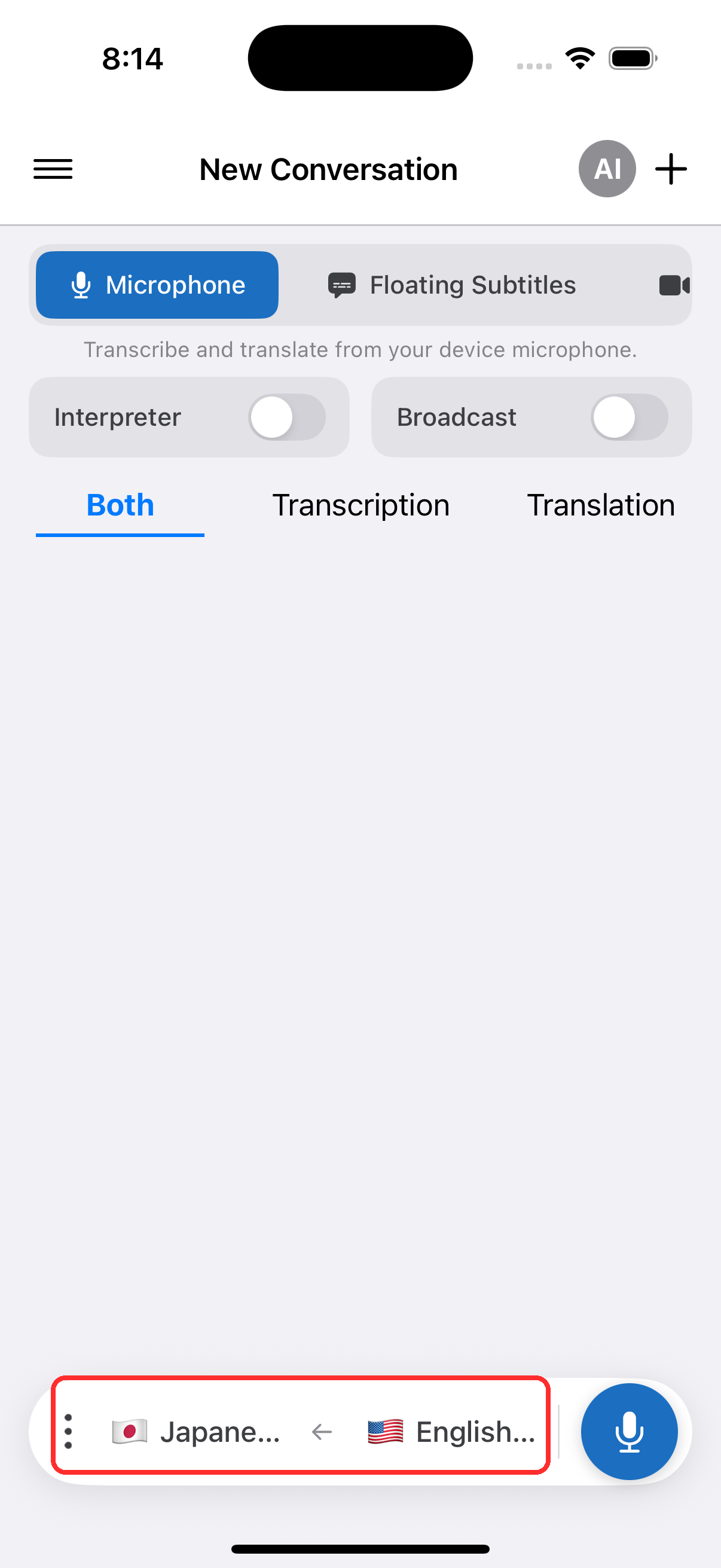
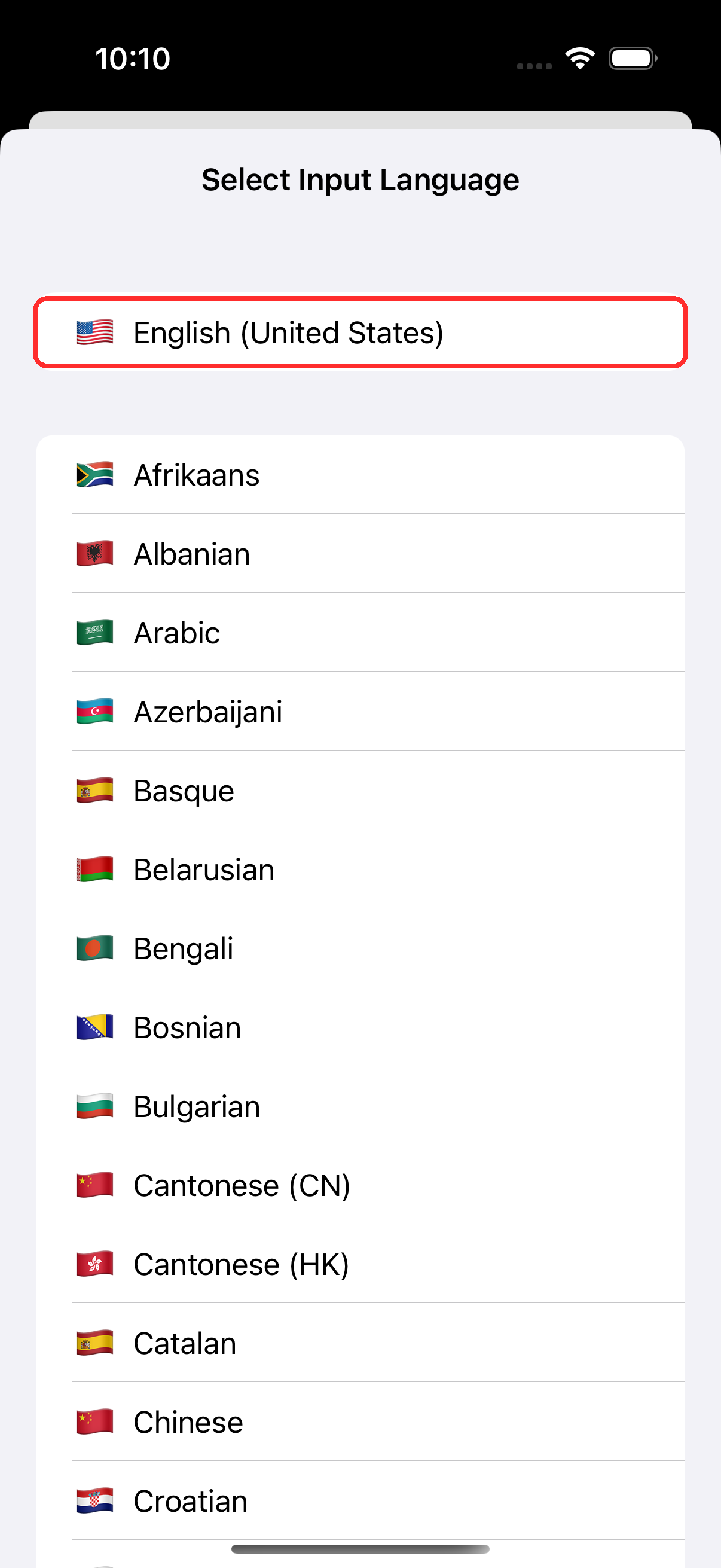
- Select your source language (the language you'll be speaking) and target language (the language viewers will read) in the bar at the bottom
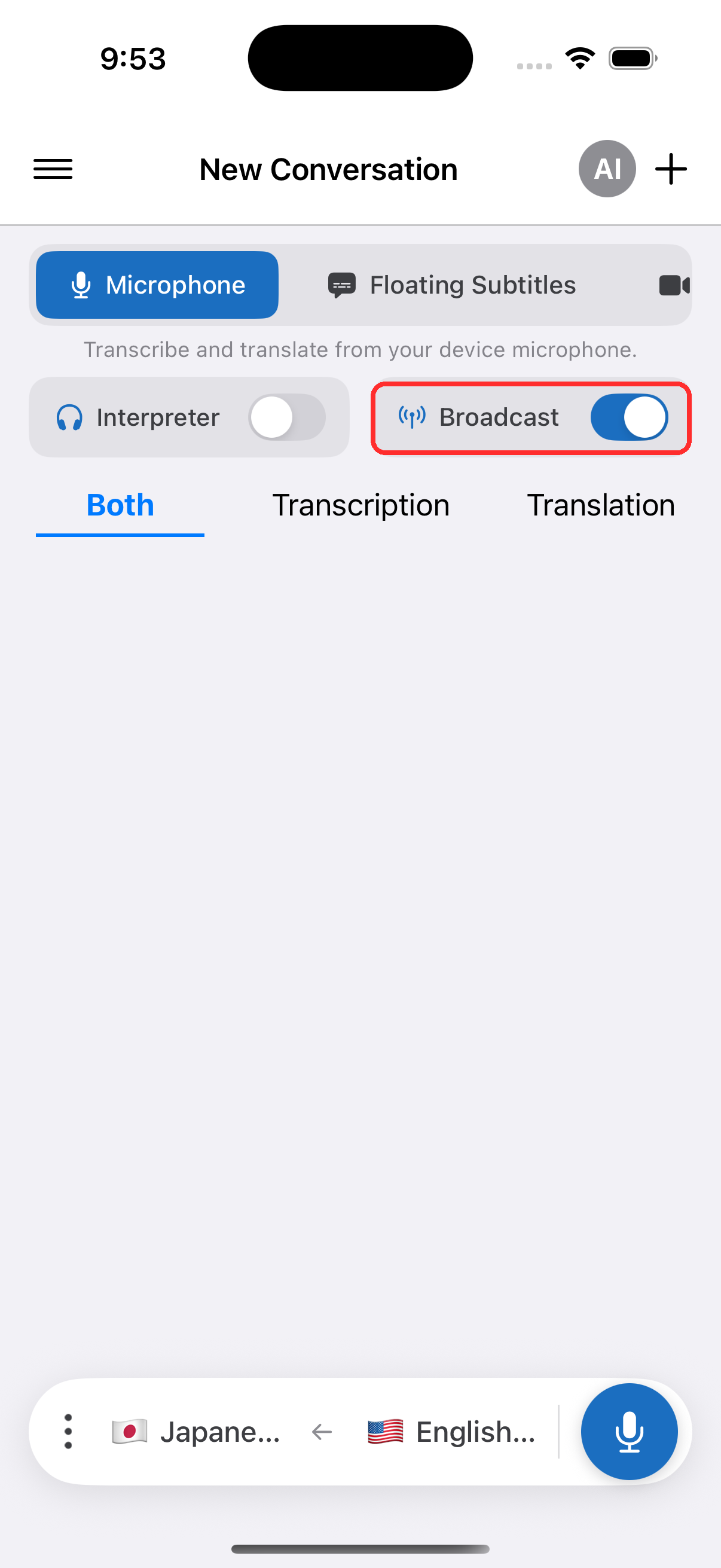
- Turn on the Broadcast toggle
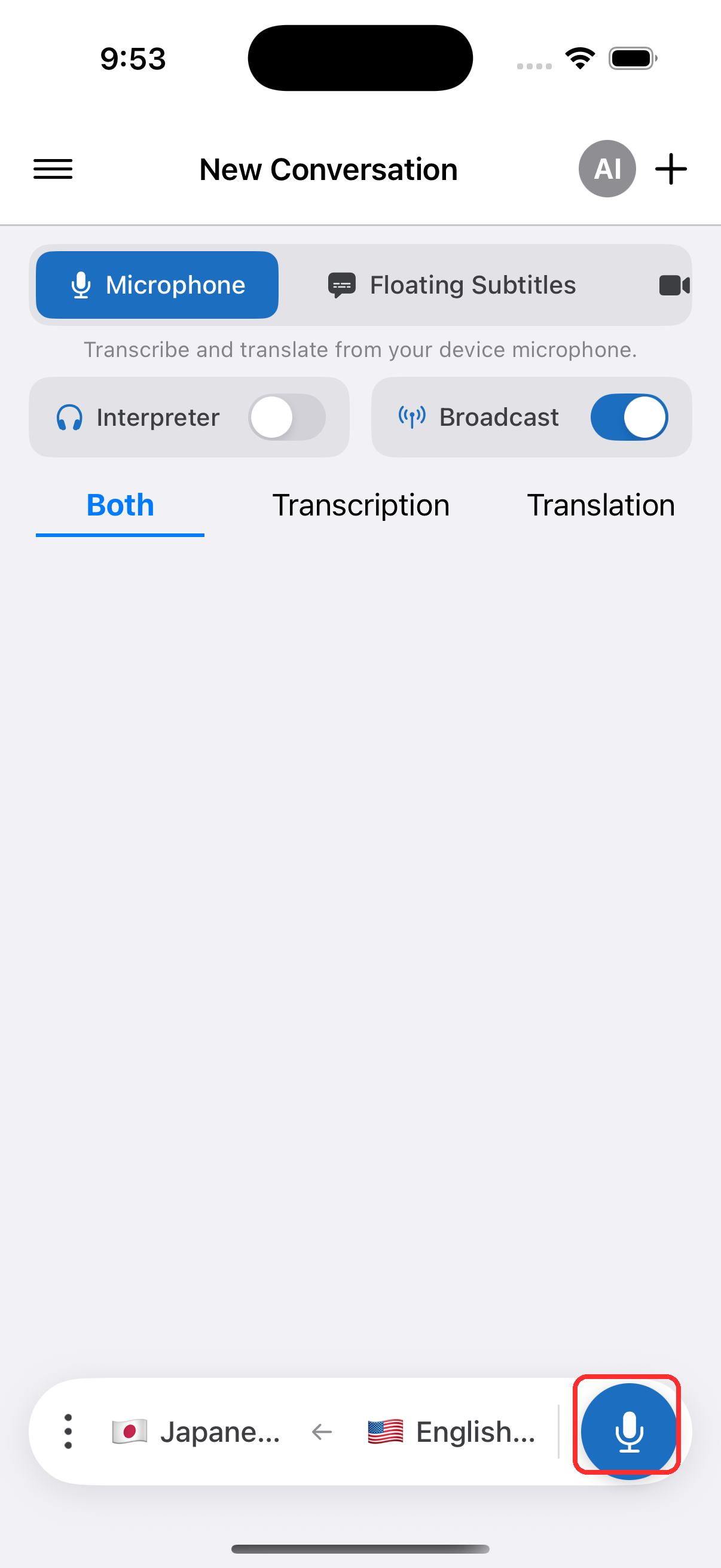
- Tap the record button to start — Whisperr begins capturing audio and a shareable room link appears
- Share the room link with your viewers — they open it in any browser to follow your live transcription and translation
The room stays active as long as you're recording. Tap the record button again to stop.
Related
- Broadcast Mode (overview) — how it works, supported platforms, and the viewer experience
- On the Web App — present a broadcast from the Web App
- Broadcast Mode FAQ — common questions about rooms, links, and viewers