Broadcast Mode on the Web App
This page covers running a broadcast as a speaker from the Web App. For how Broadcast Mode works and the viewer experience, see the Broadcast Mode overview.
Broadcast as a Speaker (Web App)
- Go to whisperr.co/app
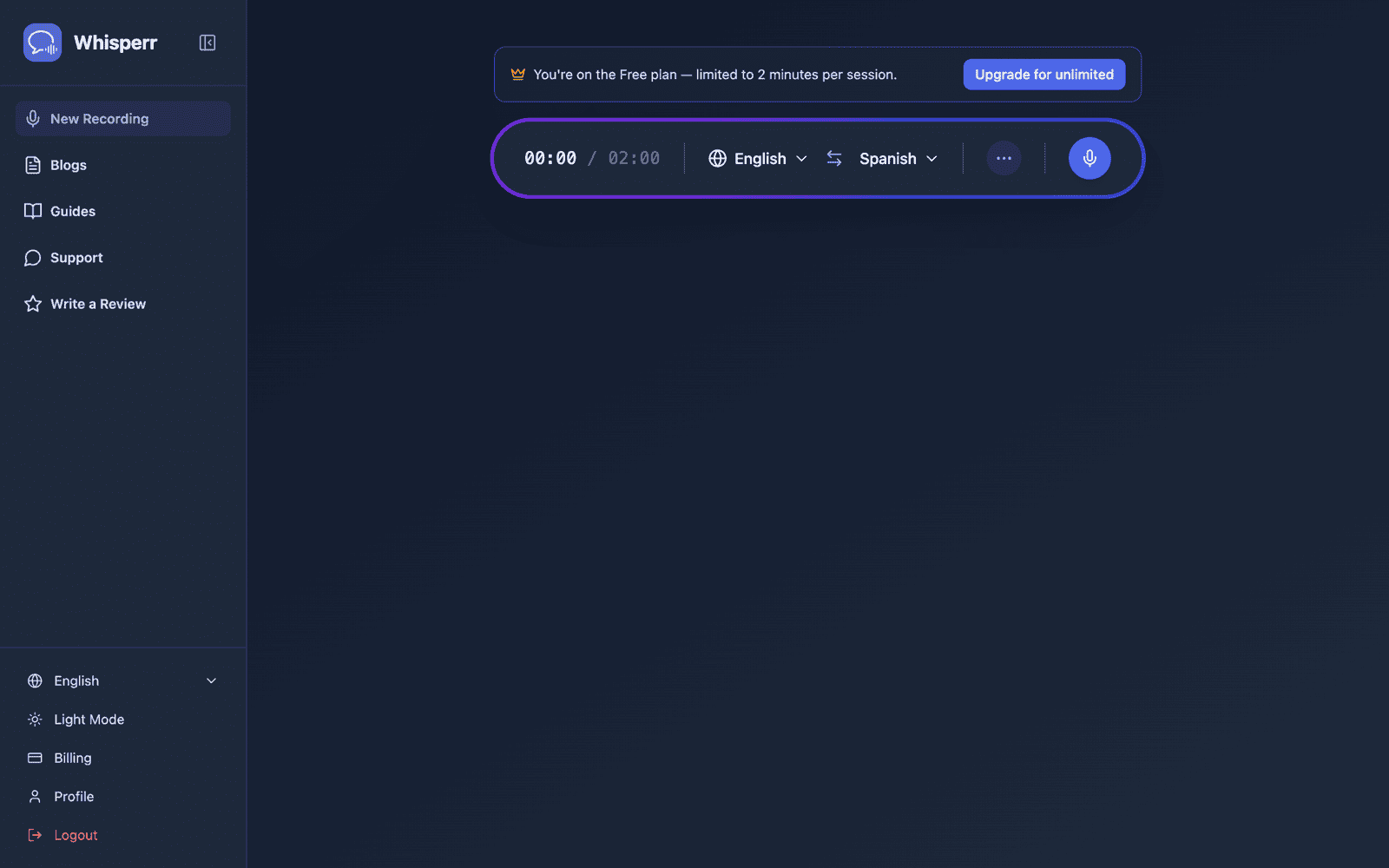
- Select your source language (the language you'll be speaking) and target language (the language viewers will read)
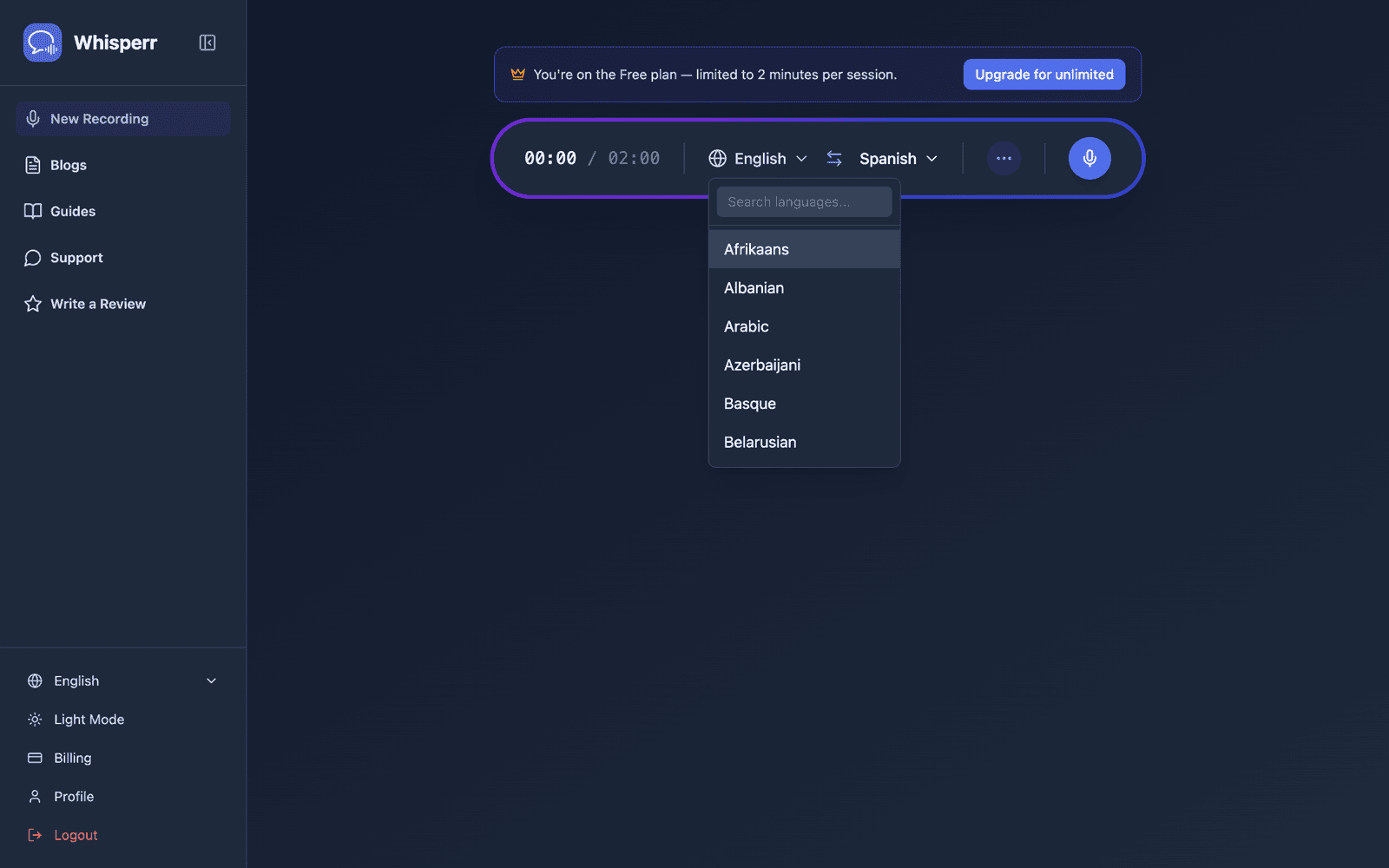
- Open the ••• options menu in the recording bar and turn on Share Link (this toggle was labelled Broadcast in earlier versions)
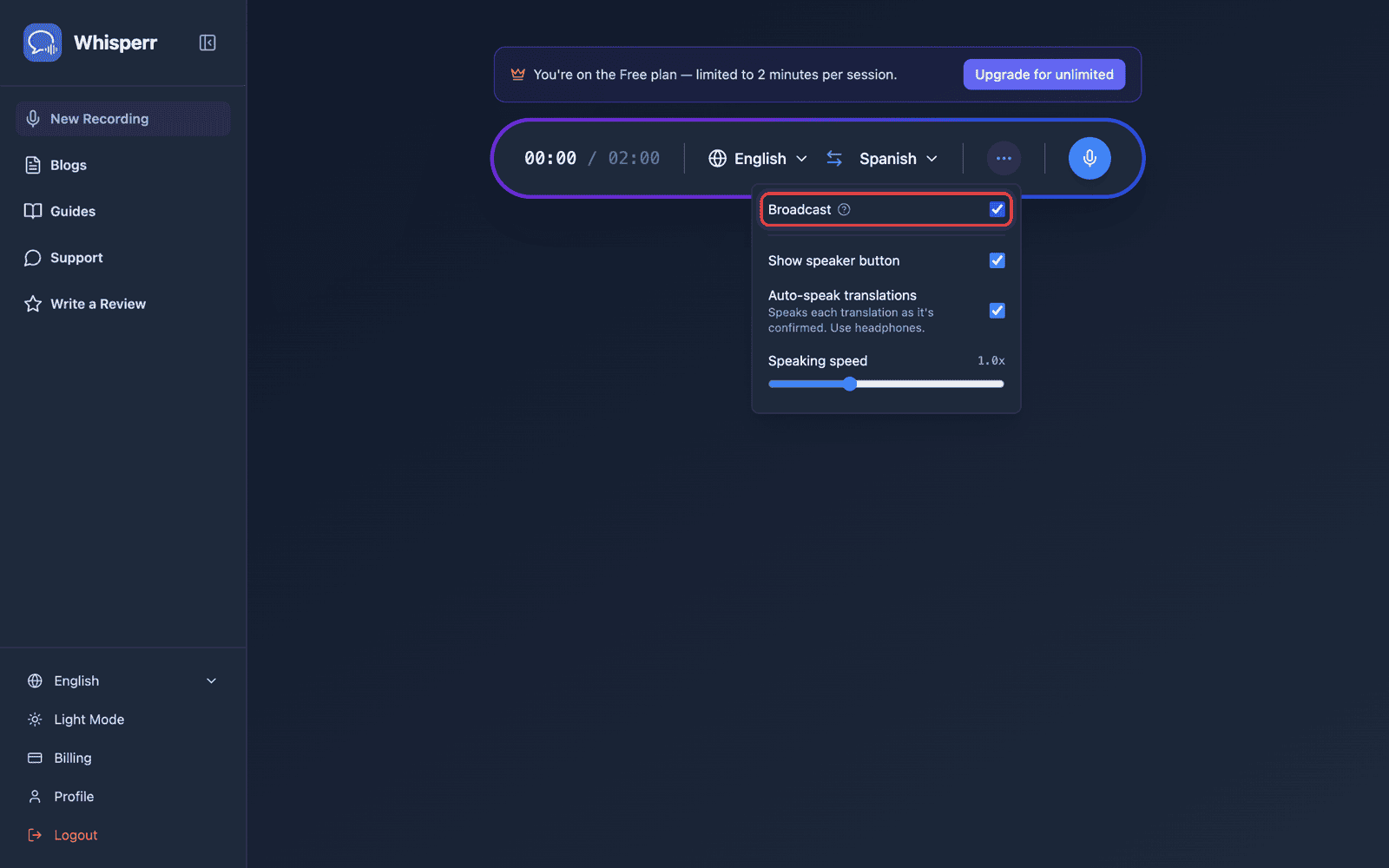
- Click Record — Whisperr starts capturing audio through your device microphone and a shareable room URL appears in the same view
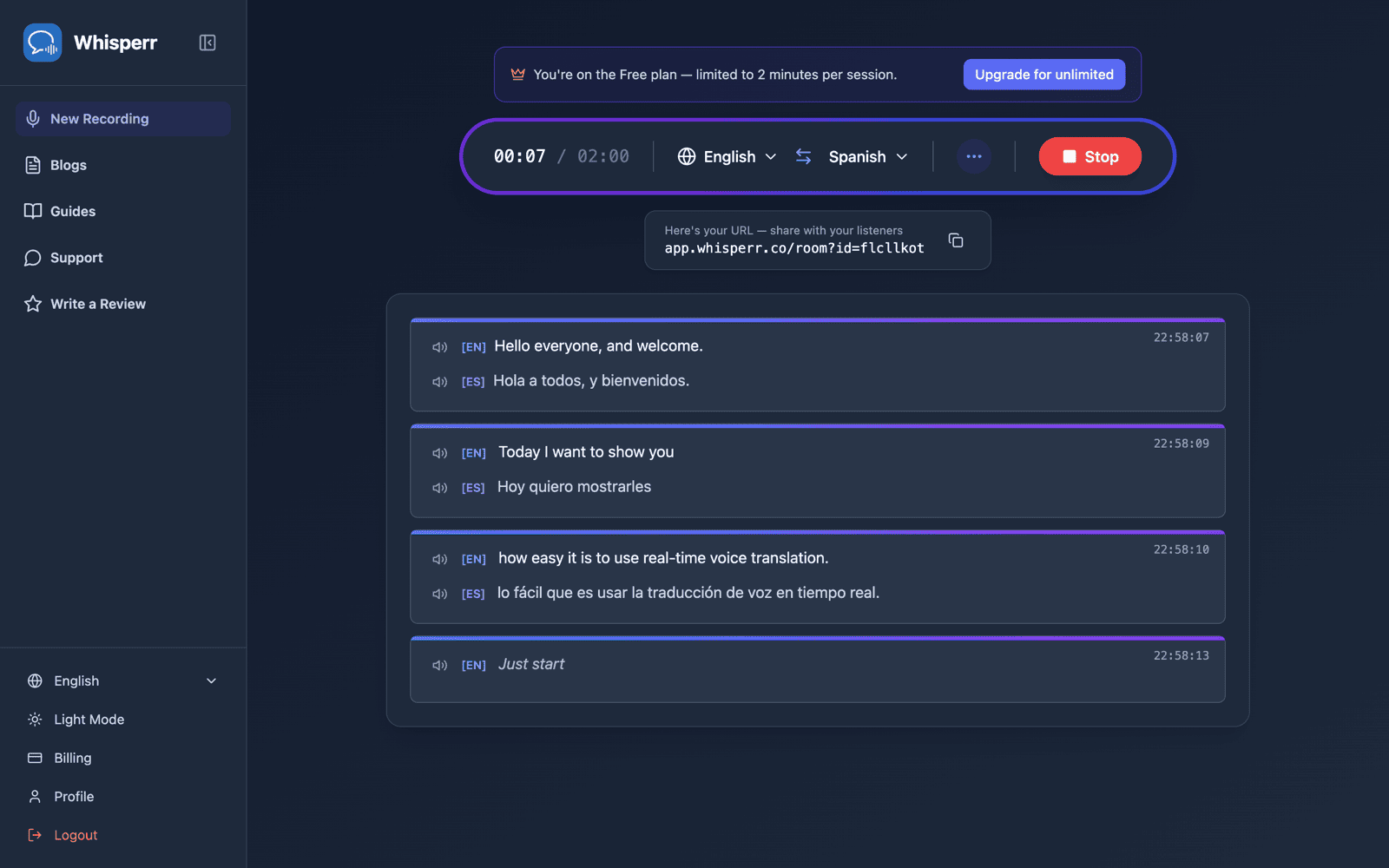
- Share the room — click the copy button next to the URL, or the QR code button beside it if your audience is in front of you
The room stays active as long as you're recording. End the session by clicking Stop.
Share the Room by QR Code
The share pill under the recording bar has two buttons next to the room URL: copy, and a QR code button. The QR code encodes the same whisperr.co/app/room?id=… link, so an audience holding phones can point a camera at your screen instead of retyping a room id.
Click it and a Scan to listen panel opens with the code and the URL spelled out underneath. Download PNG saves the code at print resolution (1024px or larger) — big enough to drop onto a title slide, print as a poster for the door, or hand out on paper.
The QR code button appears only while you're recording with Broadcast on. Your room link, though, belongs to your account, not to the individual recording — the Web App gives you the same stable link every time you broadcast, so a code you print once keeps working for every later talk you give. This is currently a Web App–only capability: on iPhone/iPad, Android, Mac and Windows each broadcast still gets a new, one-time room link that stops working once you stop that recording — see Broadcast Mode: Supported Platforms. To prepare a slide or a handout in advance, start a short test broadcast, download the PNG, and stop; the code will still be valid on the day.
The Room and OBS tabs on the share pill are separate: Room is the link for your audience, OBS is a transparent subtitle URL to add as a Browser Source in OBS or Streamlabs. The stable, account-tied link described above only applies to the Room tab — the OBS URL is tied to the individual recording and changes every time you start a new one, so update your Browser Source URL after each new broadcast rather than reusing an old one.
What Your Viewers See
Anyone who opens the room link gets this page in their browser — no app, no account, no sign-up. Each line of transcription and translation appears as you speak.
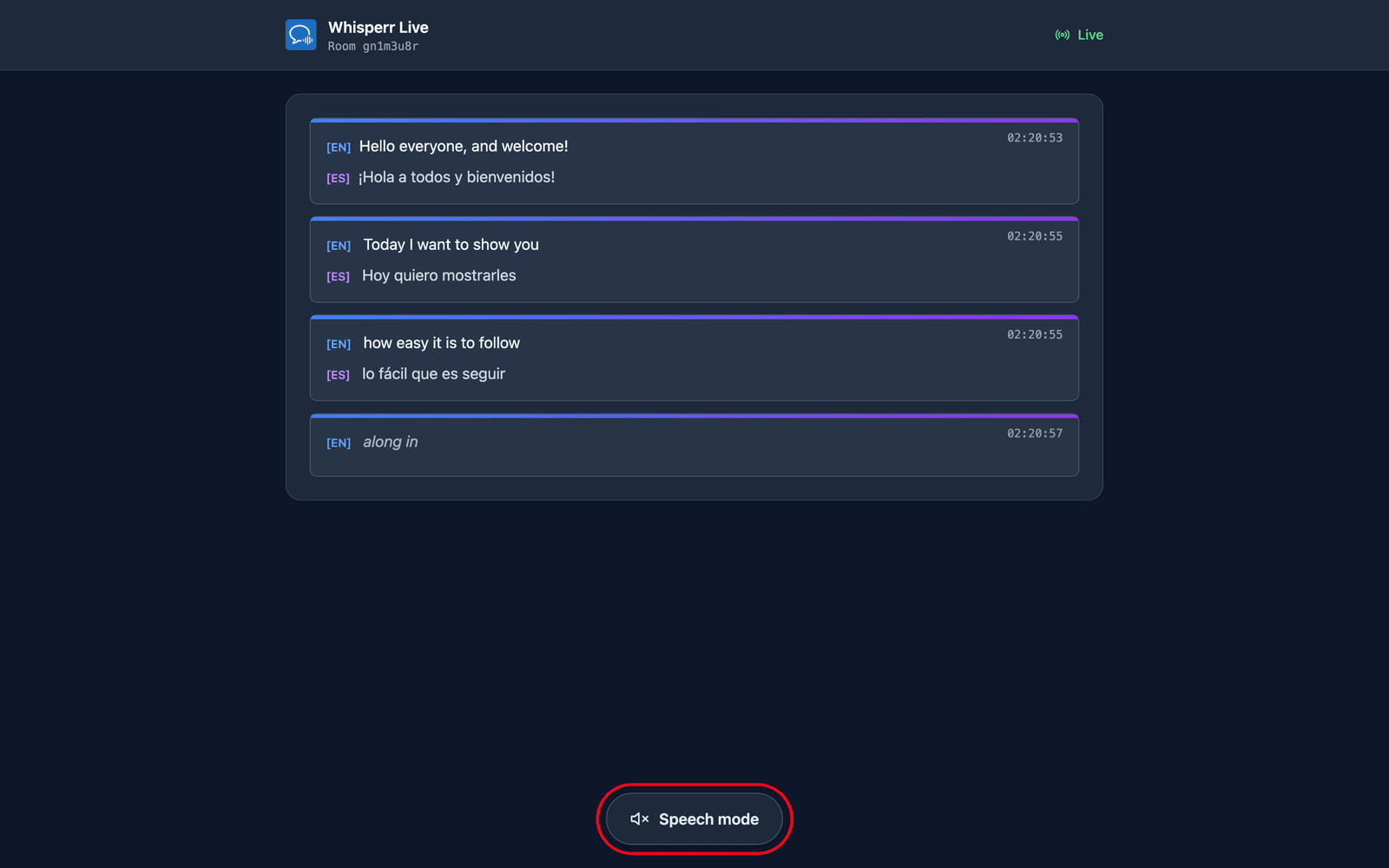
They pick their own language. You set a default target language when you create the room, and can add up to 5 more for viewers to switch between (6 languages total per room) via the Translation language menu at the top of the page. The ones your room is already broadcasting are listed first with a green dot and switch over on your next line; a new language (if the room hasn't reached its limit) is produced on request, so they'll briefly see Preparing your language… first. One room and one link therefore cover an audience across up to 6 languages — create a separate room only if you need more than 6, or a completely separate audience/link.
They can listen instead of reading. Tapping Speech mode at the bottom of the page turns the button blue and reveals the speech controls at the top, and Whisperr reads each translation aloud on their own device as soon as it's finalized — in whichever language they selected.
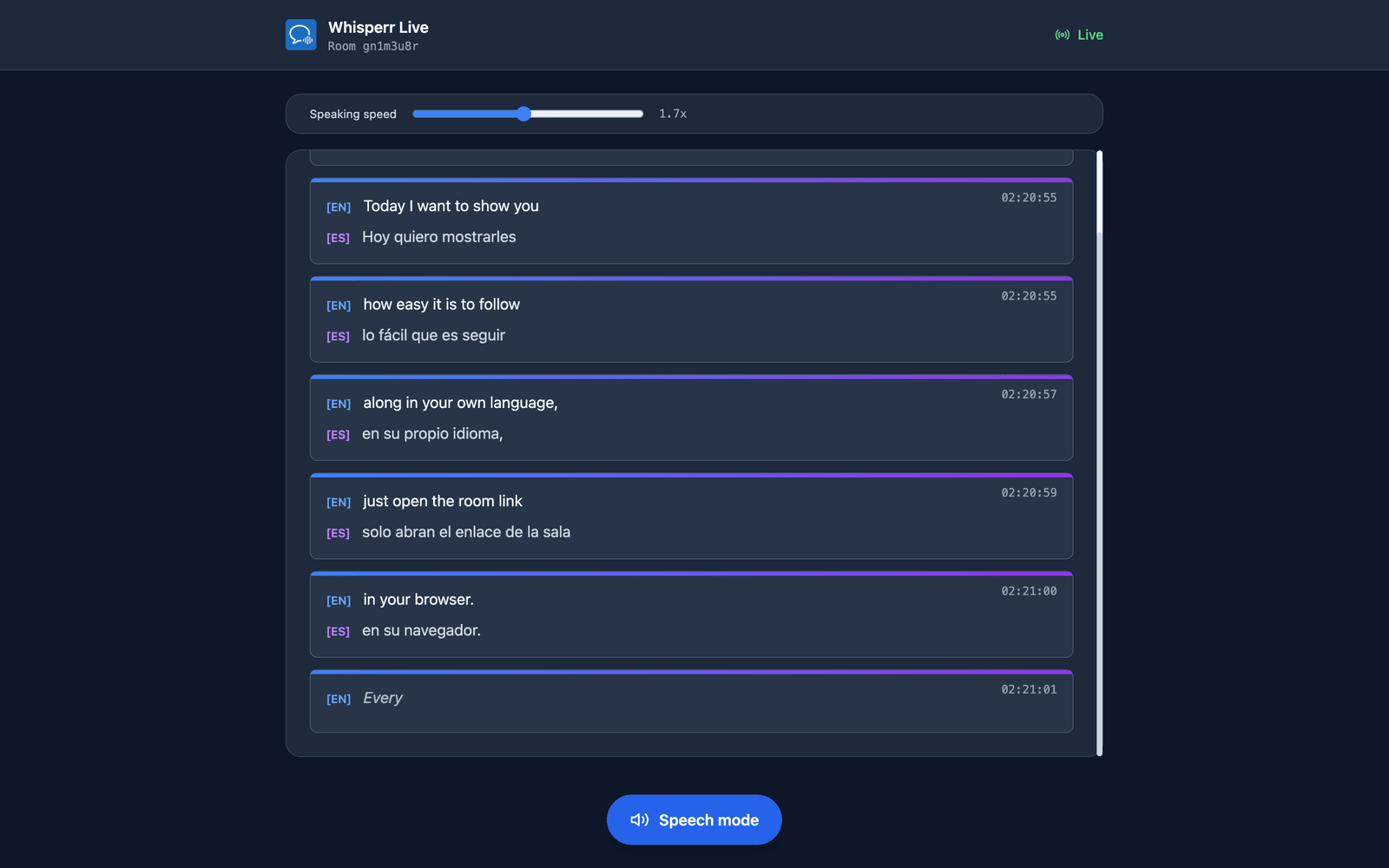
They choose the voice and the pace. Voice defaults to Auto, which matches the reading voice to whoever is actually talking — useful when you take questions from the floor. Male and Female pin one fixed narrator instead. Speaking speed runs from 0.5x to 3.0x and defaults to 1.7x, fast enough to keep the audio near real time.
Speech mode starts off for everyone — that first tap doubles as the gesture browsers require before they'll play audio. Every one of these settings is per-viewer, so part of your audience can listen in Spanish while the rest read in Hindi. More detail in the viewer experience.
Related
- Broadcast Mode (overview) — how it works, supported platforms, and the viewer experience
- On iPhone/iPad — present a broadcast from your iPhone or iPad
- Broadcast Mode FAQ — common questions about rooms, links, and viewers