Echo Cancellation
Echo Cancellation filters your device's own speaker audio out of its microphone. Without it, anything your device plays out loud — most importantly the spoken translation from Speech Mode — gets picked up by the mic, transcribed, translated, and spoken again, over and over.
It is a single switch with two useful positions, and which one you want depends entirely on what you are trying to capture: a voice in the room in front of you, or the audio coming out of the device itself.
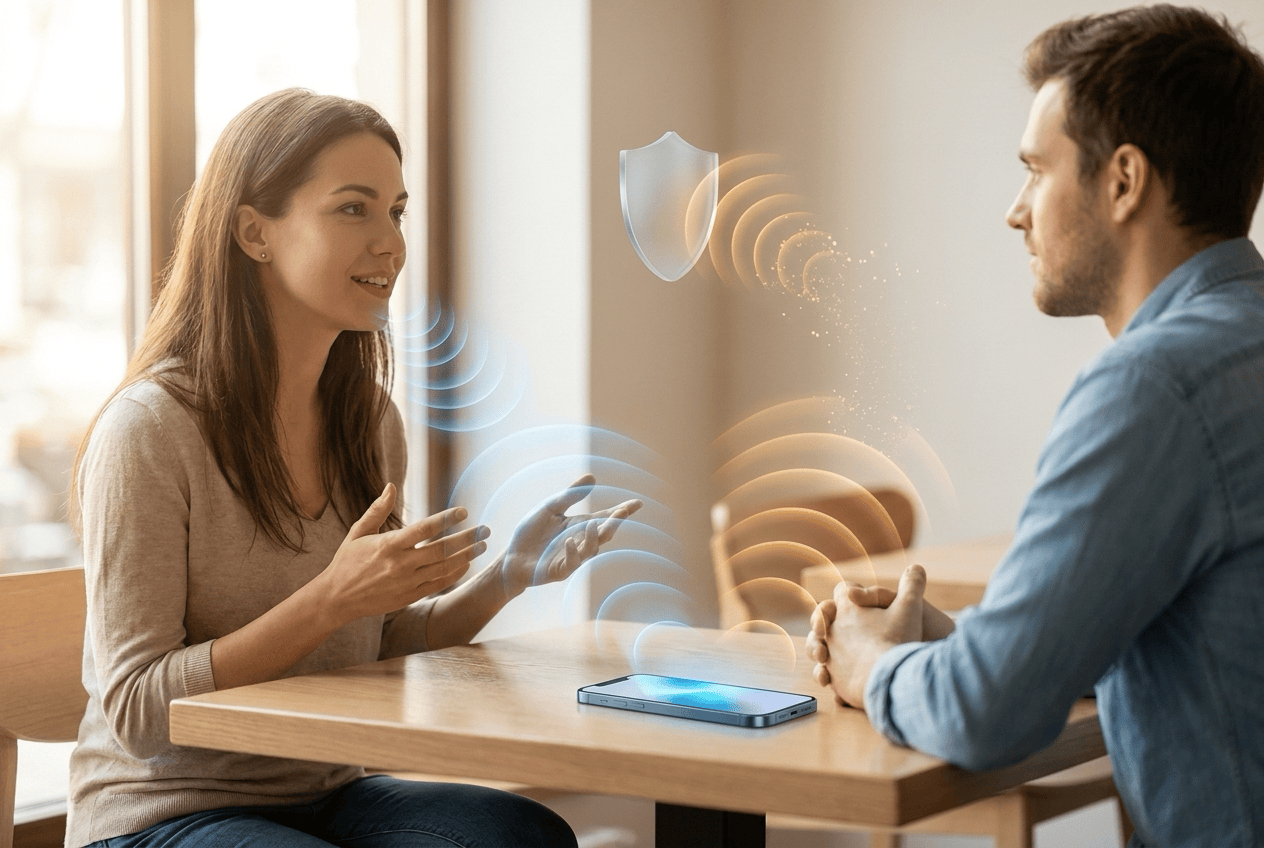
How It Works
On — Whisperr subtracts what your device is playing from what the mic hears. Only sound from the room reaches the transcript. This is the loop guard that makes Speech Mode usable on a speakerphone.
Off — the mic hears everything, including audio your own device is playing. That is exactly what you want when the thing you're trying to translate is the video, call, or meeting coming out of your speakers.
Which Setting Do I Want?
| You want to translate… | Echo Cancellation |
|---|---|
| A person speaking in front of you | On |
| Yourself, with the translation spoken aloud | On |
| A video, podcast, or call playing on this same device | Off |
| Anything, while wearing headphones | Either — headphones already break the loop |
Get Started
Choose your platform:
- iPhone, iPad & Android — a toggle in Settings, on by default
- Web App — a toggle in the ••• options menu, off by default
- Mac & Windows — automatic, no toggle needed
Supported Platforms
| Platform | Supported | Notes |
|---|---|---|
| iOS | ✅ | On by default · toggle in Settings |
| Android | ✅ | On by default · toggle in Settings |
| Web App | ✅ | Off by default · toggle in the ••• options menu |
| Mac | ✅ | Automatic · always on for microphone capture, no toggle |
| Windows | ✅ | Automatic · always on for microphone capture, no toggle |
| Chrome Extension | — | Not applicable — captures tab audio directly, never the mic |
What About System Audio Capture?
When Whisperr captures system or screen audio instead of a microphone, echo cancellation doesn't apply: the app is reading the output mix directly, and there is no per-app exclusion for that on Mac, Windows, or in the browser.
Whisperr guards the loop a different way there — it mutes the captured stream while its own spoken translation is playing, then resumes. You lose nothing said by the far end unless they happen to talk over the translation, and the loop can never start.
Tips
- Headphones make the question moot. With headphones or AirPods, the translation never reaches the mic in the first place, so either setting works.
- The setting is read when recording starts. On iPhone, iPad, and Android, flipping it mid-recording takes effect the next time you press record. In the Web App the toggle is locked while a recording is running.
- Turning it on can slightly soften clean speech. Acoustic echo cancellation is a filter, and filters cost a little detail — which is why the Web App leaves it off unless you ask for it.
- If you hear the same sentence translated twice, the loop has started: turn Echo Cancellation on, put headphones in, or lower your output volume.
Related
- Speech Mode — the spoken translation this setting keeps out of the transcript
- Microphone Audio Capture — how Whisperr captures the input audio
- Online Meeting — translating a call playing on your own device
- Entertainment — translating video and music from this device