Floating Subtitles on Android
This page covers the Android setup for floating subtitles. For how it works and supported platforms, see the Floating Subtitles overview.
How to Use Floating Subtitles on Android
- Open the Whisperr app (Android)
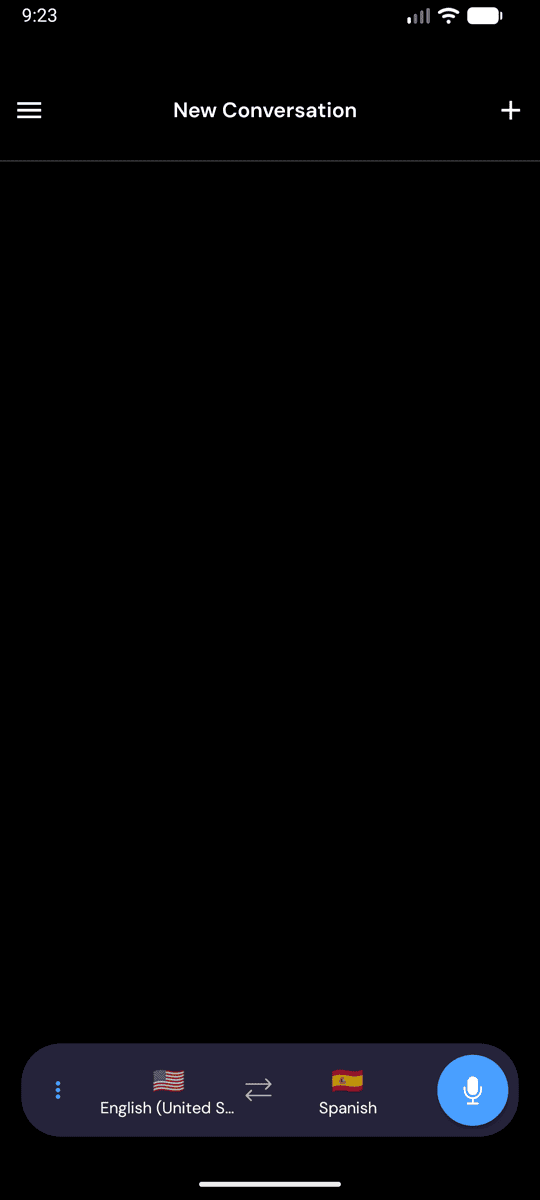
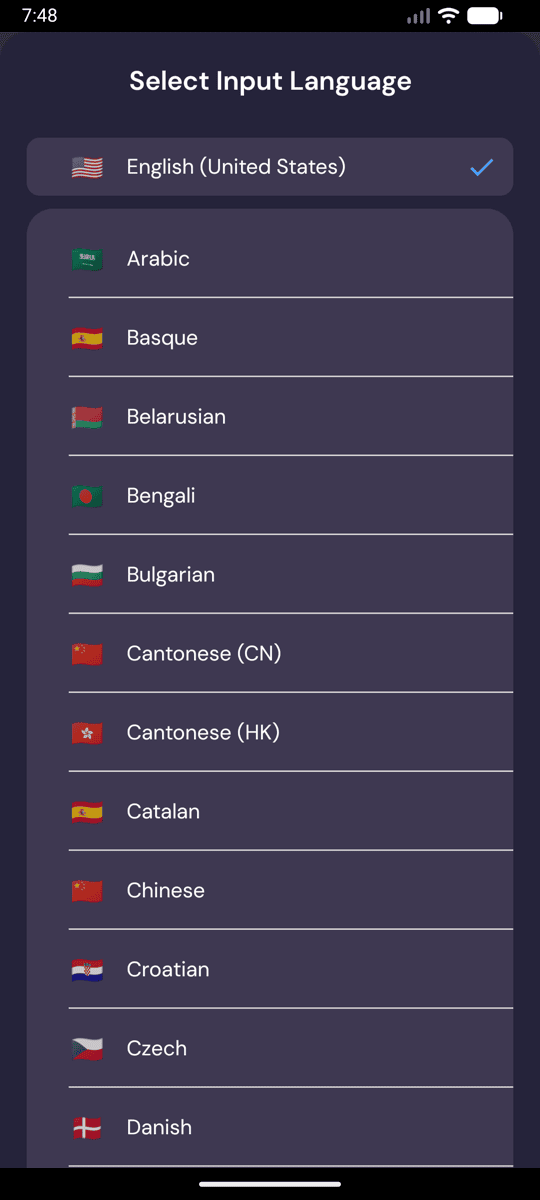
- Select your source and target languages
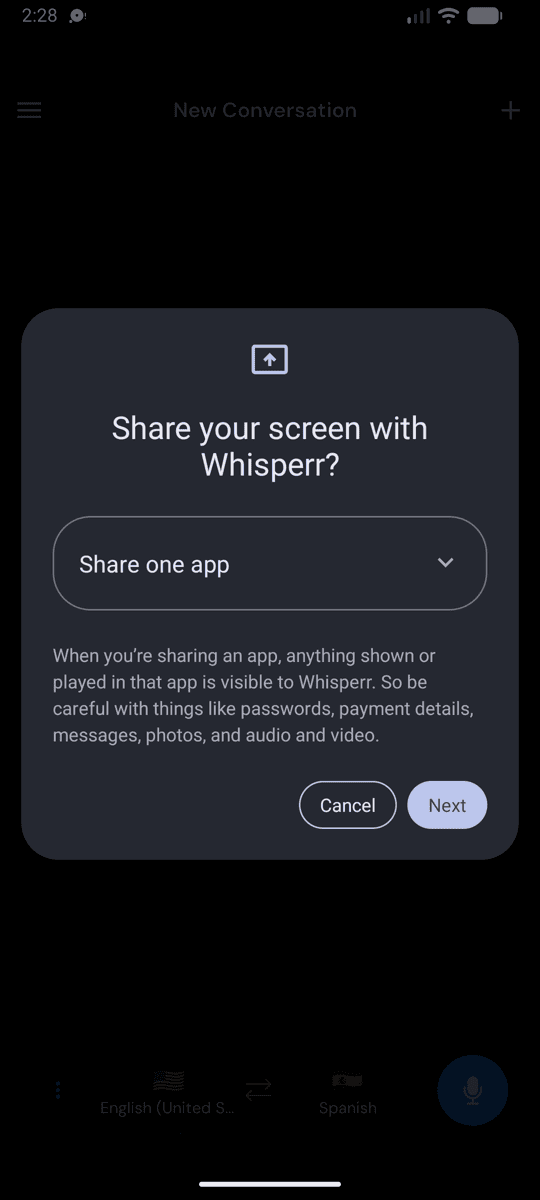
- Tap the Start button to begin transcription
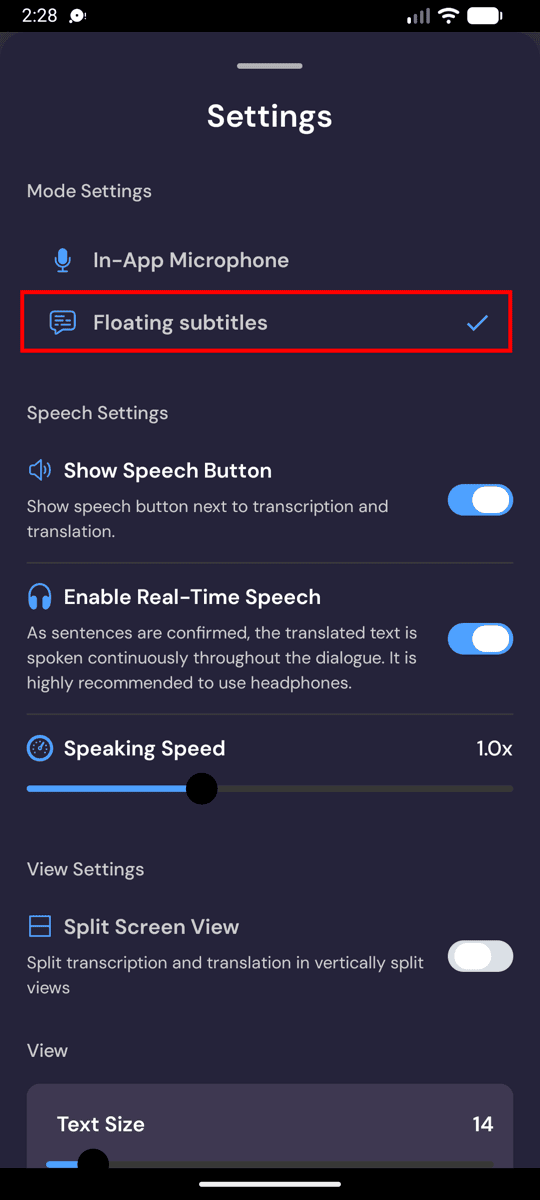
- Tap the floating subtitles toggle to enable the overlay
- Switch to any other app — subtitles will remain visible on screen
Common Issues (Android)
Floating subtitles not appearing
- Check the floating subtitles toggle — make sure it's enabled in the Whisperr app
- Restart the app and try enabling floating subtitles again
Still not working? Contact Support
Related
- Floating Subtitles (overview) — how it works, supported platforms, and general tips
- On iPhone/iPad · On the Chrome Extension · On the Web App · On Mac · On Windows
- Microphone Audio Capture — how Whisperr captures and transcribes audio
- Online Meetings — use floating subtitles during video calls