Floating Subtitles on the Web App
This page covers the Web App setup for floating subtitles. For how it works and supported platforms, see the Floating Subtitles overview.
How to Use Floating Subtitles on the Web App
- Go to app.whisperr.co
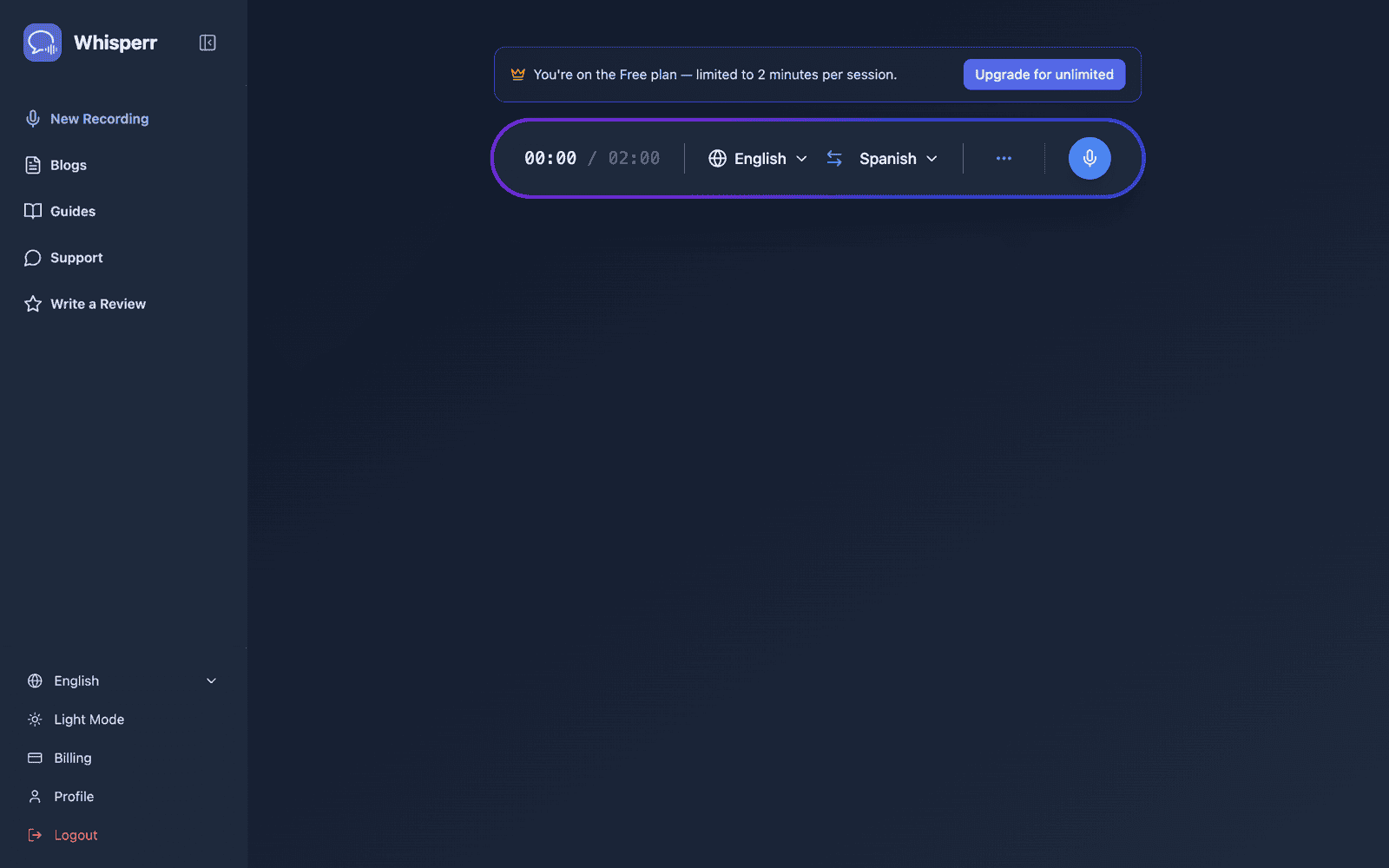
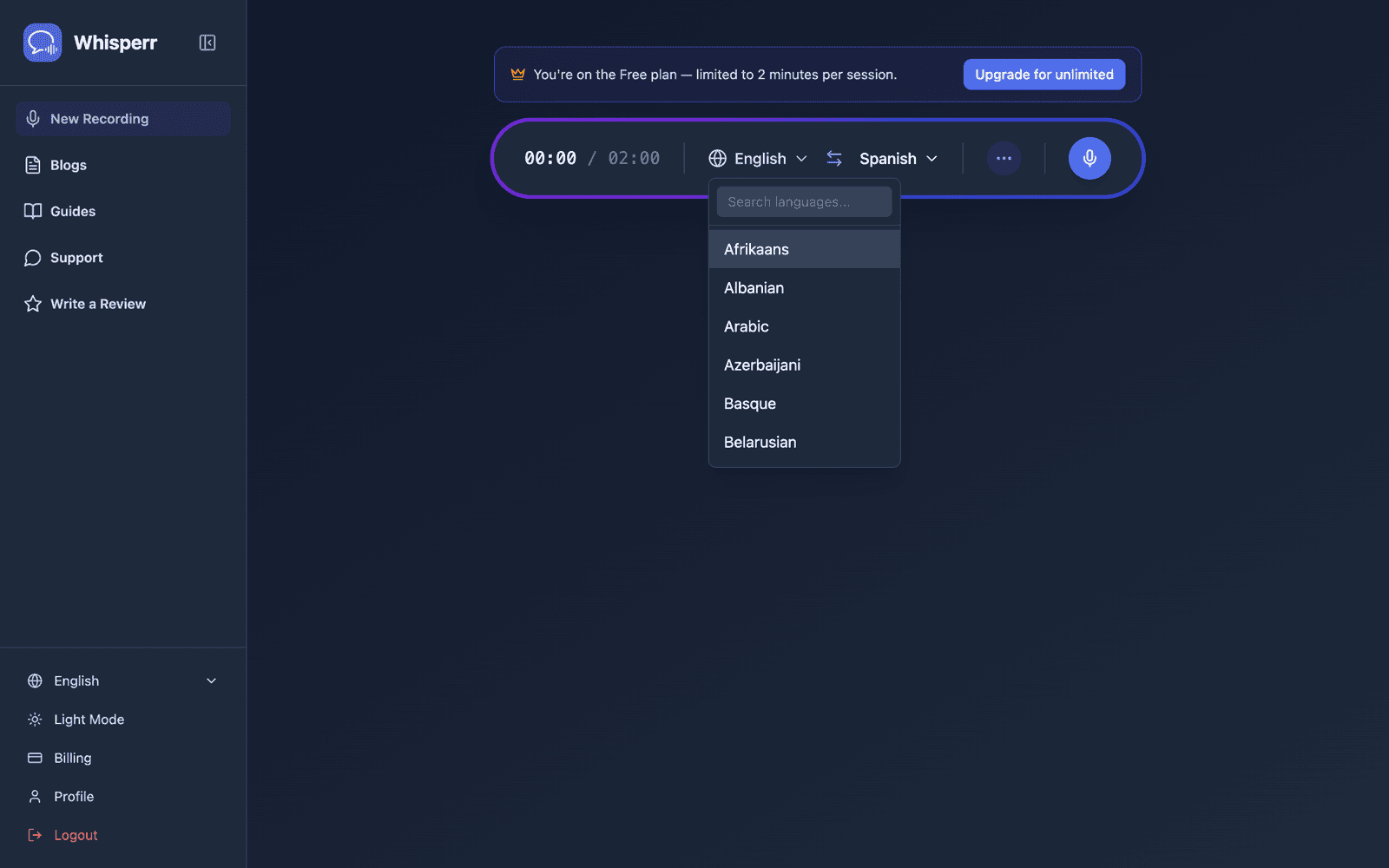
- Select your source and target languages
- Click the recording button and select Screen Capture
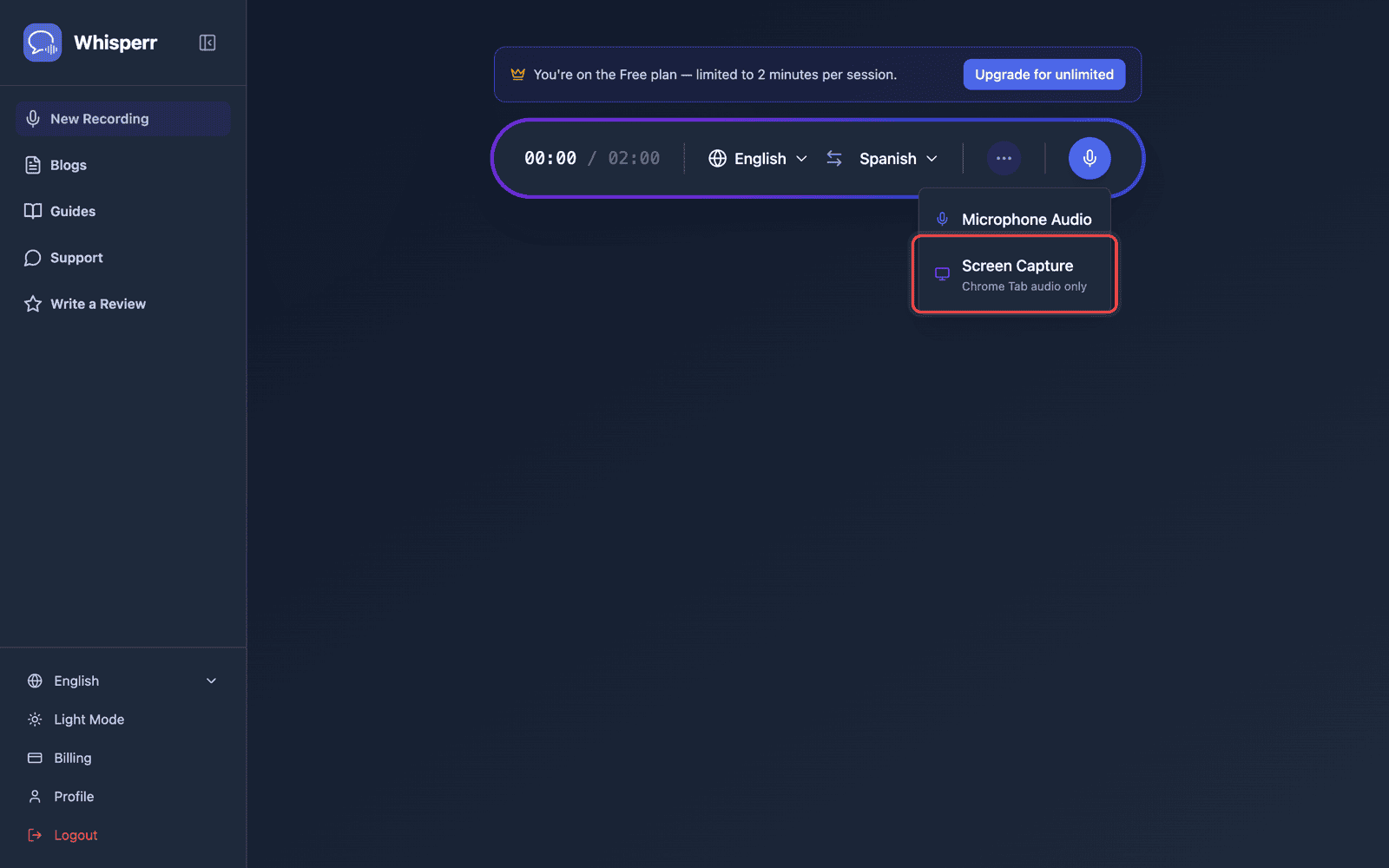
- Choose the tab you want to capture audio from — it must be a browser tab, not a window or entire screen, as audio cannot be captured from those
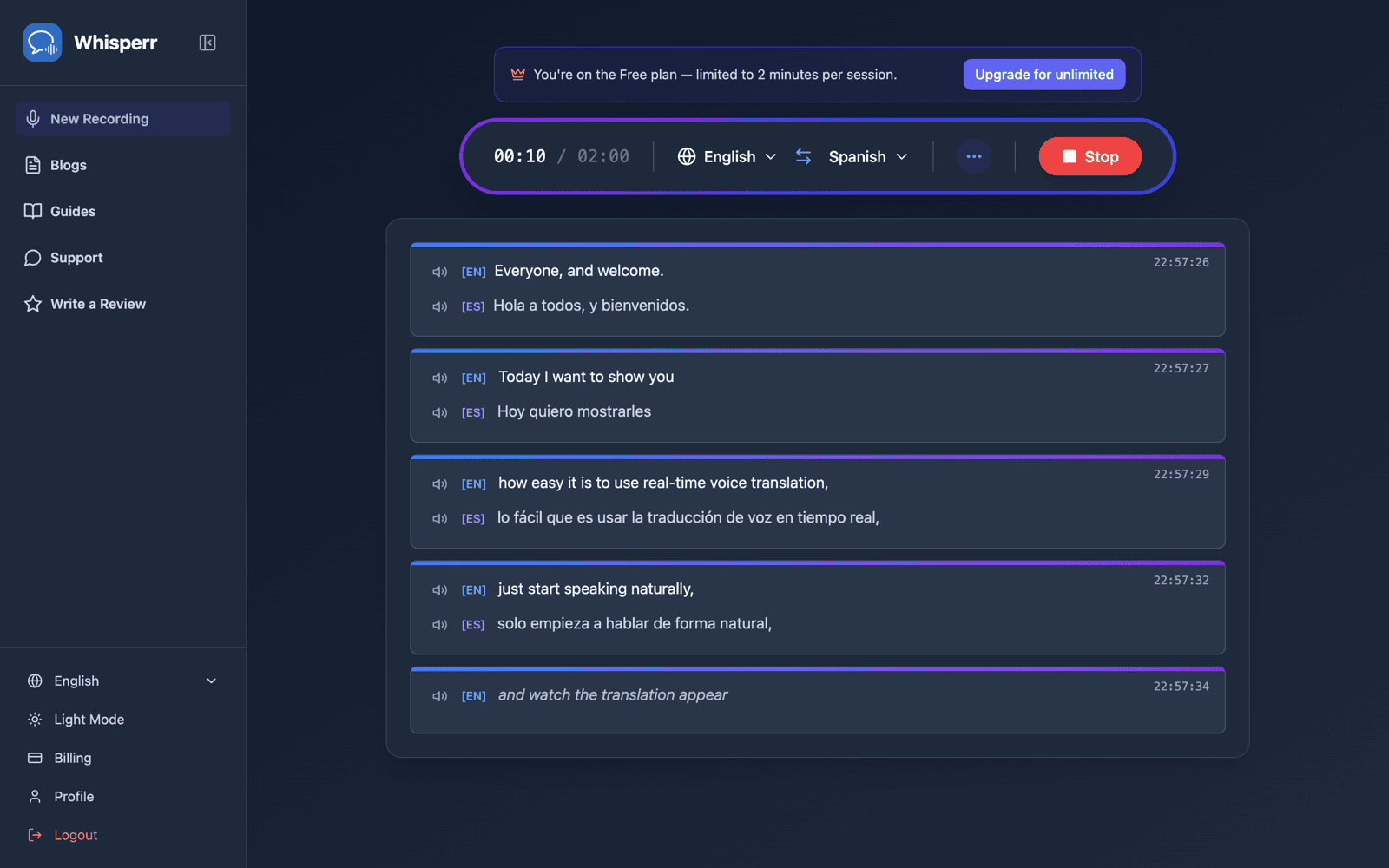
- Play audio in the tab you selected in step 4, then switch back to the Whisperr tab — subtitles appear in real time
Related
- Floating Subtitles (overview) — how it works, supported platforms, and general tips
- On iPhone/iPad · On Android · On the Chrome Extension · On Mac · On Windows
- Microphone Audio Capture — how Whisperr captures and transcribes audio
- Online Meetings — use floating subtitles during video calls