iPhone 和 iPad 上的廣播模式
本頁說明如何在 iPhone 或 iPad 上以演講者身分執行廣播。有關廣播模式的運作方式及觀看者體驗,請參閱廣播模式總覽。
以講者身分進行廣播(iPhone/iPad)
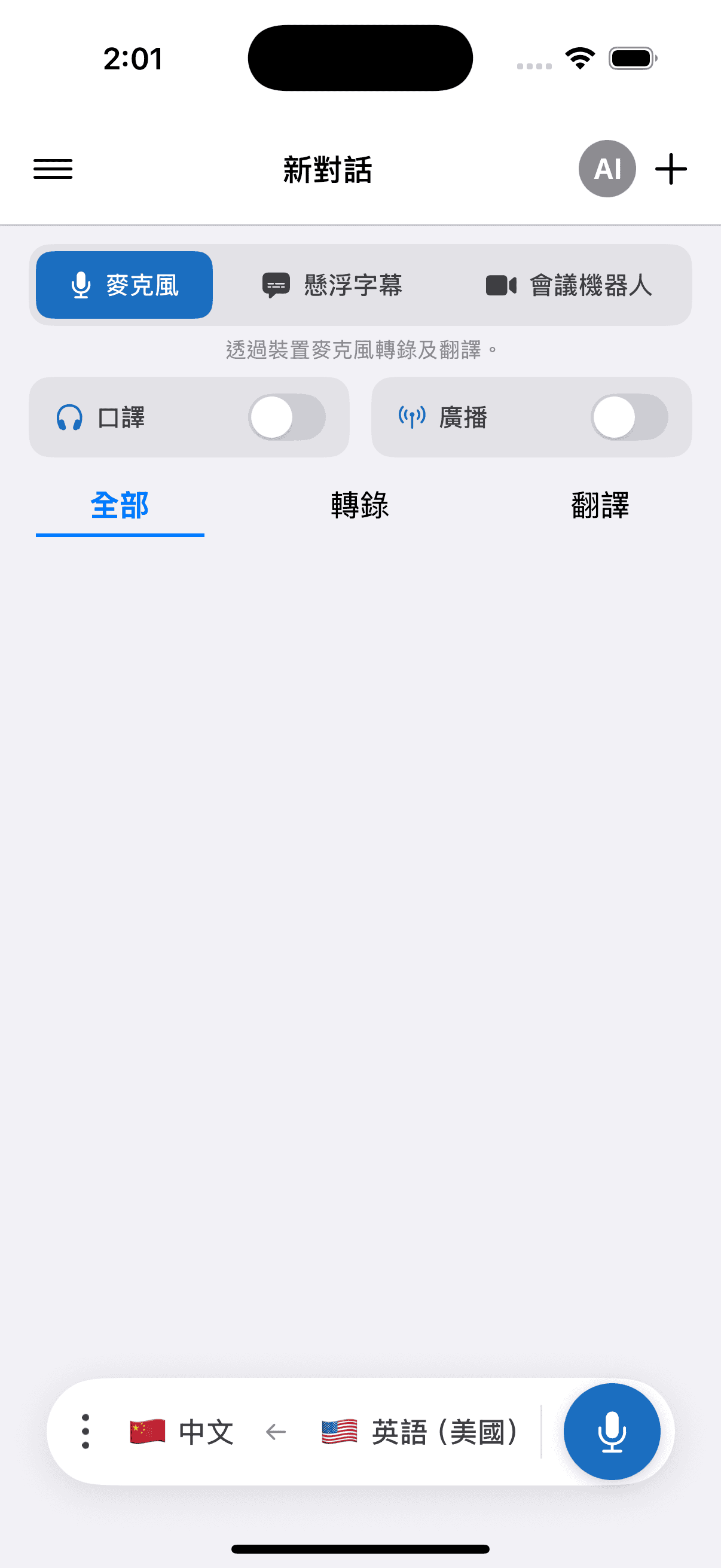
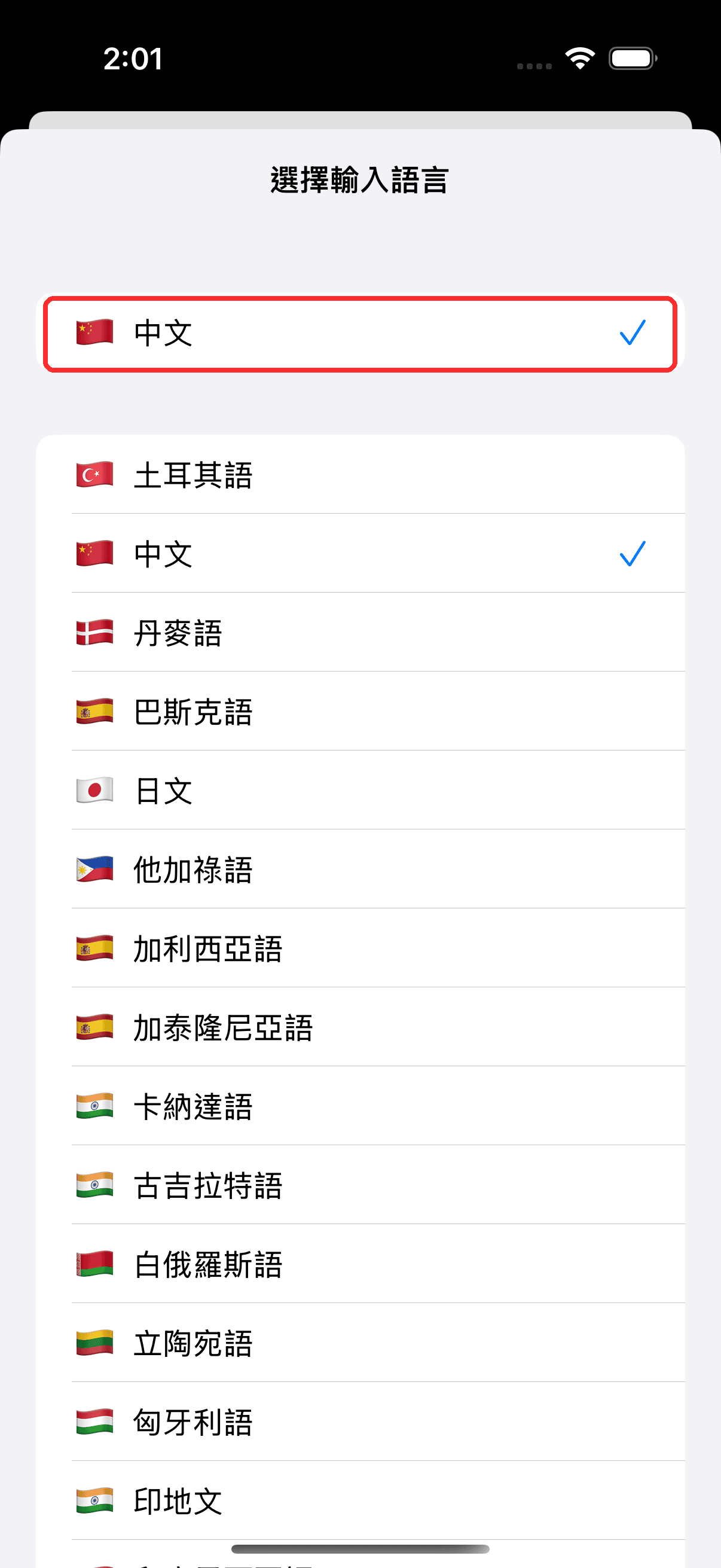
- 在底部的列中選擇來源語言(你要說的語言)和目標語言(觀眾將閱讀的語言)
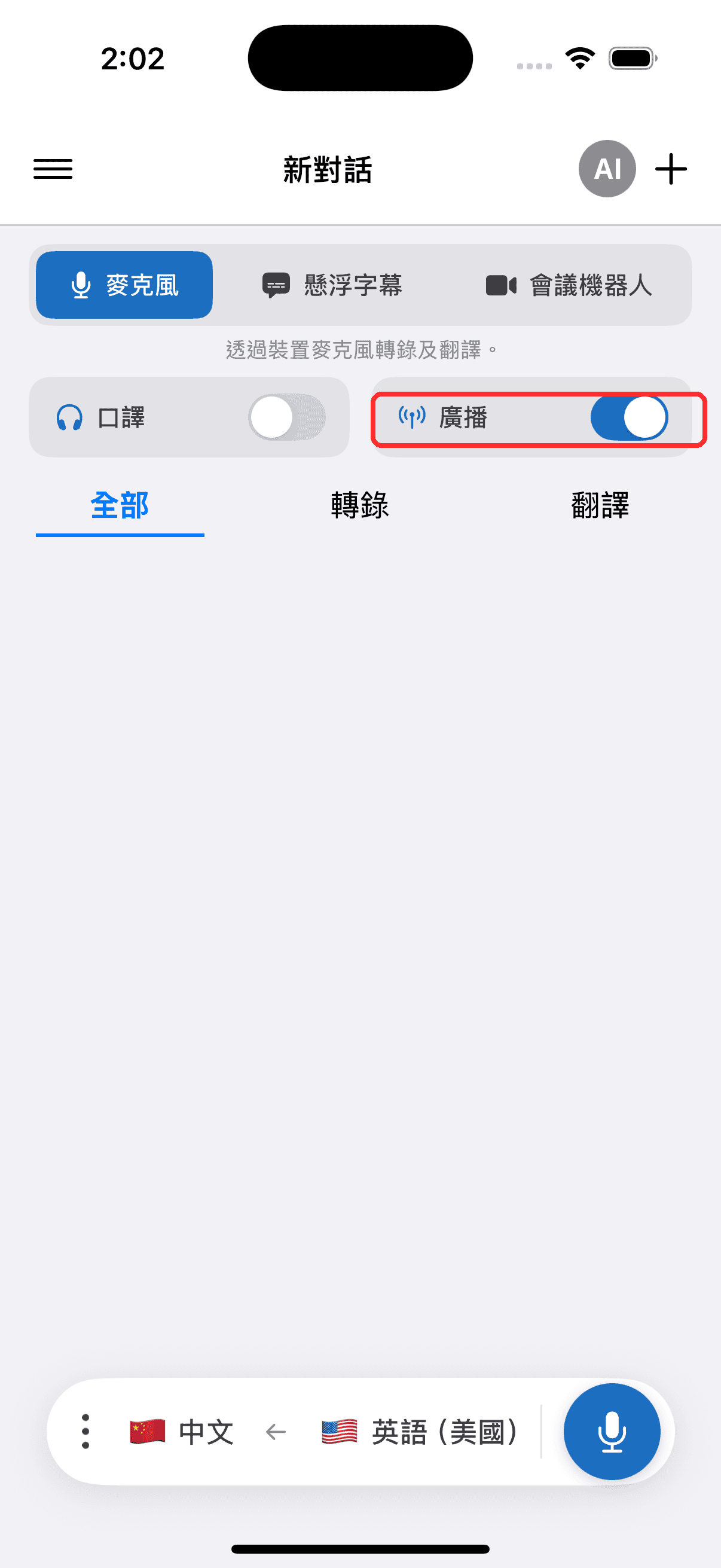
- 開啟 廣播 開關
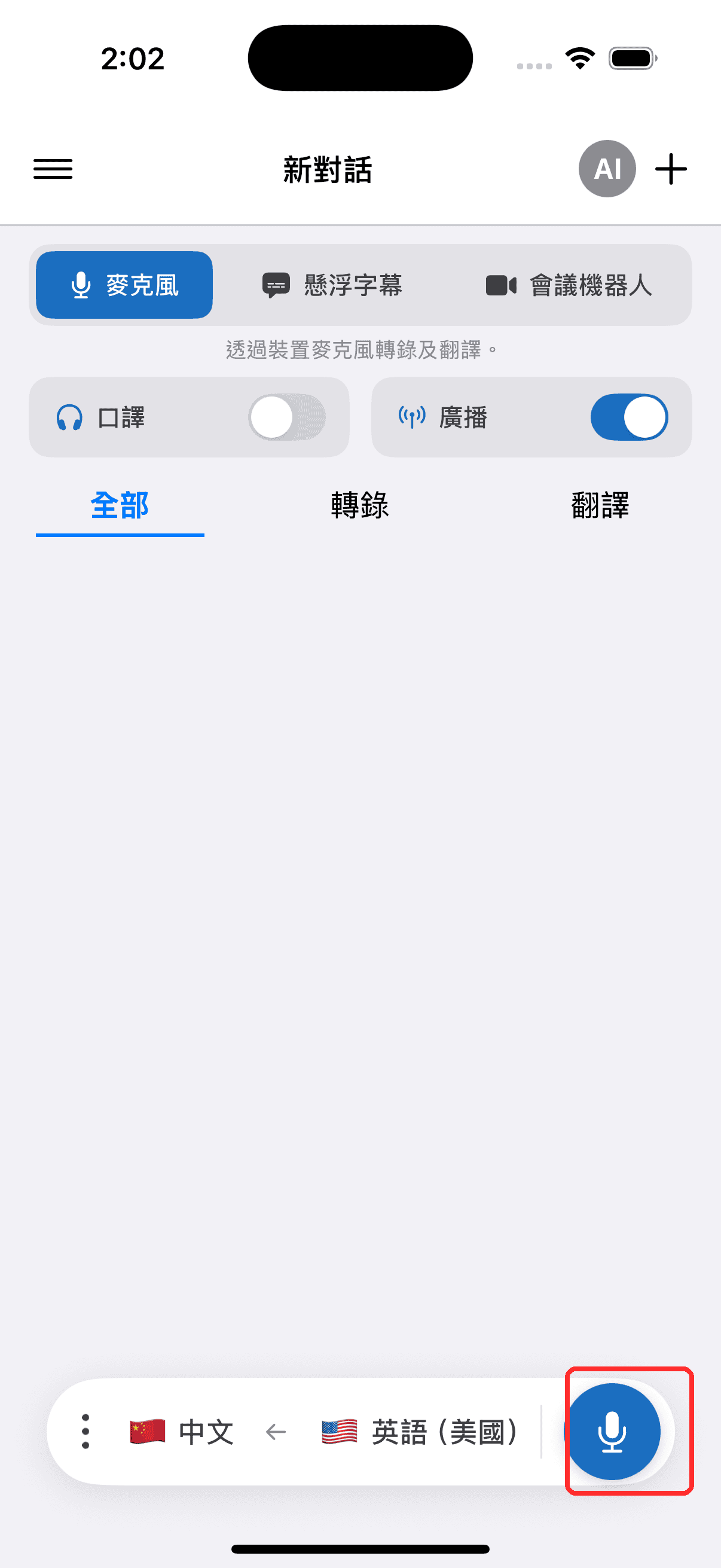
- 點按錄製按鈕開始 — Whisperr 開始擷取音訊,並出現一個可分享的房間連結
- 將房間連結分享給觀眾 — 他們可在任何瀏覽器中開啟,即時跟隨你的轉錄和翻譯
相關內容
- 廣播模式(總覽) — 運作方式、支援平台及觀看者體驗
- 在網頁應用程式上使用 — 從網頁應用程式進行廣播
- 廣播模式常見問題 — 關於房間、連結與觀看者的常見問題