網頁應用程式上的廣播模式
本頁介紹如何以講者身份從網頁應用程式進行廣播。若要了解廣播模式的運作方式及觀看者體驗,請參閱廣播模式總覽。
以講者身份廣播(網頁應用程式)
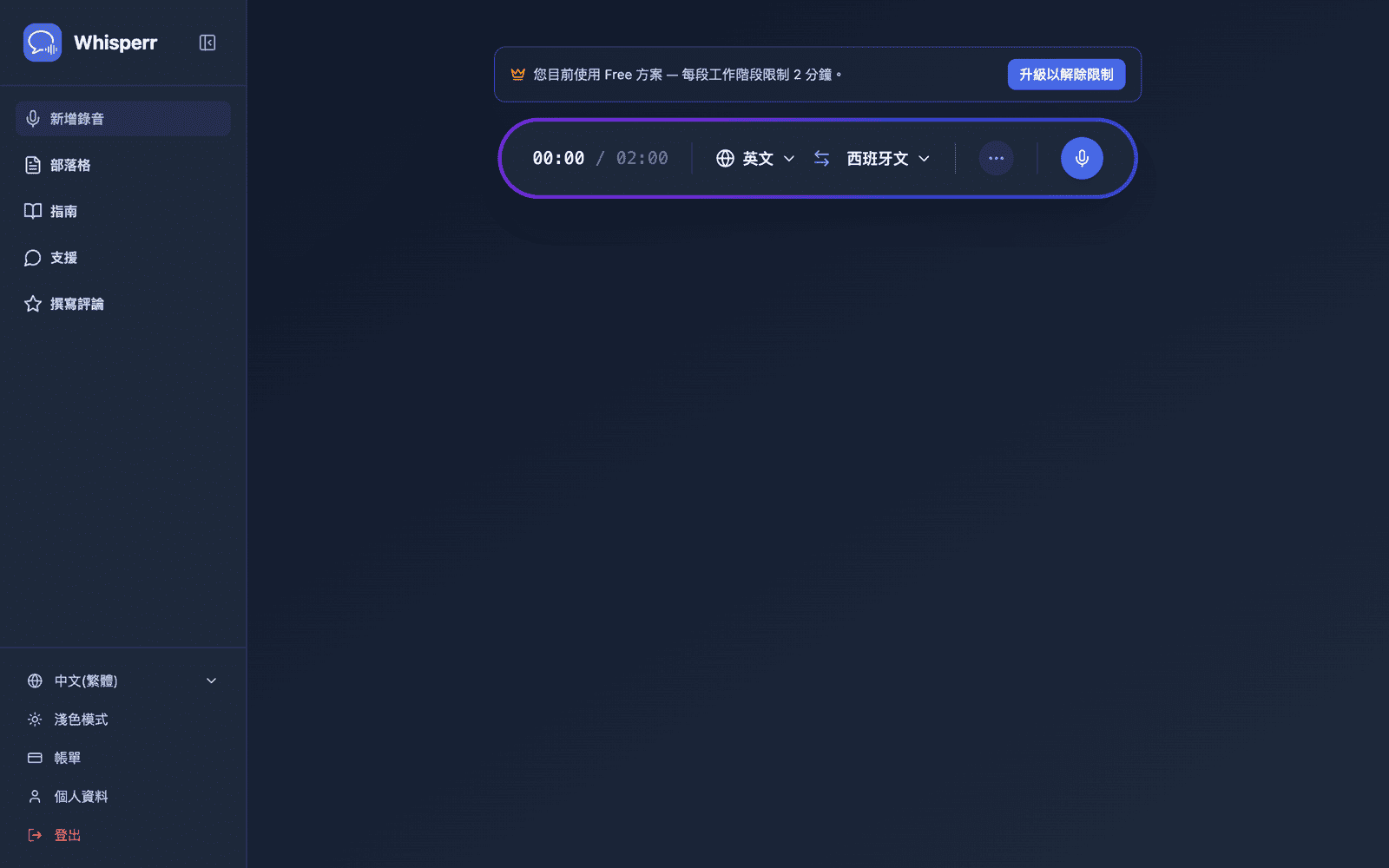
- 選擇您的來源語言(您將使用的語言)和目標語言(觀看者將閱讀的語言)
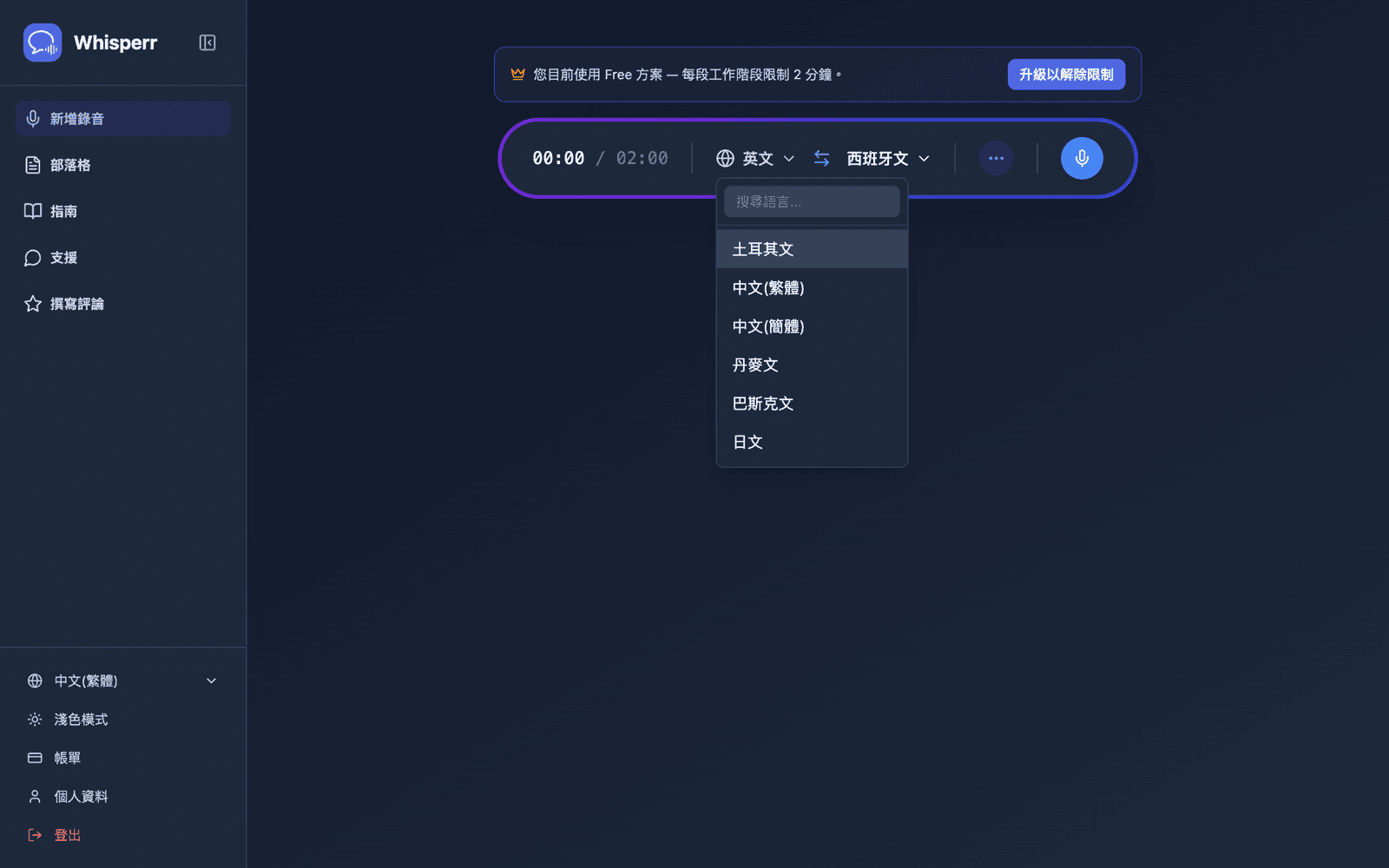
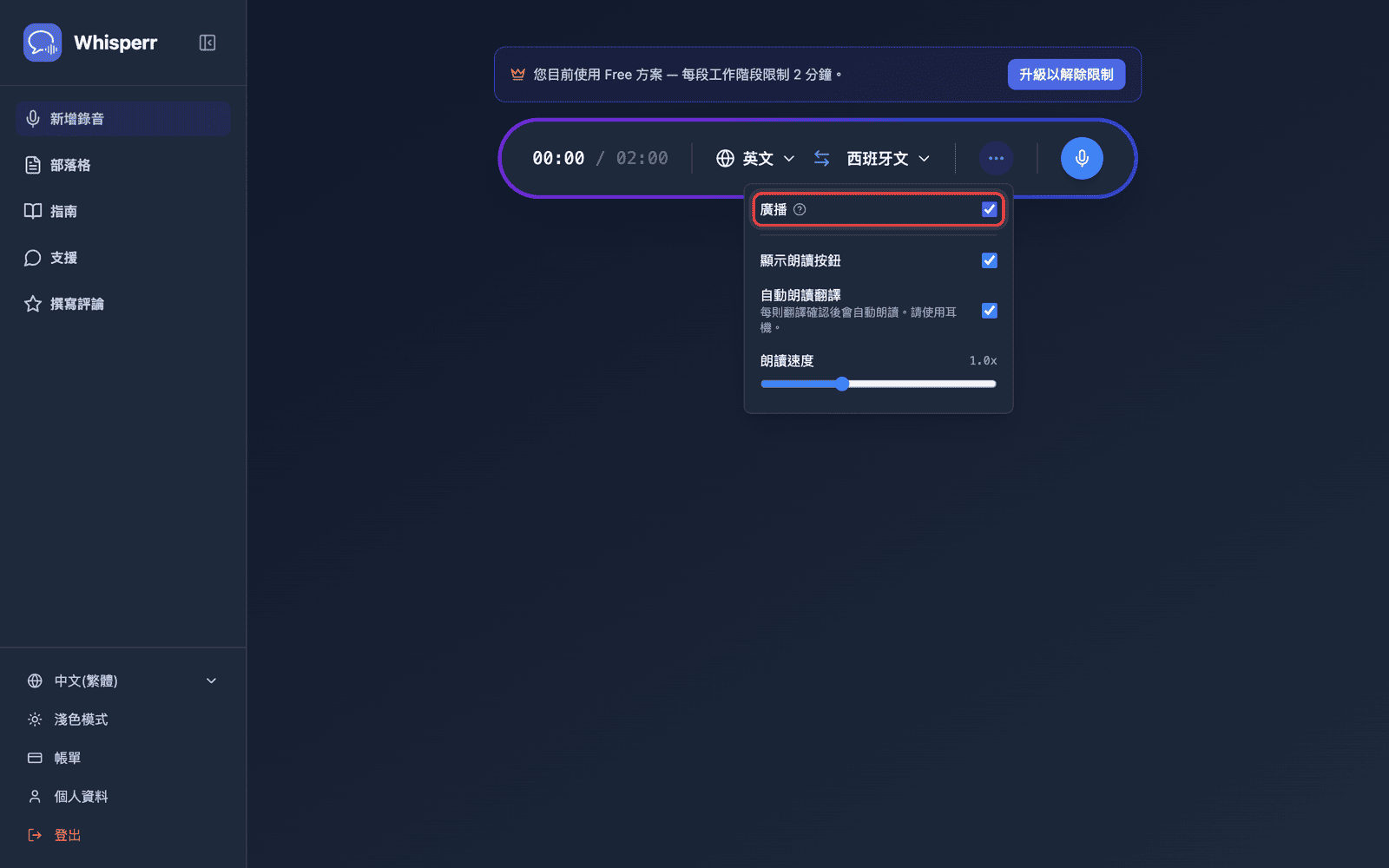
- 在錄製列中開啟 ••• 選項選單並開啟廣播
- 點擊錄音 — Whisperr 開始透過您的裝置麥克風擷取音訊,同時在同一畫面中顯示可分享的房間網址
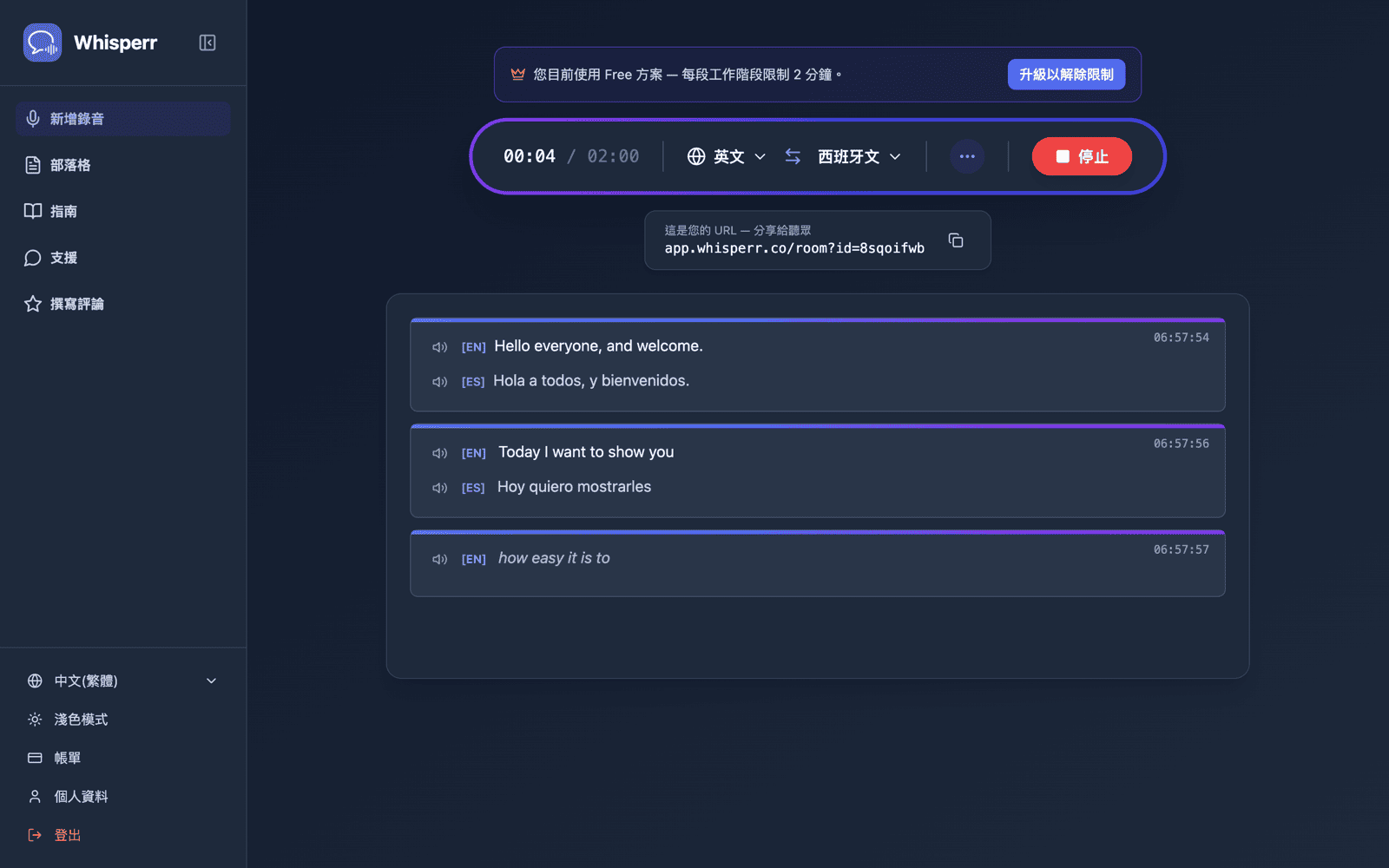
只要您持續錄音,房間就會保持活躍。點擊停止即可結束工作階段。
相關內容
- 廣播模式(總覽) — 運作方式、支援的平台及觀看者體驗
- 在 iPhone/iPad 上 — 從您的 iPhone 或 iPad 進行廣播
- 廣播模式常見問題 — 關於房間、連結及觀看者的常見問題