iPhone 和 iPad 上的语音朗读模式
本页介绍语音朗读模式的 iPhone/iPad 设置方法。有关其工作原理和使用场景,请参阅语音朗读模式概览。
如何在 iPhone/iPad 上使用语音朗读模式
- 打开 Whisperr 应用
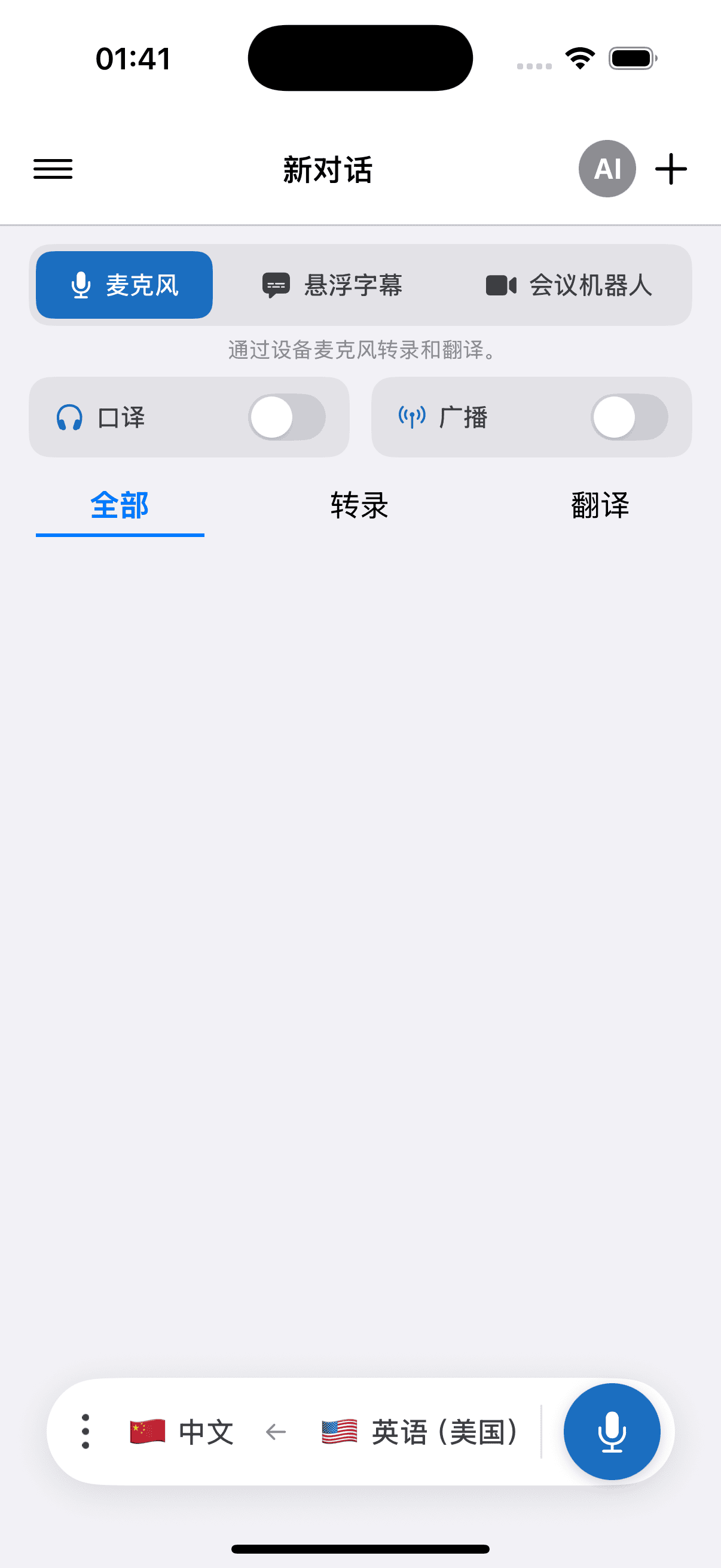
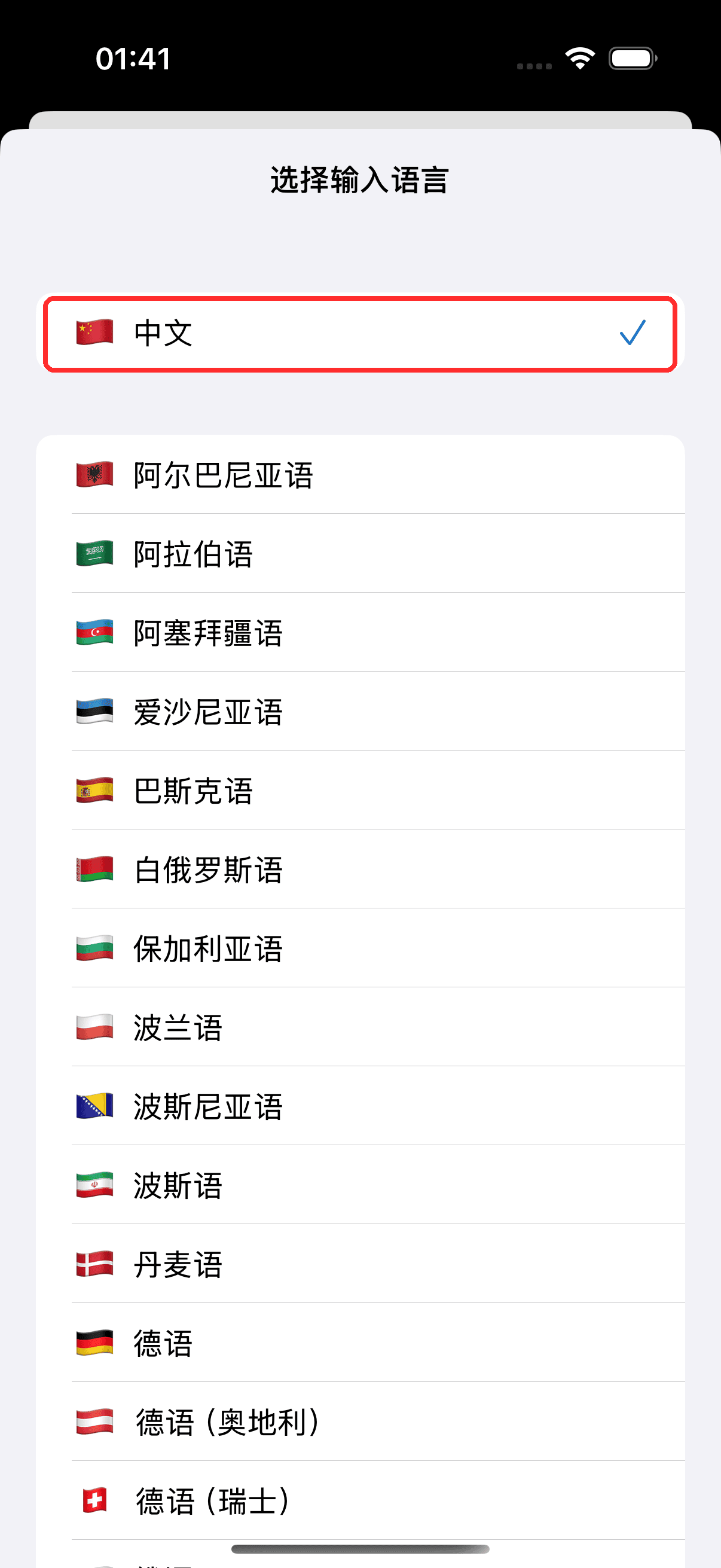
- 在底部的栏中选择源语言(你将听到的语言)和目标语言(你希望朗读出来的语言)
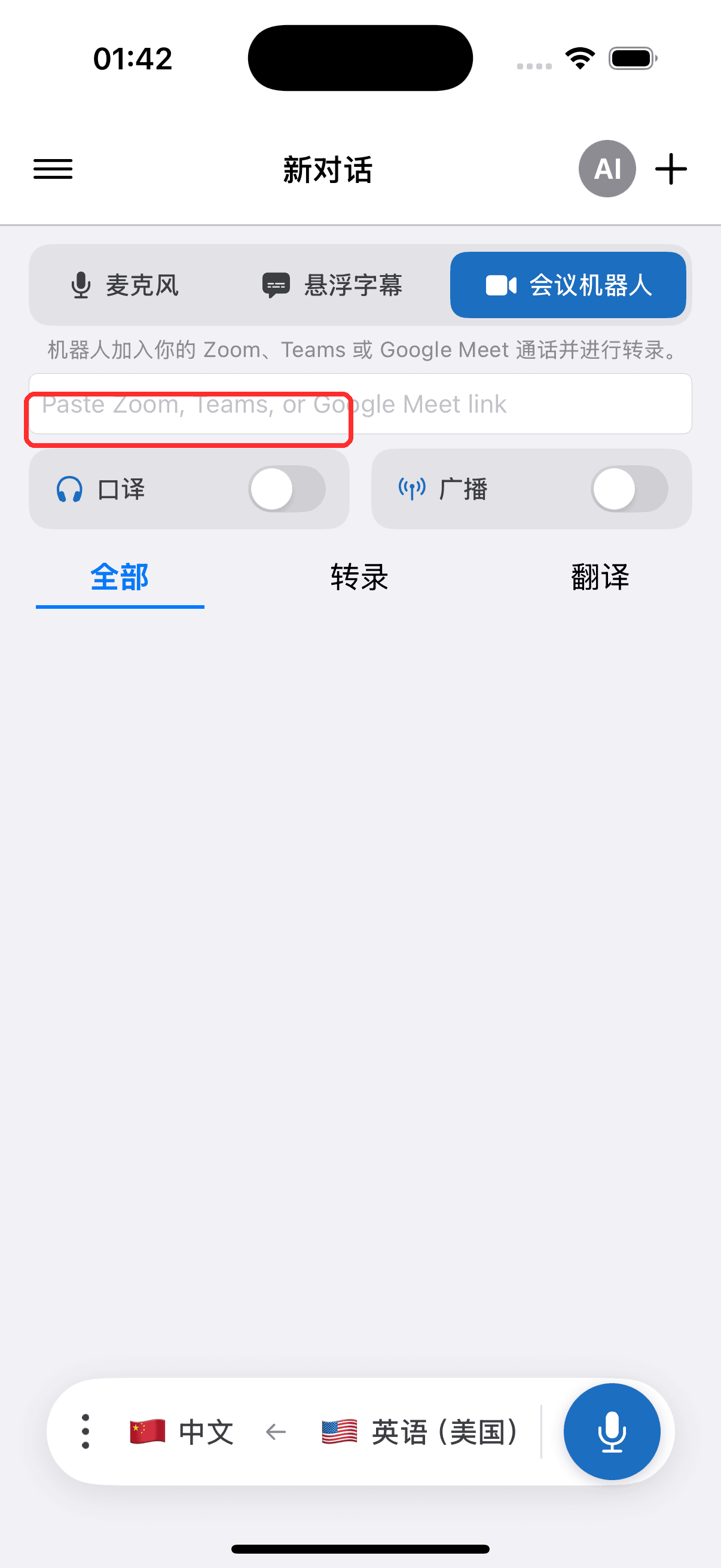
- 打开 口译 开关 — 每当出现翻译文本时,Whisperr 都会朗读出来
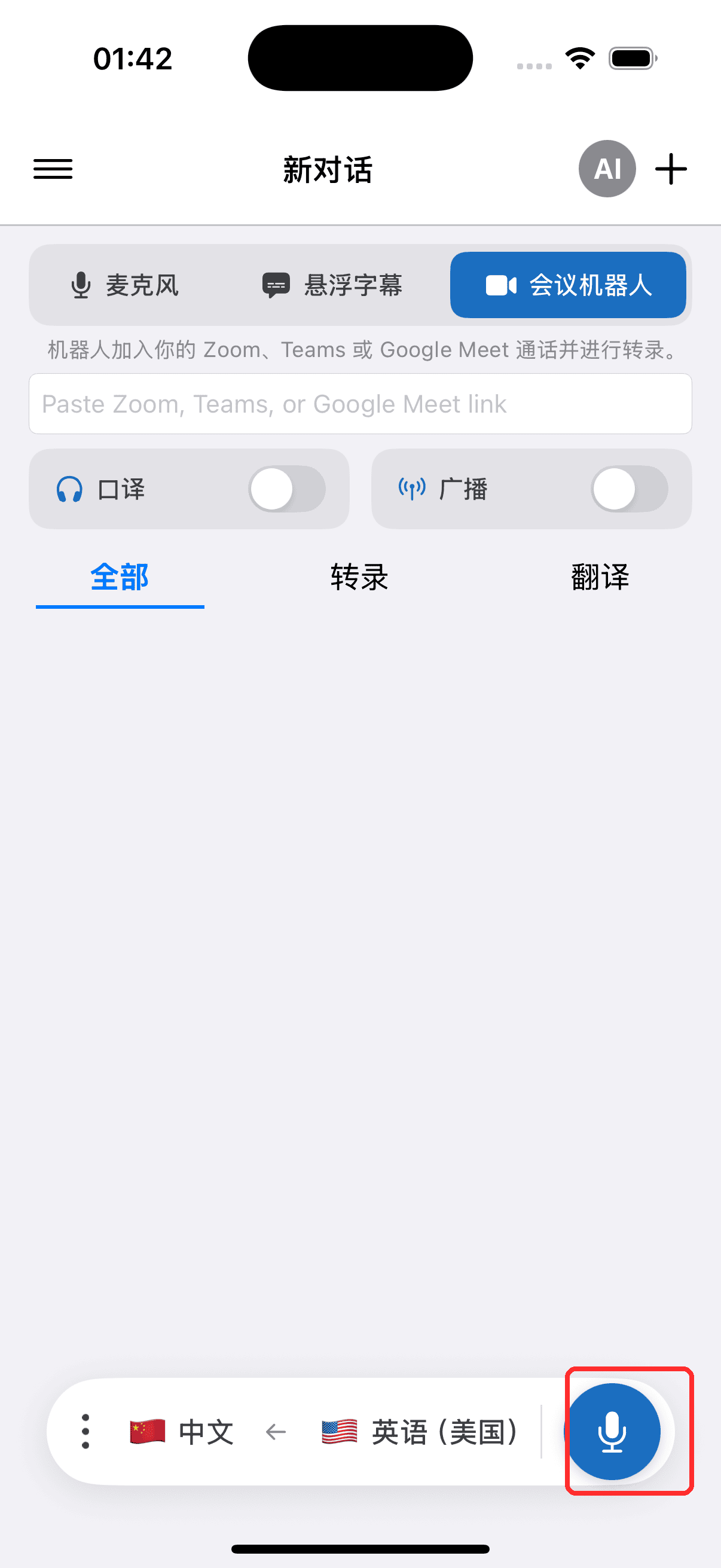
- 点按录制按钮开始,并在系统提示时允许访问麦克风
- 可以选择连接耳机或 AirPods 进行私密收听 — 如果您使用外放扬声器,请在设置中保持回声消除开启(默认已开启),以防朗读的翻译被麦克风再次拾取并重复翻译。详见iPhone 与 Android 上的回声消除。
选择语音
语音选择器与语音设置并排显示 — 位于录制控件的语音面板中,也位于设置中,因此您可以在录制前或录制期间进行设置:
- 自动(默认) — Whisperr 会以目标语言的标准语音朗读翻译
- 男声 / 女声 — 无论是谁在说话,每一行都会以固定的男声或女声朗读
在通话过程中更改语音,会从下一句朗读的内容开始生效;您的选择会保存供下次使用。
将语音与每位说话者单独匹配的功能可在网页应用中使用 — 请参阅概览中的选择语音,以及各语言的语音支持情况,了解每种语言支持的具体功能。
相关内容
- 语音朗读模式(概览) — 工作原理、使用场景及常规技巧
- Android 上的使用方法 · 在网页应用上的使用方法
- 回声消除 — 防止朗读的翻译回流至麦克风形成循环
- 麦克风音频采集 — Whisperr 如何捕获输入音频
- 悬浮字幕 — 在使用其他应用时保持翻译可见