iPhone 與 iPad 上的語音模式
本頁面說明語音模式的 iPhone/iPad 設定方式。如需了解其運作原理與使用情境,請參閱語音模式概覽。
如何在 iPhone/iPad 上使用語音模式
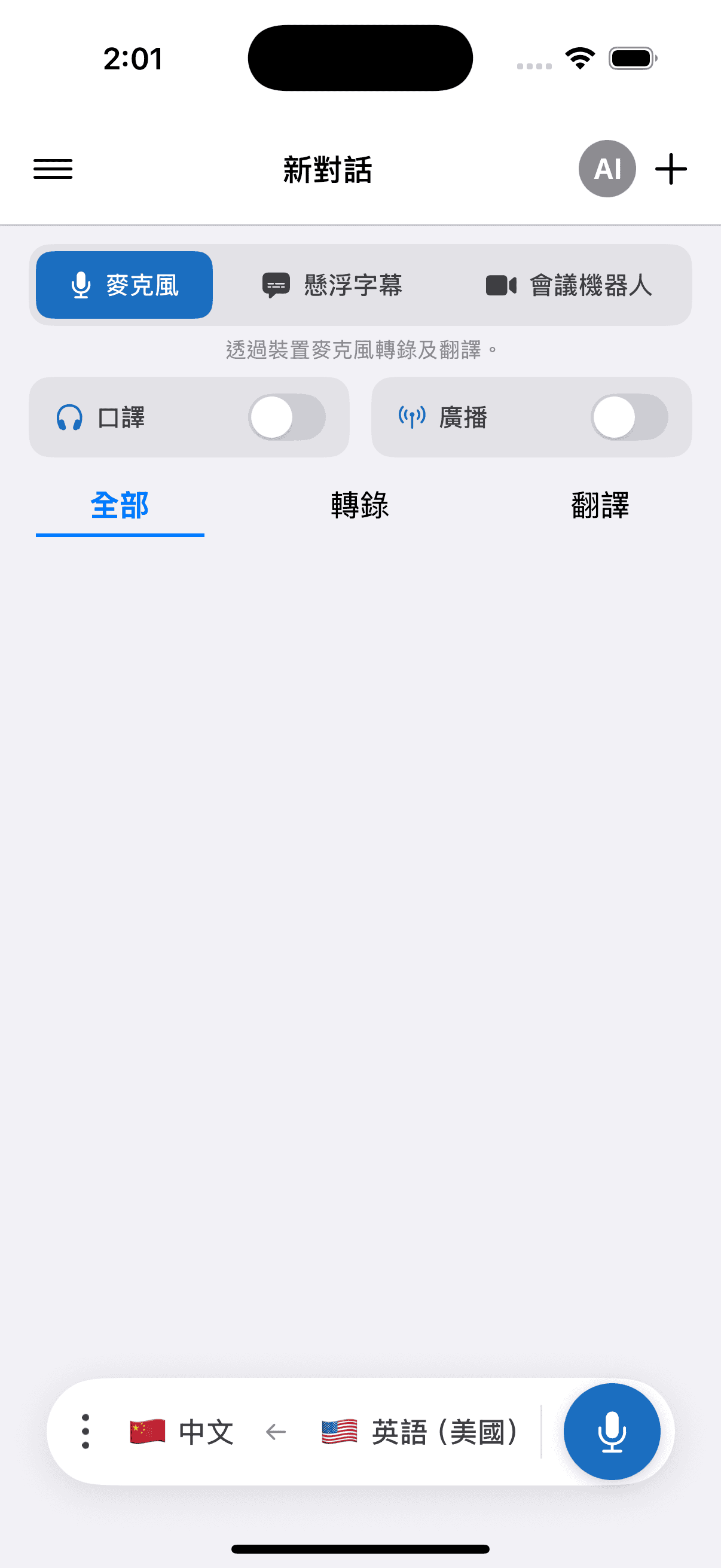
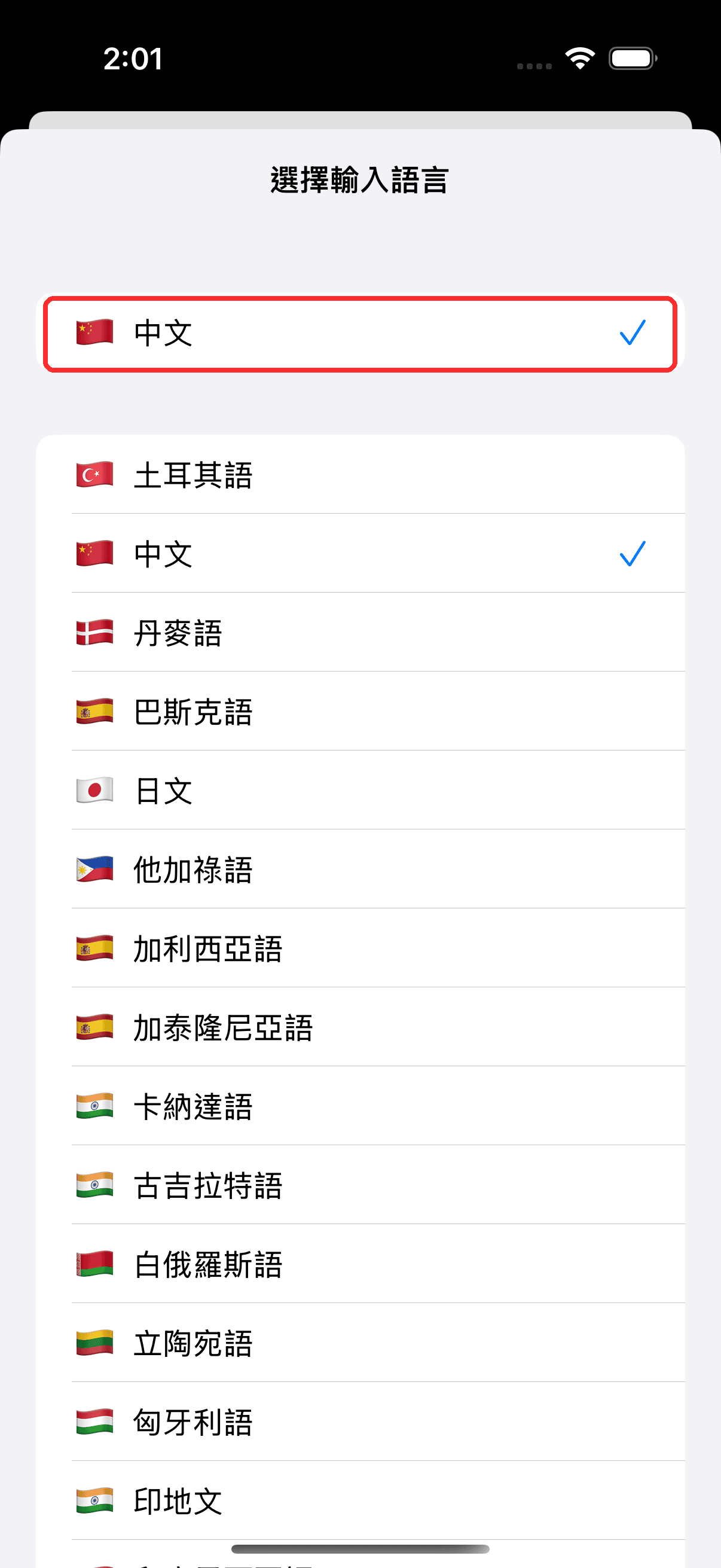
- 在底部的列中選擇來源語言(你將聽到的語言)和目標語言(你希望朗讀出來的語言)
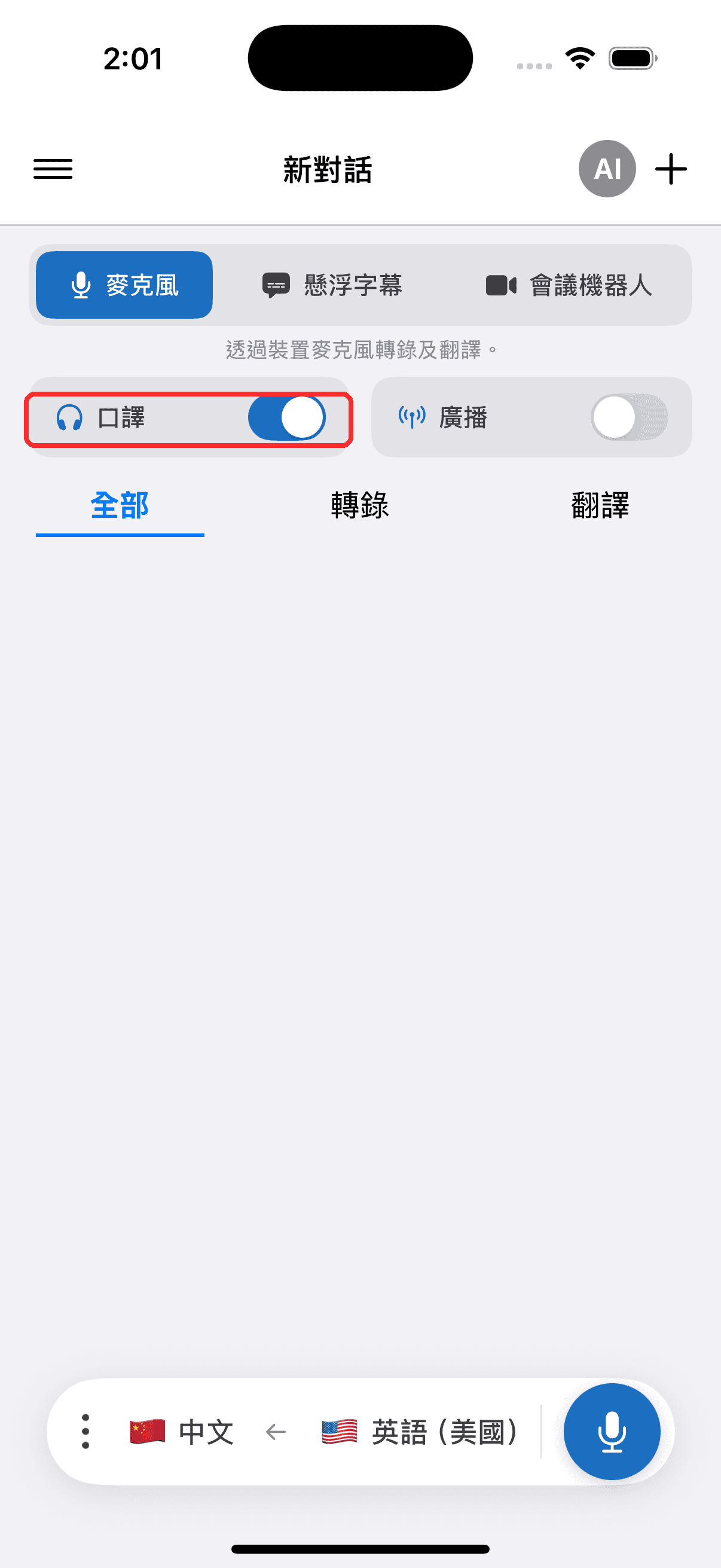
- 開啟 口譯 開關 — 每當出現翻譯文字時,Whisperr 都會朗讀出來
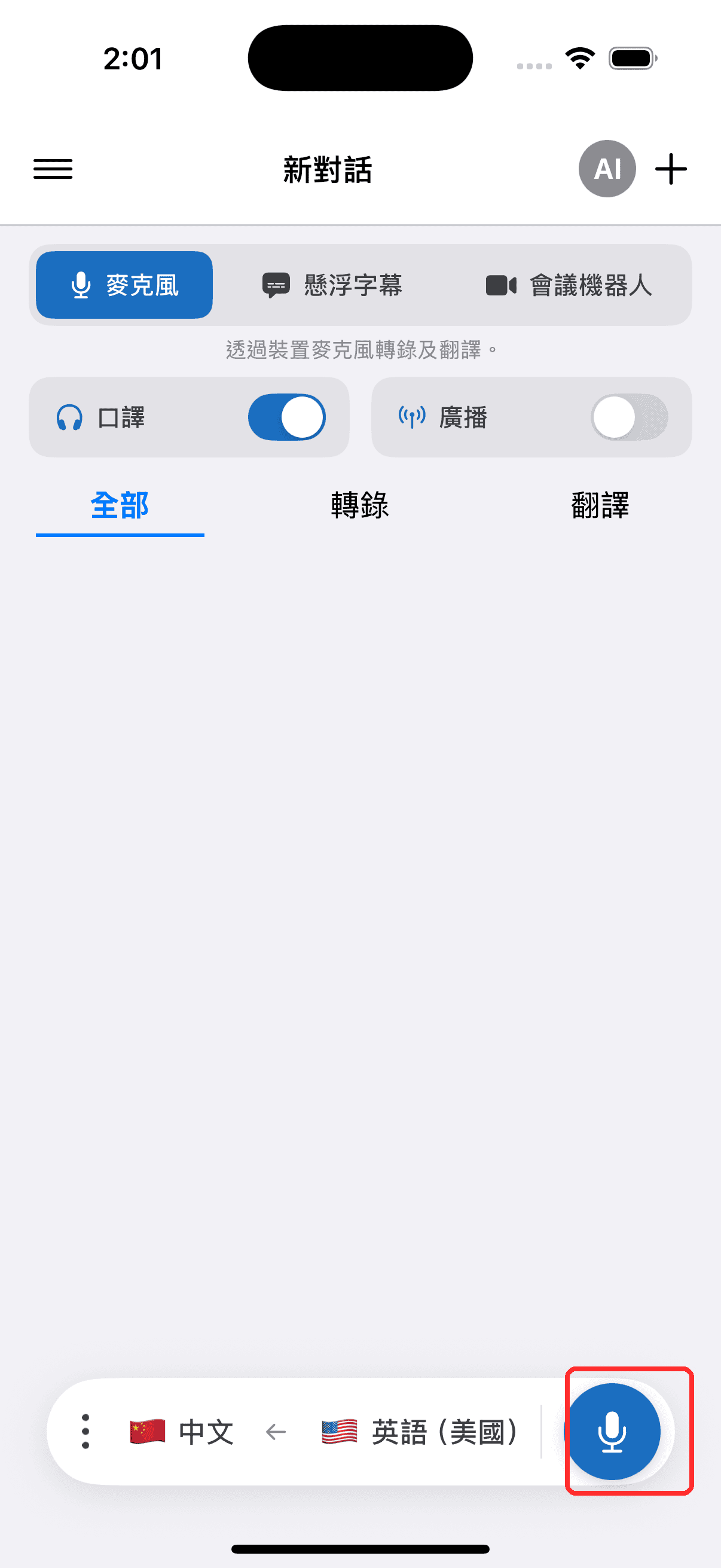
- 點按錄製按鈕開始,並在系統提示時允許存取麥克風
- 可以選擇連接耳機或 AirPods 進行私密聆聽 — 若您使用外接喇叭,請在設定中保持回音消除開啟(預設為開啟),以避免朗讀的翻譯被麥克風重新擷取並重複翻譯。詳見iPhone 與 Android 上的回音消除。
選擇語音
語音選取器位於語音設定旁 — 位於錄製控制項的語音面板中,也位於設定中,因此您可以在錄製前或錄製期間進行設定:
- 自動(預設) — Whisperr 會以目標語言的標準語音朗讀翻譯
- 男聲 / 女聲 — 不論是誰在說話,每一句都會以固定的男聲或女聲朗讀
在通話過程中變更語音,會從下一句朗讀內容開始套用;您的選擇會儲存供下次使用。
將語音與每位說話者個別配對的功能可在網頁應用程式中使用 — 請參閱總覽中的選擇語音,以及各語言的語音支援情況以了解每種語言支援的功能。