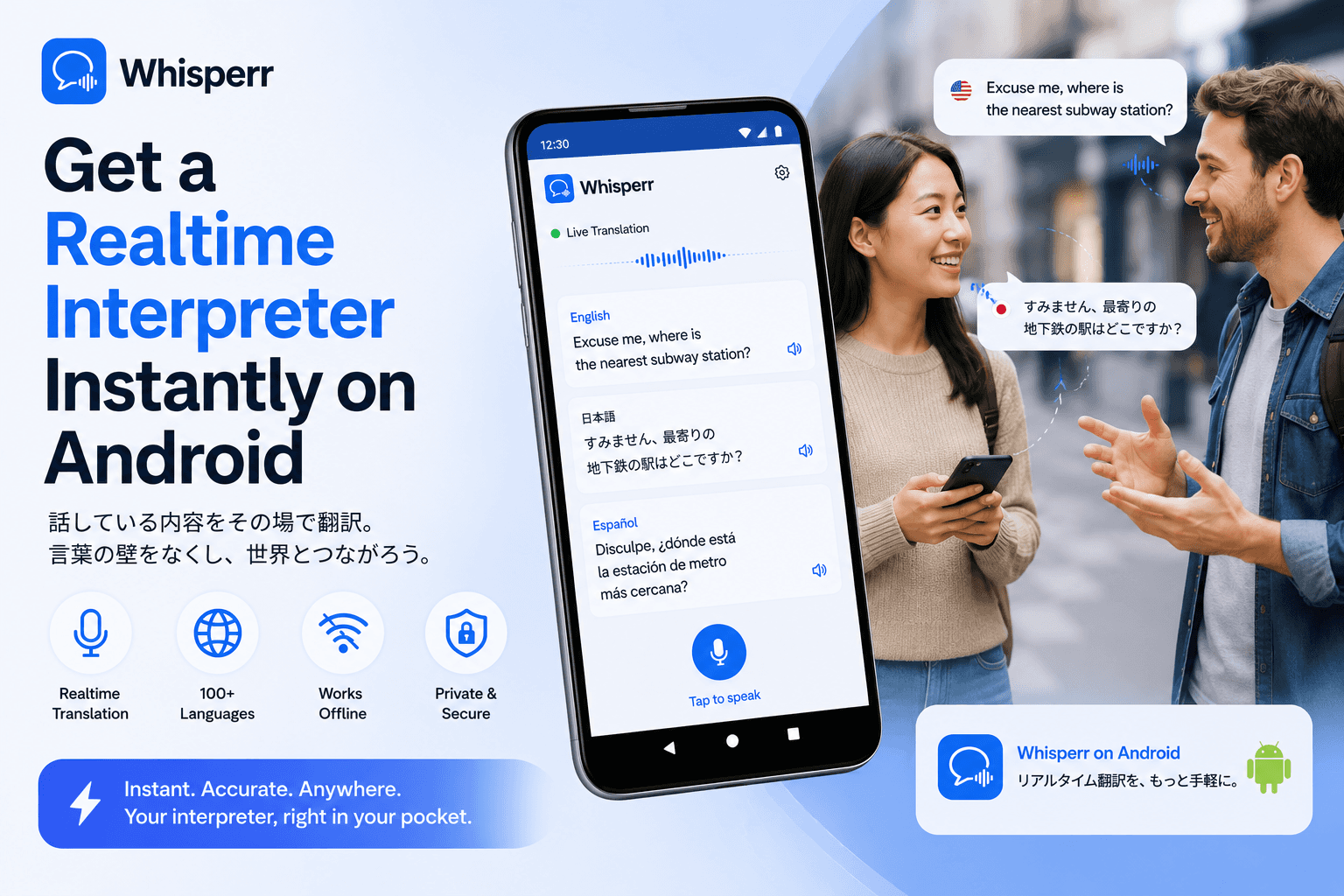
How to Get a Free Interpreter Instantly on Android

A Spanish-speaking patient just walked into your clinic and the staff interpreter is out today. You're 20 minutes into a real-estate showing with a Mandarin-speaking buyer and your bilingual agent had to leave. A Vietnamese-speaking parent showed up to the parent-teacher conference and no one in the district has a Vietnamese interpreter available before Thursday. The need for a real-time interpreter is rarely scheduled in advance, and the gap between "I need this now" and "I have someone on the line" is where most situations get stuck. This guide is about closing that gap with an Android phone you already own.
Why getting a real interpreter "instantly" is harder than it sounds
There are four ways most people try to get an interpreter on short notice, and three of them fail for spontaneous situations:
- Hire a human interpreter. The gold standard, but it requires scheduling, paperwork, and $80 to $300 per hour for in-person work. Telephonic interpretation services like LanguageLine bill $1 to $5 per minute with a connection delay and account setup. For less common languages (Tagalog, Polish, Vietnamese, Cantonese, Georgian) availability can mean a multi-day wait.
- Use Google Translate's Conversation mode. Free and on every Android phone, but it's a turn-based phrasebook tool, not interpretation. One person speaks, the app waits, you wait, the other person speaks, repeat. The rhythm of a real conversation breaks within the first minute.
- Use Pixel Live Translate or Samsung Galaxy AI Interpreter. Closer to real-time, but locked to specific hardware (Pixel 8/9/10 or Galaxy S24/S25) and scoped to a handful of system apps. If you're not on that hardware or you need to interpret audio from outside the phone app, you can't use them.
- Install a dedicated realtime voice translator app. This is the option that actually fits "instantly." A good live voice translate app installs in 30 seconds, sets up in another 30, runs continuously like a simultaneous interpreter, and doesn't charge by the minute.
The rest of this guide walks through the fourth option in detail.
Step-by-step: turn your Android phone into a realtime interpreter
Total setup time is about 45 seconds. The example uses English and Spanish (the highest-volume interpretation pair in the U.S.), but the same flow works for any of the 100+ supported language pairs.
1. Install Whisperr from the Google Play Store

Search "Whisperr" on the Google Play Store and install it. Sign in or create an account on first launch. There's a free tier for occasional use; longer or higher-volume sessions move to a flat-rate paid plan. Either way, no per-minute billing.
2. Pick two languages

In the recording bar at the bottom of the screen, tap the language selectors and pick the two languages involved in the conversation, for example English and Spanish for a clinic in Texas, or Vietnamese and English for a parent-teacher meeting in Orange County. The order doesn't matter and you don't need to label one as the source. Whisperr handles two-way translation by default, so either person can speak in their language and the other side hears their own. This is what makes it usable as an accurate Spanish translator for actual back-and-forth conversation rather than tap-to-translate dictionary lookups.

100+ language pairs are supported, including the long tail (Tagalog, Polish, Ukrainian, Khmer, Amharic, Georgian, Cantonese) where booking a human interpreter often means a multi-day wait.
3. (Optional) Tap the arrow to lock direction one-way

If the situation is genuinely one-directional, for example a Korean-speaking grandfather telling a story you just need to follow in English, tap the arrow icon between the two language selectors. This switches Whisperr from two-way auto-detect to one strict direction. Useful for monologue-heavy moments (a witness statement, a patient describing symptoms, a customer giving a long complaint) where two-way auto-detection isn't needed and you want the cleanest possible interpretation.
When to leave it on two-way: a flowing two-person conversation. When to flip it to one-way: a lecture, a courtroom statement, a patient monologue, an interview where only one side speaks the foreign language.
4. Open settings (bottom left)

Tap the settings icon at the bottom left of the recording screen. This is where the modes that change how Whisperr behaves live (speech output, font size, transcription-only display, face-to-face flip) all live.
5. Enable "Real-time speech"

In settings, find the toggle labeled Enable real-time speech and switch it on. This is the toggle that turns Whisperr from a captions-only translator into a live audio translate tool. It will now read every translated line aloud in the target language's voice, line by line, with sub-second latency, the way a simultaneous interpreter speaks while the original speaker is still talking.
This is the difference between reading a transcript and having an interpreter in the room. You can keep eye contact with the person you're talking to, your hands stay free, and the spoken output flows continuously instead of waiting for taps.
6. Put your earphones in (this matters)
Plug in wired earphones or pair Bluetooth earbuds (AirPods, Pixel Buds, Galaxy Buds, anything). This step looks optional but isn't.
Here's why: when Whisperr speaks the translation aloud through the phone's speaker, the phone's microphone hears that translated speech and tries to translate it too. The result is a feedback loop where the app translates its own output back into the source language and re-translates that, on repeat, until the whole session is garbled.
Earphones break the loop. The translated audio plays into your ears only; the mic only hears the human speaker. Clean input, clean output, no echo. If you're interpreting for someone else (so they're the one who needs to hear the translated audio aloud), give them the earphones instead, or use Whisperr's Broadcast mode and let them read live captions on their own phone.
7. Tap the recording button

Tap the red mic button at the bottom of the screen. Grant microphone permission on first launch. That's it. Whisperr is now listening continuously, transcribing the source language live, translating in parallel, and speaking the result into your earphones in real time.
Lay the phone flat on the table between you and the other speaker, screen up. The bottom mic on Android phones picks up conversational speech across a small table cleanly. The closer the phone is to the speaker, the cleaner the capture.
When you're done, tap the stop button. Whisperr saves a bilingual transcript to your account automatically, useful for medical notes, legal records, follow-up emails, or just remembering what was actually said.
Whisperr vs. the other ways to get an interpreter on Android
A quick honest map of what's actually available and where each falls short:
Option | Available instantly? | Per-minute cost? | Continuous interpretation? | Long-tail languages |
|---|---|---|---|---|
In-person human interpreter | No, requires booking | $80 to $300 per hour | Yes | Limited availability |
Phone interpretation hotline | Minutes to connect | $1 to $5 per minute | Consecutive only | Strong for common, weak for rare |
Google Translate (Conversation) | Yes | Free | No, turn-based | Top 20 only |
Pixel Live Translate / Galaxy AI | Yes, on supported devices | Free | Partial | ~20 to 40 languages |
Whisperr | Yes | Flat subscription | Yes, line by line | 100+ including long tail |
A few specifics worth calling out:
Simultaneous, not consecutive. Whisperr translates and speaks as the source speaker is still talking, the way a UN-style simultaneous interpreter does. Phone interpretation hotlines and Google Translate both work consecutively (one person speaks, the interpreter speaks, repeat). For situations where rhythm matters (medical exams, real-time business negotiation, parent-teacher conferences, courtroom voice translation) simultaneous is what makes the conversation feel like a conversation instead of a deposition.
Spoken output you can toggle on or off. When you need a quiet, eyes-down captions mode (a courtroom, a hospital ward, anywhere you can't have audio playing aloud), turn the real-time speech toggle off and read captions on screen. When you need hands-free interpretation, turn it on. Same app, no extra setup.
100+ languages, including the ones interpreters are hardest to book for. Tagalog, Polish, Vietnamese, Cantonese, Khmer, Amharic, Ukrainian, Georgian, Pashto. Whisperr supports the long tail where human interpreter availability is thinnest. The same engine that handles continuous english to spanish translation voice output also handles these less-supported pairs.
No accessibility-service permission. Some "live translator" Android apps ask for Accessibility Service permission, which lets them read every word on every screen of every app. Whisperr uses sanctioned Android APIs (microphone, system audio, MediaProjection) and never asks for that level of access. Important when the conversation you're interpreting is medical, legal, or business-confidential.
GDPR compliant, bilingual transcript yours to keep. Audio is processed in real time and isn't permanently stored on Whisperr's servers. The transcript saved to your account is yours to keep, export, or delete, useful for follow-up documentation in clinical, legal, or business settings.
FAQ
Is this good enough to replace a professional interpreter for a medical appointment?
For routine appointments, intake, follow-up, prescription instructions, and most patient-provider conversations, yes. For complex informed consent, legally sensitive disclosures, or psychiatric evaluation, a credentialed medical interpreter is still the right call where one is available. The realistic use case is "instant interpreter while you wait for the scheduled human," which covers most clinical situations.
Can I use it in a court or legal setting?
Whisperr produces a real-time bilingual transcript that's useful for understanding and for follow-up notes. Whether it can stand in for a certified court interpreter depends entirely on the jurisdiction and the proceeding type. For attorney-client conversations, depositions, and informal legal consultations it's a strong fit. For formal court appearances, check local rules first.
How accurate is it compared to a human interpreter?
For common language pairs at conversational speed (English to Spanish, English to Mandarin, English to French) accuracy is high enough that the conversation flows naturally. For the long tail and for highly technical vocabulary, a human interpreter is still better. The accuracy gap closes considerably when you set context with a few opening sentences and when audio capture is clean.
Will it drain my battery or overheat my phone?

A continuous interpretation session uses the mic and the network the way a voice call does. Expect battery use comparable to a Zoom call: noticeable but not extreme. For sessions over about 30 minutes, plug into a charger. For multi-hour sessions (a full day of meetings, an extended legal consultation) keep the phone on power throughout.
How does it handle a three-way or multi-speaker conversation?
Two-way mode treats anyone speaking the source language as the source and anyone speaking the target language as the target, regardless of who's holding the floor. So a doctor, patient, and family member can all participate as long as they speak one of the two configured languages. The transcript labels each line by detected language so you can track who said what.
Can I translate a phone call on my Android phone?
Android doesn't let third-party apps capture in-call audio directly, the same way iOS doesn't. The workaround that actually works: put the call on speakerphone on one device, run Whisperr on a second device (a tablet, an old phone, a laptop) and let it listen through its mic. Earphones go in the second device only, to avoid the feedback loop on the speakerphone.
Does it work offline?
No. Live voice translation needs the cloud (speech recognition and translation models run server-side). You need Wi-Fi or LTE/5G. For offline phrasebook use, Google Translate's downloaded packs still work. For real interpretation, online is what gives usable accuracy.
How well does it handle translate English Spanish specifically?
This is the strongest pair Whisperr supports, both directions. The english to spanish translation voice output sounds natural with regional accent options, Spanish input handles fast conversational speech well, and code-switching (English words inside Spanish sentences, or vice versa) gets translated as intended rather than treated as a single-language input. If you've been comparing options for an accurate Spanish translator for medical, legal, or real-estate interpretation, this is the setup.
Can I use it in a browser instead of the Android app?

Yes. Whisperr's web app at app.whisperr.co works in Chrome or Edge. The browser path is the better option when the audio you want interpreted is playing on a laptop, for example a Zoom consultation, a webinar, a recorded deposition, or a video meeting in a browser tab. On the phone, the Android app is the better experience for in-person interpretation.
Try it on your next conversation
If you've been calling phone interpretation hotlines at $3 a minute, scheduling human interpreters days in advance for routine appointments, or losing critical conversations because no one available speaks the language, Whisperr was built for that exact gap. Install the Android app, pick two languages, flip Enable real-time speech on, plug your earphones in, and tap record. You have an interpreter in about 45 seconds.
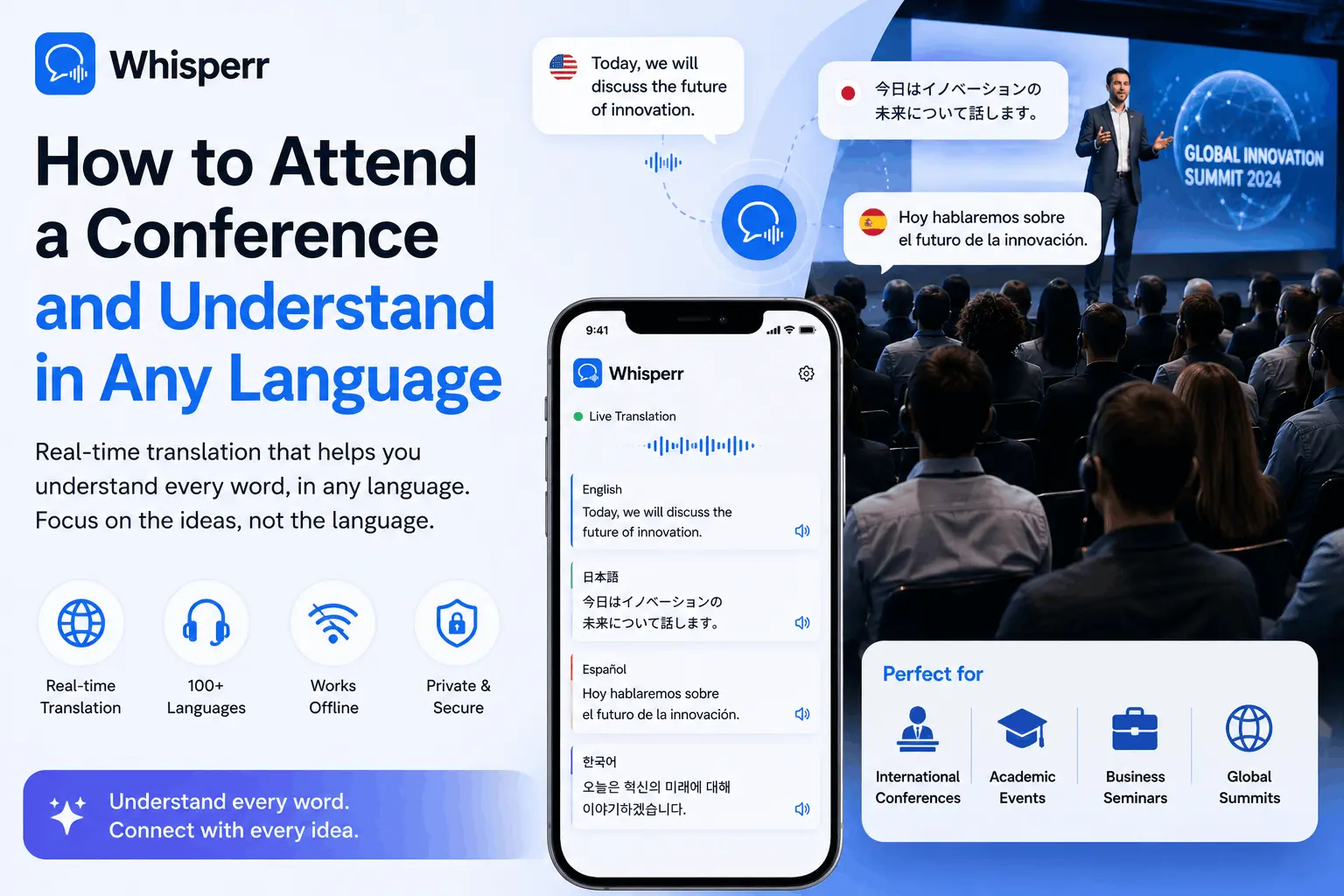
Live translate a conference in real time with your phone or laptop. Follow this simple guide to see instant subtitles in your language for any talk or panel.