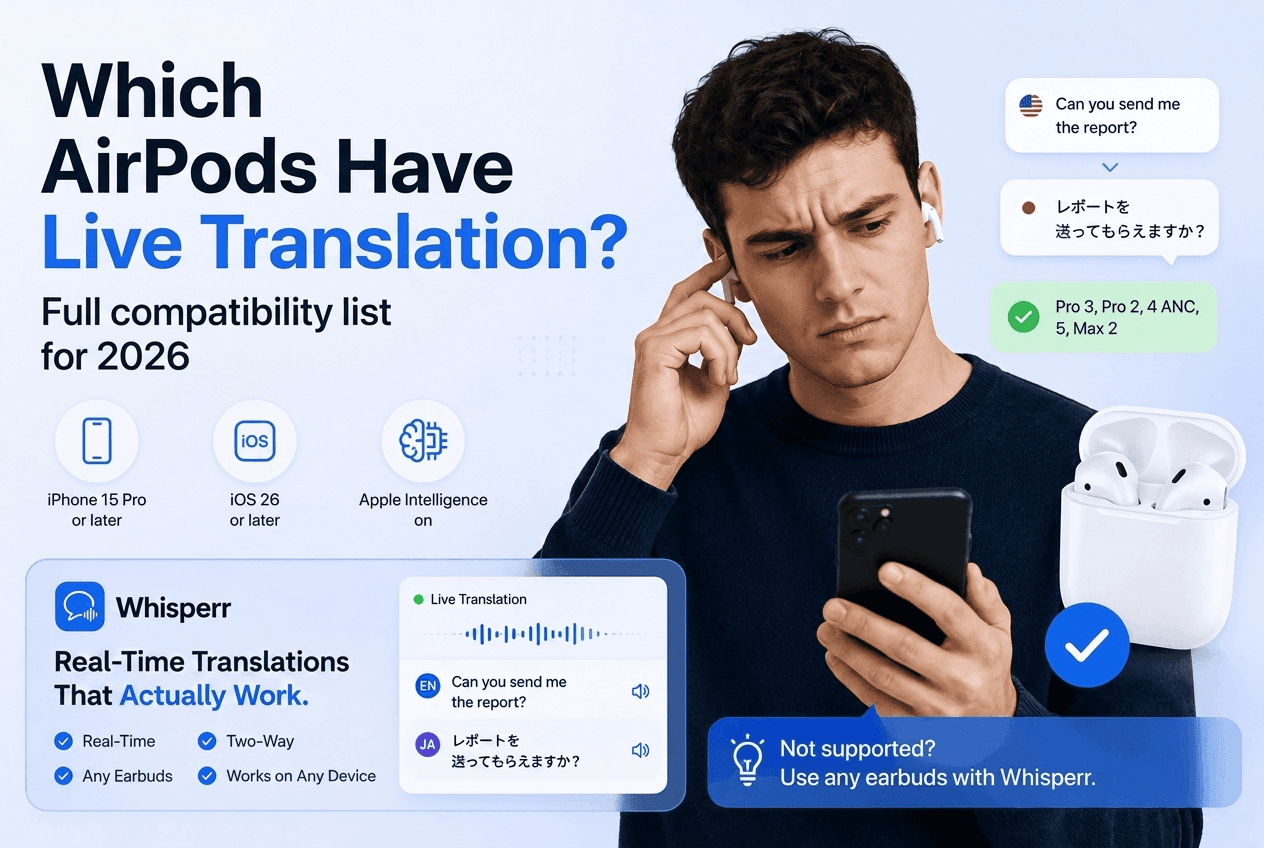
Which AirPods Have Live Translation? Full Compatibility List for 2026

Apple's Live Translation lets your AirPods translate what someone is saying into your language, but it only runs on a specific set of AirPods, iPhones and languages. This page lists exactly which ones, so you can check your setup before you spend an hour in Settings. Everything below comes from Apple's own pages (Apple Support, "Use Live Translation with your AirPods," published September 14, 2026, and Apple's iOS feature availability page), checked on October 16, 2026.
Which AirPods support Live Translation?
AirPods model | Live Translation | How you start it |
|---|---|---|
AirPods Pro 3 | Yes | Press and hold both stems, or use the Translate app, Siri, or the iPhone Action button |
AirPods Pro 2 | Yes | Press and hold both stems, or use the Translate app, Siri, or the iPhone Action button |
AirPods 5 (both models) | Yes | Press and hold both stems, or use the Translate app, Siri, or the iPhone Action button |
AirPods 4 with Active Noise Cancellation | Yes | Press and hold both stems, or use the Translate app, Siri, or the iPhone Action button |
AirPods Max 2 | Yes | Press and hold the listening mode button, or use the Translate app, Siri, or the Action button |
AirPods 4 without Active Noise Cancellation | Not on Apple's list | Not available |
AirPods 3, AirPods 2, first-generation AirPods Pro, first-generation AirPods Max | Not on Apple's list | Not available |
If your model says "Not on Apple's list," no setting will change that. The fastest fix is a different pair of AirPods, or a translation app that doesn't depend on them (see the last section).
What else do you need besides the right AirPods?
Apple's support page lists these requirements. All of them have to be true at once:
- iPhone 15 Pro or later. An iPhone 15 (non-Pro), iPhone 14, or older can't run it, whichever AirPods you pair.
- iOS 26 or later.
- Apple Intelligence turned on in Settings.
- Apple's Translate app installed.
- The latest AirPods firmware.
- Both languages downloaded. In Settings, tap the name of your AirPods, tap Live Translation (Beta), and download the language the other person speaks and the language you want to hear. Once the models are downloaded, Apple says all processing happens on your iPhone and your conversation data stays private.
Android phones aren't part of the requirements. Apple's Live Translation is built around an iPhone.
Which languages does AirPods Live Translation support?
Apple's feature availability page lists these languages for Live Translation with AirPods:
- English (United Kingdom and United States)
- French (France)
- German (Germany)
- Italian
- Japanese
- Korean
- Mandarin Chinese (Simplified and Traditional). Simplified isn't available in mainland China.
- Portuguese (Brazil)
- Spanish (Spain)
That is nine languages. Russian, Hindi, Arabic, Vietnamese, Thai, Turkish and most other languages aren't on the list, which is the most common reason Live Translation seems to work for one language pair and not another. Apple also notes that some features may not be available in all regions or languages, so check Apple's availability page for your country.
How do you start Live Translation on AirPods?
Apple lists several ways to start a session once everything above is in place:
- Open the Translate app on your iPhone, tap Live, then tap Start Translation.
- Set the iPhone Action button to the Translate app, and Live Translation starts when you're wearing your AirPods.
- Press and hold the stem on both AirPods at the same time (AirPods 4 with ANC, AirPods 5, and AirPods Pro 2 or later). On AirPods Max 2, press and hold the listening mode button.
- Say "Siri, start Live Translation."
- Use it during a call in the Phone app or on FaceTime while wearing your AirPods.
To stop, tap the X button in the Translate app.
What AirPods Live Translation can't do
- Hear your reply, unless the other person is set up too. If the person you're talking to doesn't have supported AirPods with Live Translation running, your iPhone shows a transcript in their language or plays the translated audio through its speaker.
- Cover the languages most people ask about. Nine languages is a short list next to a dedicated translation app.
- Translate a video, a stream, or a meeting playing on your computer. Apple describes the feature for in-person conversations and calls. It isn't designed to listen to a browser tab or a live stream.
- Guarantee accuracy. Apple's own page warns that Live Translation uses generative models and outputs may be inaccurate, so check anything important.
What should you use if your AirPods or iPhone aren't supported?
Whisperr is our product, so weigh this section accordingly. It is a realtime voice translator that runs on iPhone, Android, the web app, Mac and Windows. It doesn't need AirPods, Apple Intelligence, or an iPhone 15 Pro. You pick two languages, tap record, and it does live voice translation both ways by default. Any earbuds you already own, wired or Bluetooth, work as the audio path in and out.
It also covers the cases AirPods Live Translation isn't built for:
- Meetings on your computer. The web app can capture the audio of a browser tab, so you can follow a Zoom, Teams or Google Meet call without the host enabling anything. See translate a Zoom meeting.
- Languages outside Apple's nine. Browse the full list of live translate language pairs.
- Videos and live streams, where you need live audio translate on something playing on your device.
- Travel. See the travel translator page.
Whisperr needs an internet connection, and the free plan ends sessions after a minute or two, so it suits evaluation rather than all-day use. If you want a fully on-device option for one-to-one conversations in Apple's nine languages, Apple's own Live Translation is the right tool when your hardware qualifies.
For a side-by-side look, see Whisperr vs AirPods Live Translation. If your supported AirPods still won't start, use the AirPods Live Translation troubleshooting guide.
Frequently asked questions
Does AirPods Pro 2 have Live Translation?
Yes. Apple lists AirPods Pro 2 as supported, as long as it's paired to an iPhone 15 Pro or later on iOS 26 or later with Apple Intelligence on, and the AirPods are on the latest firmware.
Does AirPods 4 have Live Translation?
Only the model with Active Noise Cancellation. Apple's list reads "AirPods 4 (ANC)," so AirPods 4 without ANC isn't on it.
Does AirPods 5 have Live Translation?
Yes. Apple's support page lists AirPods 5 (both models) as supported.
Does AirPods Live Translation work on phone calls?
Yes. Apple says you can use Live Translation on a call in the Phone app or during FaceTime while wearing your AirPods, within the supported languages.
Does the other person need AirPods?
No. They can read the transcript on your iPhone or hear the translated audio played through its speaker. If they have supported AirPods with Live Translation running, they can hear your replies in their own language.
Does AirPods Live Translation work with Android?
Apple's requirements list an iPhone 15 Pro or later, so an Android phone isn't supported. On Android, a cross-platform translation app such as Whisperr's Android app is the option.
Is Live Translation on AirPods free?
Apple's support page lists no fee or subscription for it. It is a software feature in iOS and the Translate app, and Settings labels it Live Translation (Beta).
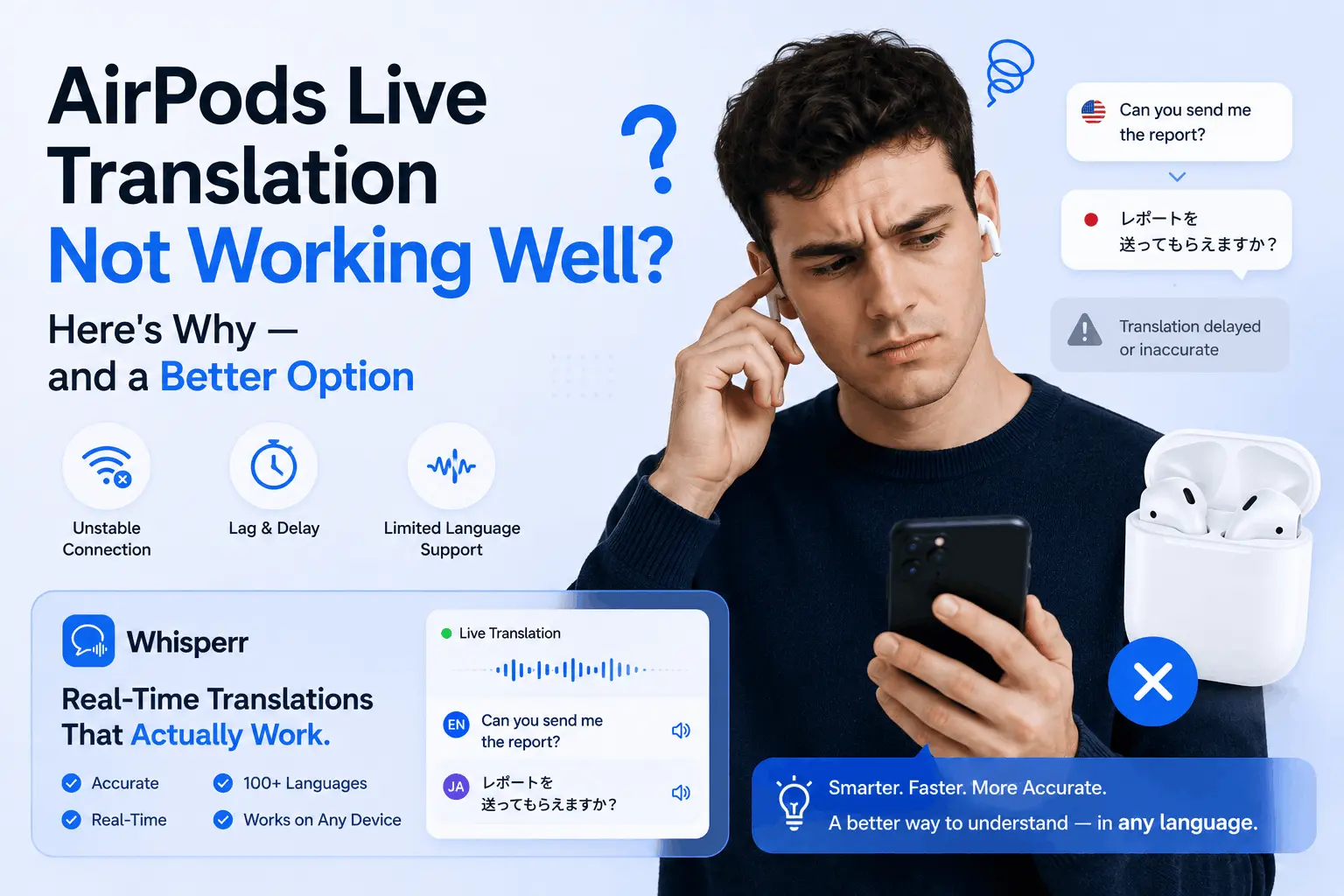
Live Translation needs iOS 26, Apple Intelligence, an iPhone 15 Pro or later and supported AirPods. Step-by-step fixes, plus what to use if it still fails.
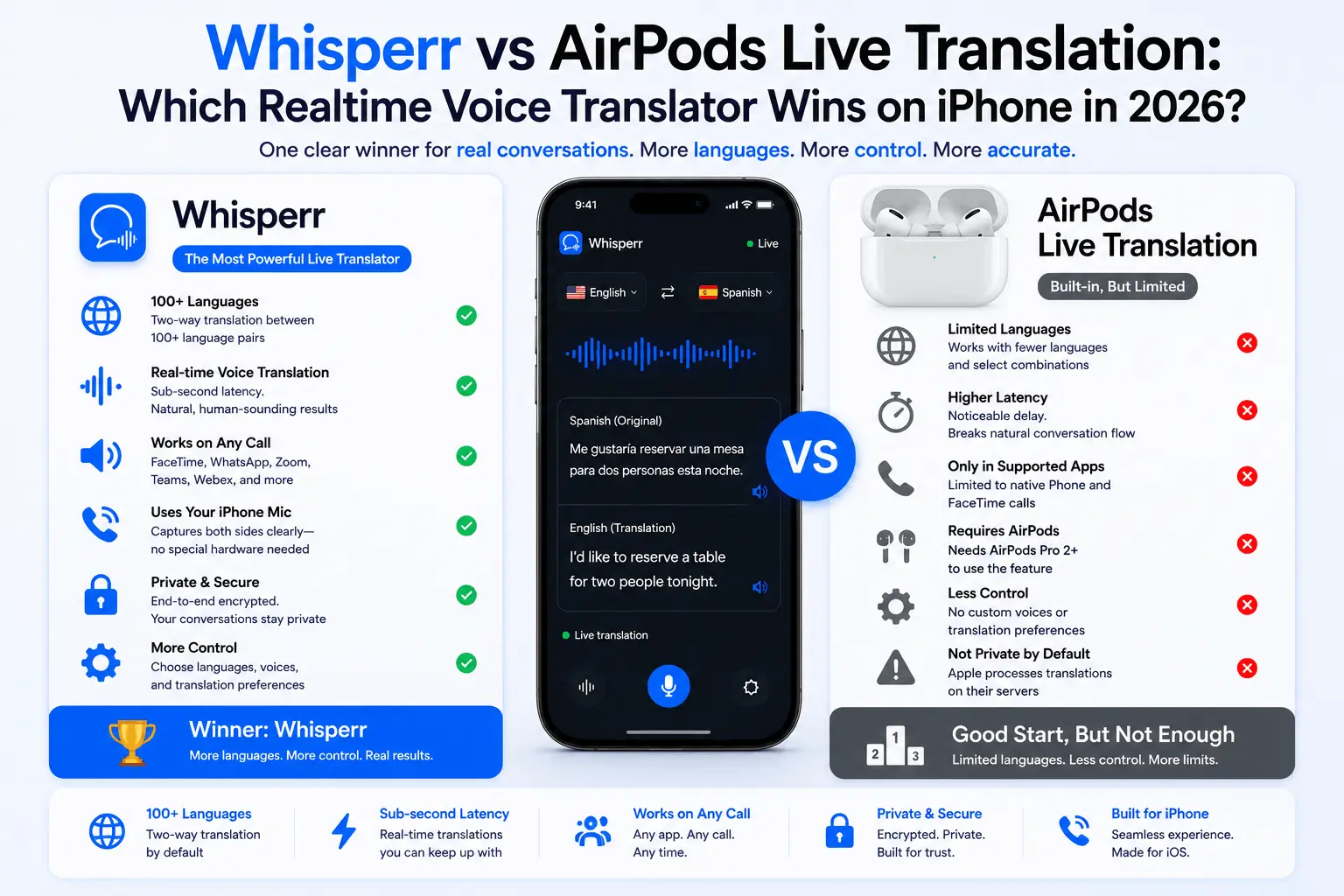
AirPods Live Translation for FaceTime; Whisperr for Zoom, YouTube and 100+ languages. Full 2026 comparison — features, prices, when to use each.