Maestra alternative
A Maestra Alternative Built for Live Conversation
Whisperr translates live speech in 100+ languages with about 0.2 seconds of latency, in both directions at once — and paid plans are a flat annual fee with unlimited real-time use, so a long meeting never costs more than a short one.
- 1
Pick your source
Microphone for in-person talk, or a browser tab / system audio for a call, video, or anything else playing sound.
- 2
Set your languages
Choose the language being spoken and the one you want to read or hear back.
- 3
Press Record and go
Speak, or press play on whatever you’re capturing — the translation appears here live, in about 0.2 seconds.
If you pick a tab or screen, tick Share tab audio or Share system audio in the picker — without it there is no sound to translate.
Whisperr vs Maestra at a glance
Two products aimed at different jobs — here is where the line actually falls.
Read the two rows above together, because the plan pages do not invite you to. Maestra’s real-time tiers lead with the caption allowance — 900 minutes on Premium — while translation, the thing you are actually buying if the audio is in another language, is metered separately at 180 minutes on the same plan. That is five times scarcer than the headline number, and it is the figure that runs out.
Maestra pricing and plan limits above were read from Maestra’s own pricing page on August 20, 2026. Vendors change plans — check theirs before deciding, and tell us if you find something out of date here.
| Whisperr | Maestra | |
|---|---|---|
| Built for | Live, two-way conversation as it happens | Media production — transcription, subtitles and AI voiceover — plus real-time captioning |
| Real-time captions per month | Unlimited on a flat annual plan | 900 min on Premium ($79/mo billed yearly), 1,800 on Business ($159/mo), 4,500 on Business Plus ($359/mo) |
| Real-time translation per month | Unlimited on a flat annual plan | Metered separately and far scarcer: 180 min on Premium, 360 on Business, 900 on Business Plus |
| Free option | Free tier, no card required | Pay-as-you-go credits from $12 per 60 credits |
| Languages | 100+ | 125+ |
| Where it runs | iOS, Android, Mac, Windows, web | Browser-based, with OBS, vMix and Zoom integrations for live captions |
| Sharing with an audience | Broadcast Mode room link — listeners need no app and no account | Live caption output into the streaming or meeting stack you already run |
| Spoken output | Speech Mode reads each translation aloud, included | AI voiceover and dubbing, metered separately from captions |
| Finished files (SRT, dubbed video) | Not the product — Whisperr is live-only | Core strength: subtitle files, translated transcripts, dubbed audio |
When Maestra is the better choice
If the deliverable is a file, Maestra is the right tool and Whisperr is not competing for that work. Subtitling a recorded video, producing a translated transcript you can edit and hand off, or dubbing a finished cut into another language with AI voiceover are all things Maestra does properly and Whisperr does not do at all.
The same is true of a production workflow with an editor, a review pass, and an export step. Whisperr has no editor and no export — it translates speech while the speech is happening and then gets out of the way.
Where that flips is the moment the job stops being “produce an artifact” and becomes “understand this person right now.” A meeting, a customer call, a doctor’s appointment, a class, a service — those are unpredictable in length, and that is exactly where a monthly minute balance turns into a decision about whether the conversation is worth spending it on.
Switching from Maestra to Whisperr
There is no export or migration step — Whisperr works on live audio, so you start it and speak.
- 1
Open Whisperr on the device that hears the audio
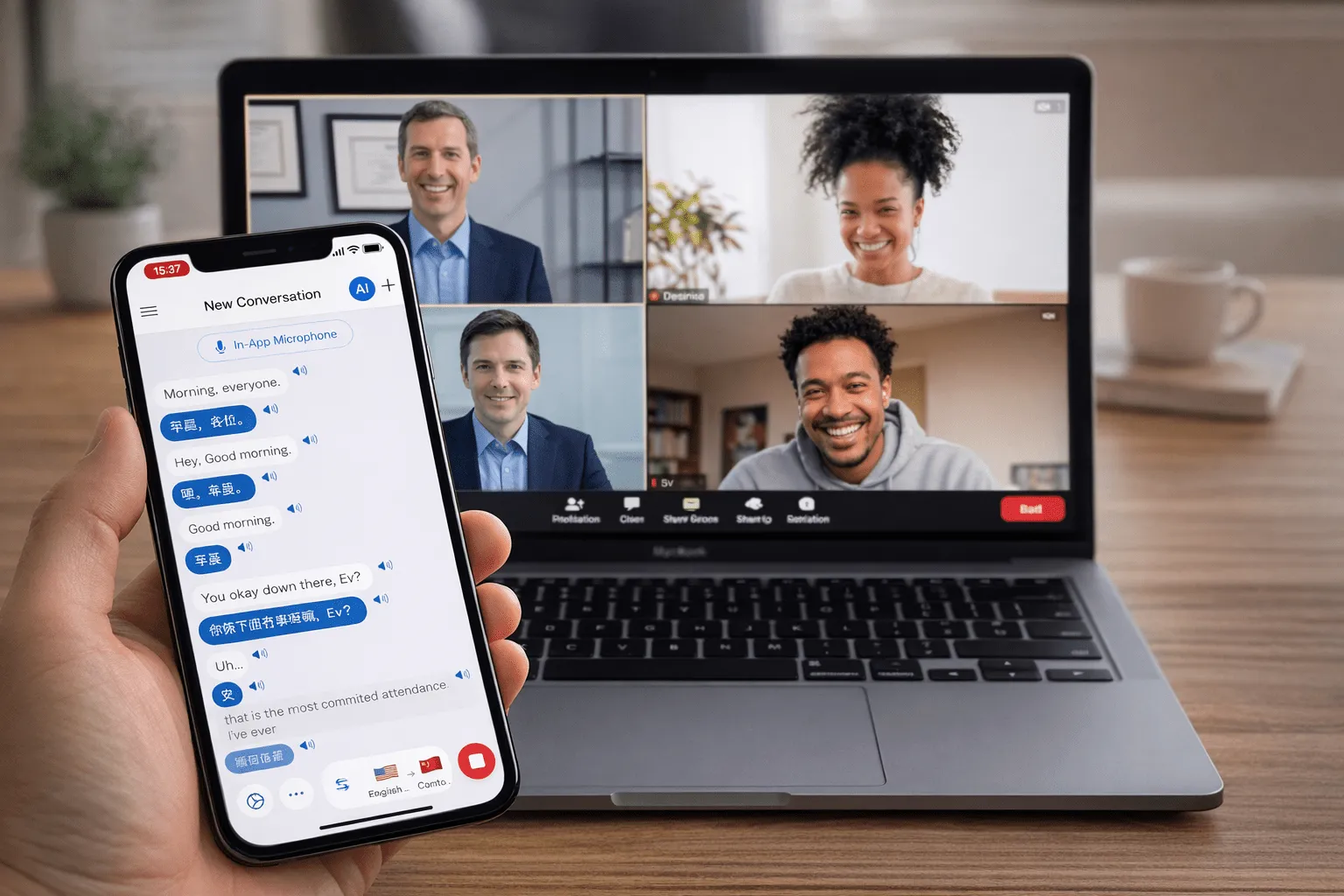
iOS, Android, Mac, Windows, or the web app. For an online meeting, capture the browser tab; for a room, capture the microphone. Nothing is installed into Zoom, Teams, or Meet, and no bot joins the call as a participant.
- 2
Pick your two languages — or let it detect them
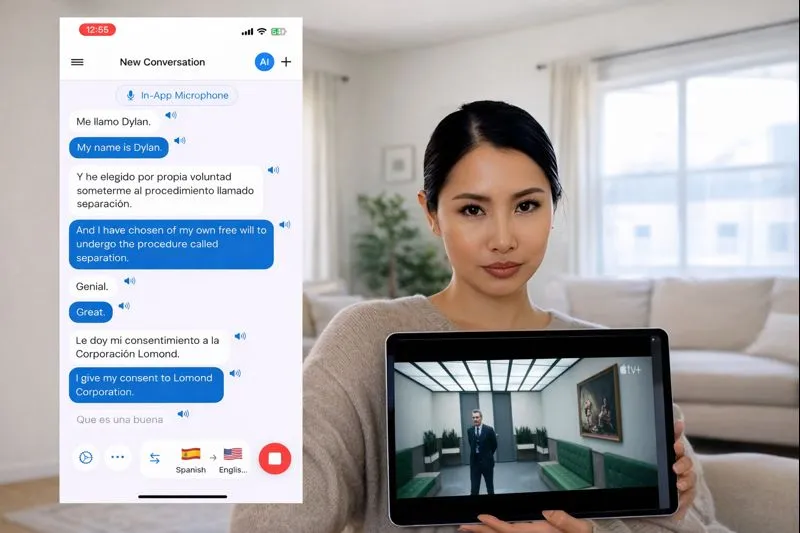
Whisperr auto-detects both sides of a conversation and translates in both directions, so you are not switching a source language every time the other person speaks.
- 3
Read, listen, or share a room link
Read live captions (including floating subtitles over any app on mobile), have Speech Mode read the translation aloud, or turn on Broadcast Mode and share a room link so listeners follow in their own language with no app and no account.
What users say
Whisperr review
“I love how easy Whisperr is to use and how it accurately understands and translates text and speech across different languages. It's so effective that even in scenarios where other tools might fail, Whisperr performs perfectly. Additionally, the ability to select languages for translation directly on a phone is fantastic. This feature helps us translate church services, ensuring everyone understands without missing anything important. The initial setup was straightforward, making it smooth to start using immediately.”
Fast Translations and a Clear, Easy-to-Read Layout
“It translated really fast, and the way the text appears on the screen—with its clear layout—is very easy to read.”
Whisperr Delivers Lightning-Fast, Highly Accurate Real-Time Translation
“The translation is extremely fast and accurate; after comparing several programs, I consider Whisperr to be the fastest and most accurate real-time translation app.”
Top-Notch Speech Recognition and Flashcard-Style Translations for Fast Study
“Whisperr's speech recognition and translation quality are both top-notch, and better than similar tools I've tried so far. Beyond that, as a Japanese learner, I especially like how Whisperr displays each sentence and its translation almost like flashcards, with a text-to-speech button for each one. That setup makes studying feel fast and efficient, and it's easy to review sentence by sentence.”
Simple Real-Time Translation for Work
“I like best about Whisperr is that it feels simple and straightforward to use.”
Awesome
“This is very useful, extremely user-friendly, easy to use, and the recognition capability is very precise, with very fast speed. It should be the most accurate and fastest translation I've used so far.”
Easy to use
“Whisperr is easy to get started and no hassle at all. A great tool to learn languages and for travelling.”
Exceptional outcomes
“I attempted English to Hindi translation and achieved highly accurate results.”
Amazing
“Using it for Spanish to English and it’s amazing!”
Worth hundreds of thousands of yen
“The same performance as other conversation translation apps. Those charge by the minute, but this one is apparently a one-time purchase, so the value for money is outstanding. Compared with about five similar apps, this one is the best on both performance and price. I wonder whether it was made by a Japanese developer??”
Translated from Japanese
Why people switch
What changes when the meter comes off
Maestra meters real-time translation by the minute — separately from captions, and at roughly a fifth of the allowance. Whisperr’s paid plans do not meter either, and that changes which meetings you bother to translate.
Unlimited real-time minutes
A flat annual fee covers unlimited live translation. No per-minute balance to watch, no overage, and no deciding which calls are “worth” spending minutes on.
Two-way by default
Both languages are detected and translated in both directions, which is what an actual conversation needs — not a one-directional caption track.
No bot in the participant list
Whisperr listens to audio your device can already hear. Nothing joins the meeting, so you need no host permission and no admin approval.
Native apps, not just a browser
iOS, Android, Mac, Windows, and the web — so in-person conversations, phone calls on speaker, and desktop meetings are all the same product.
Floating subtitles over any app
On mobile, translated captions sit on top of whatever you are watching or doing, rather than living inside one editor.
Share with an audience by link
Broadcast Mode gives every listener a room link and their own language choice. They install nothing and create no account.
Try it on your next call
Free to start, and unlimited real-time translation on a flat annual plan.
Start Translating FreeMaestra alternative FAQ
What is the best Maestra alternative for live translation?+
Is there a free Maestra alternative?+
Does Whisperr meter real-time minutes like Maestra does?+
Can Whisperr produce subtitle files or dub a recorded video?+
Does Whisperr need a bot to join my meeting?+
Which languages does Whisperr support?+
Can people listen without installing anything?+
Live conversation, no minute meter
See how it feels when translating a call costs nothing extra.
Get Started Free