
Broadcast Mode
Share Live Translation With a Room Link
Speak once; everyone reads along in their own language. Whisperr Broadcast Mode gives you a room link to drop in a Zoom, Teams, or Meet chat — or share at a live event — and viewers open it in any browser. No app, no signup, 100+ languages.
How Broadcast Mode works
Turn your speech into a shareable, multilingual live caption stream.
- 1
Start Broadcast Mode
Open the Whisperr web app, pick your source language, enable Broadcast Mode, and start recording your microphone.
- 2
Share the room link
Paste the room URL into a Zoom, Teams, Meet, or Webex chat — or show it at a conference, classroom, or service.
- 3
Everyone reads in their language
Each viewer opens the link in any browser and picks their own language. No app, signup, or subscription needed on their side.
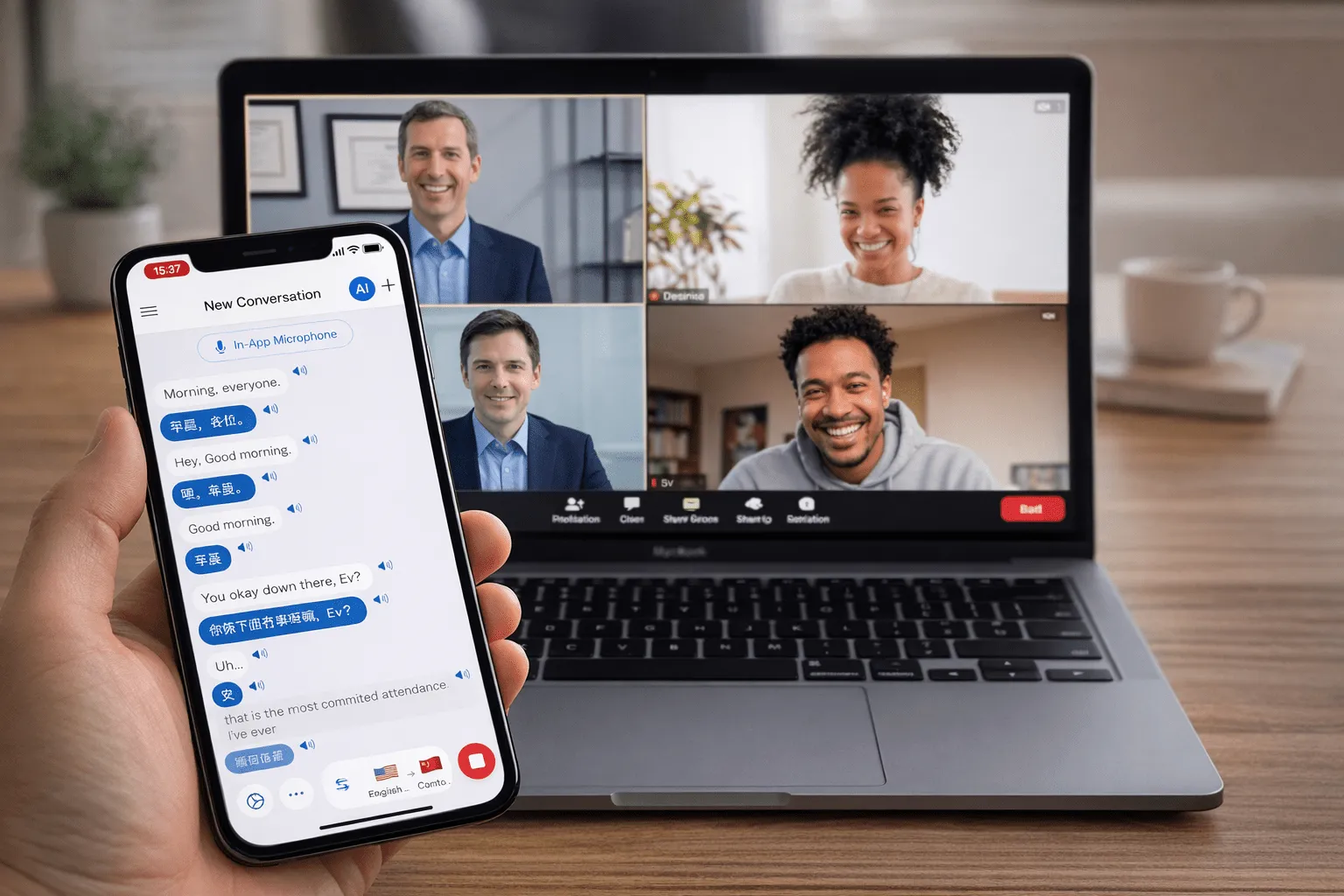
Built for speakers
One speaker, every language
Perfect when you’re the one presenting to a multilingual audience.
Share a link
Viewers join by opening a URL — nothing to install.
Everyone’s own language
Each viewer picks their language independently from the same broadcast.
Works with any meeting
Drop the link into Zoom, Teams, Google Meet, Webex, or Discord chat.
100+ languages
Reach an audience across dozens of languages at once.
No signup for viewers
Attendees need no account or subscription to read along.
Real-time
Translations stream to viewers in about 0.2 seconds.
Present to everyone, in every language
Share live translation with your audience in 100+ languages — free to try.
Start Translating FreeBroadcast Mode FAQ
What is Broadcast Mode?+
Do viewers need the app?+
Which platforms can I use it with?+
How many people can join a room?+
Does it translate other participants too?+
Is it free?+
Use Broadcast Mode for
Ready to broadcast in every language?
Let your whole audience follow you, whatever language they speak.
Get Started Free