
Zoom
Translate Zoom Meetings in Real Time
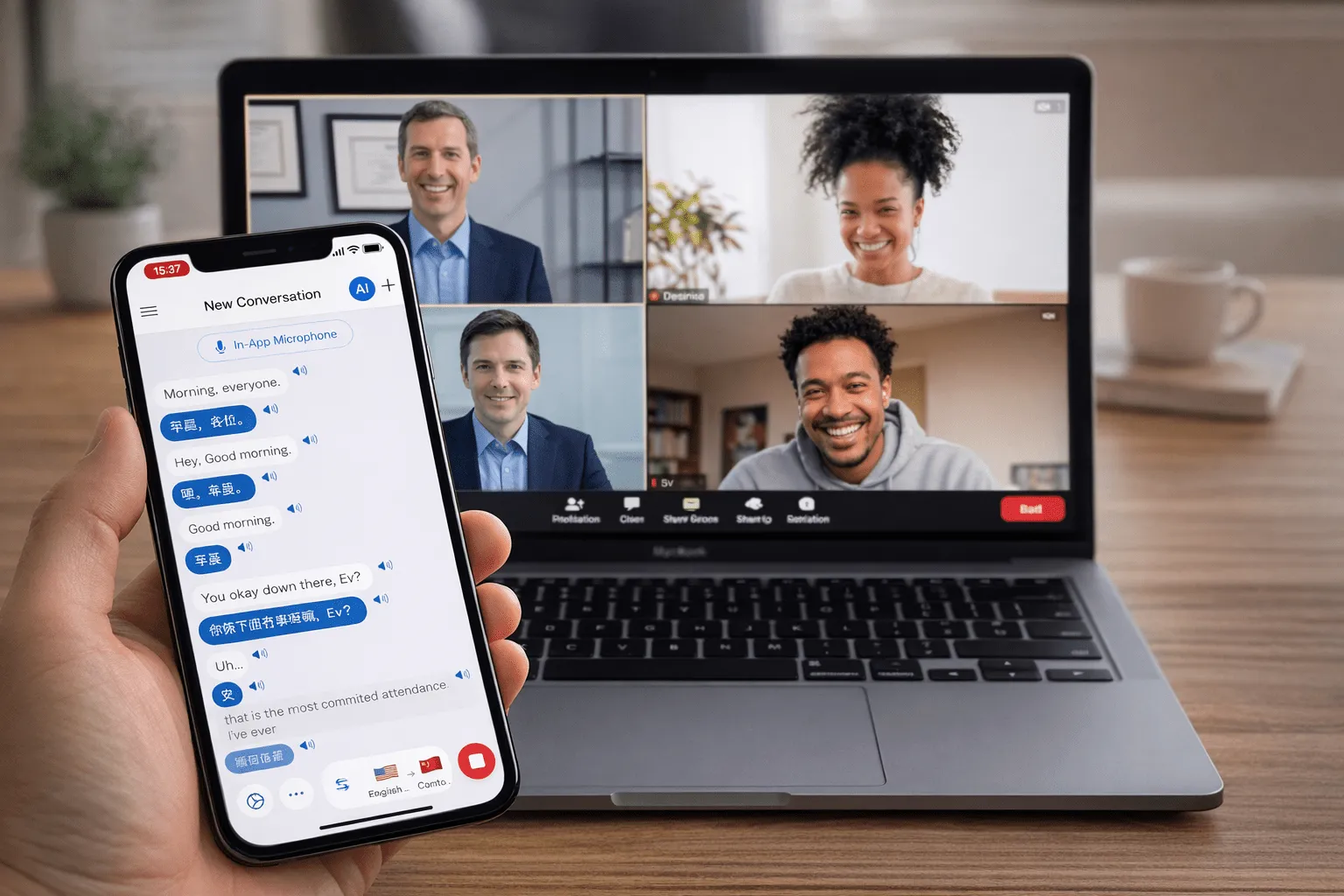
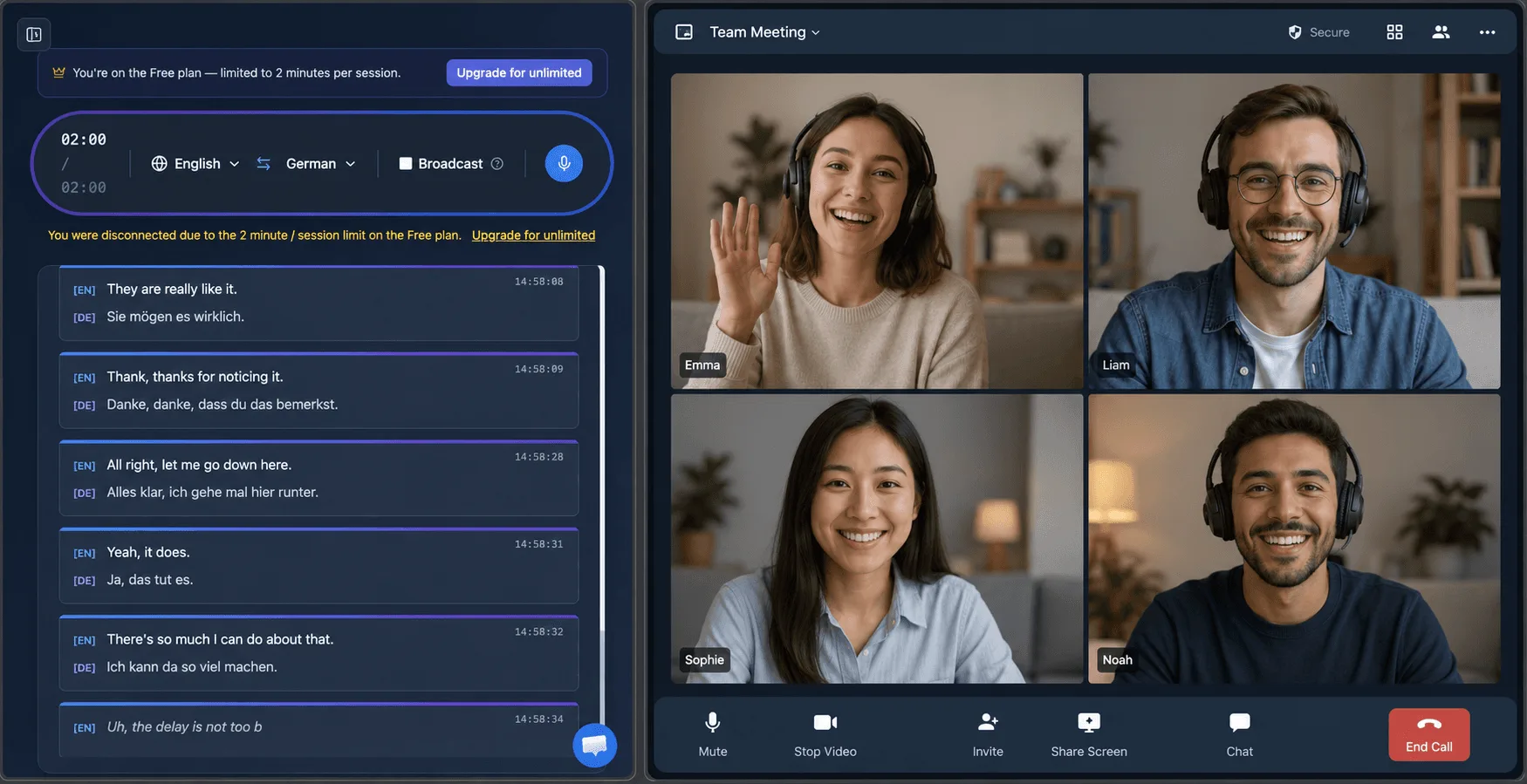
Follow and join any Zoom call in your own language. Whisperr adds live, two-way voice translation and subtitles to your meetings — 100+ languages, ~0.2s latency, no Zoom Business account required. Other members won’t know.
How to translate a Zoom meeting
Three ways to capture and translate your Zoom audio — pick the one that fits your setup.
- 1
Tab Capture (Chrome Extension or Web App)
Join the meeting in a Chrome tab, then use the Whisperr Chrome Extension or Web App to capture the tab audio — it picks up everyone else’s voice and translates it for you in real time. The most accurate method: clean digital audio with no background noise.
- 2
Broadcast Mode (when you are speaking)
Capture your own mic with Whisperr, click Broadcast Mode, and paste the room link into the Zoom chat. Attendees open it to read your words live in their own language — no app, signup, or subscription needed on their side.
- 3
Meeting Bot (translate everyone)
Invite the Whisperr meeting bot into the call. It joins as a participant, captures everyone’s audio, and delivers real-time transcription and translation for the whole meeting.
Built for live meetings
Everything you need to understand any Zoom call
Purpose-built for real-time conversation — not pre-recorded files like file-based translators.
Real-time, not delayed
Translation appears in about 0.2 seconds, fast enough for back-and-forth conversation — not the 5–10s lag of file-based tools.
Two-way by default
Auto-detects both languages and translates in both directions, so everyone can follow without switching settings.
Live subtitles & speech
Read on-screen captions or hear spoken output in your language while the meeting continues.
100+ languages
From Spanish, Japanese, and Russian to long-tail languages most tools skip.
No Zoom Business account
Works alongside any Zoom plan — no admin settings, paid add-ons, or host permissions required.
Auto-speak translation
Speech Mode reads each translation aloud through your speaker or headphones, so you can just listen instead of watching subtitles.
Never miss a word in a Zoom meeting again
Start translating your next call in 100+ languages — free to try.
Start Translating FreeZoom translation FAQ
Can I translate a Zoom meeting in real time?+
Do I need a Zoom Pro or Business account?+
Does it translate everyone or just me?+
How much delay is there?+
Which languages are supported?+
Is it free?+
Does it work with the Zoom desktop app or only in a browser?+
Ready to translate your next Zoom call?
Break the language barrier in any meeting with live, two-way translation.
Get Started Free