Speech Mode
Hear Your Translations Spoken Aloud
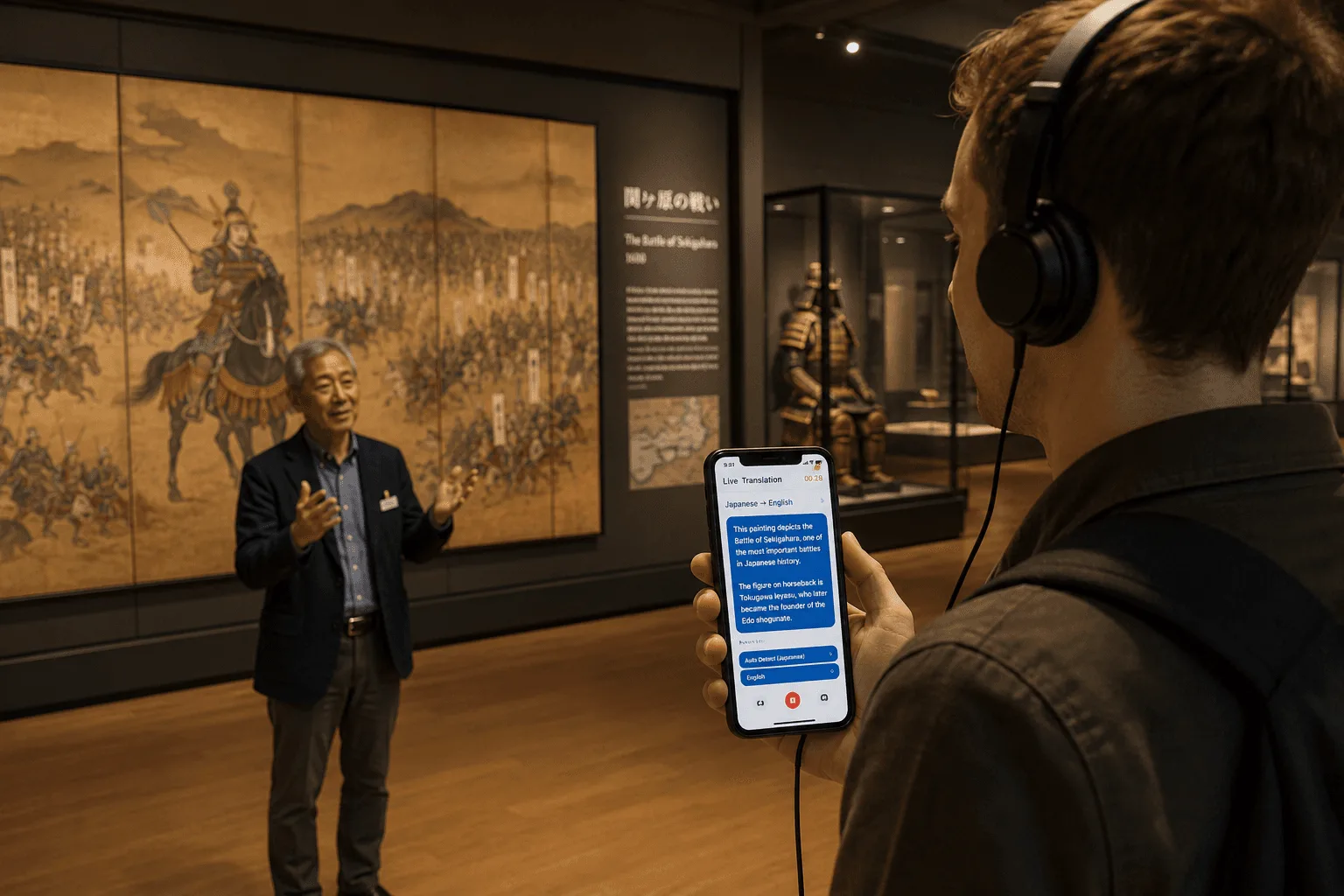
Not just captions — Whisperr Speech Mode speaks each translated line out loud, so the other person can hear it. Ideal for in-person and travel conversations, hands-free use, accessibility, and language learning. 100+ languages.
How Speech Mode works
Turn translations into spoken audio in the other language.
- 1
Enable Speech Mode
In the Whisperr app, turn on Speech Mode and choose your source and target languages.
- 2
Speak naturally
Talk as you normally would. Whisperr translates and speaks the result aloud in the other language.
- 3
Hands-free conversation
The other person hears the translation through your speaker — no need to pass a screen back and forth.

What users say
Whisperr review
“I love how easy Whisperr is to use and how it accurately understands and translates text and speech across different languages. It's so effective that even in scenarios where other tools might fail, Whisperr performs perfectly. Additionally, the ability to select languages for translation directly on a phone is fantastic. This feature helps us translate church services, ensuring everyone understands without missing anything important. The initial setup was straightforward, making it smooth to start using immediately.”
Fast Translations and a Clear, Easy-to-Read Layout
“It translated really fast, and the way the text appears on the screen—with its clear layout—is very easy to read.”
Whisperr Delivers Lightning-Fast, Highly Accurate Real-Time Translation
“The translation is extremely fast and accurate; after comparing several programs, I consider Whisperr to be the fastest and most accurate real-time translation app.”
Top-Notch Speech Recognition and Flashcard-Style Translations for Fast Study
“Whisperr's speech recognition and translation quality are both top-notch, and better than similar tools I've tried so far. Beyond that, as a Japanese learner, I especially like how Whisperr displays each sentence and its translation almost like flashcards, with a text-to-speech button for each one. That setup makes studying feel fast and efficient, and it's easy to review sentence by sentence.”
Simple Real-Time Translation for Work
“I like best about Whisperr is that it feels simple and straightforward to use.”
Awesome
“This is very useful, extremely user-friendly, easy to use, and the recognition capability is very precise, with very fast speed. It should be the most accurate and fastest translation I've used so far.”
Easy to use
“Whisperr is easy to get started and no hassle at all. A great tool to learn languages and for travelling.”
Exceptional outcomes
“I attempted English to Hindi translation and achieved highly accurate results.”
Amazing
“Using it for Spanish to English and it’s amazing!”
Worth hundreds of thousands of yen
“The same performance as other conversation translation apps. Those charge by the minute, but this one is apparently a one-time purchase, so the value for money is outstanding. Compared with about five similar apps, this one is the best on both performance and price. I wonder whether it was made by a Japanese developer??”
Translated from Japanese
Built for talking
Translation you can hear
Spoken output makes face-to-face conversation effortless.
Spoken output
Whisperr reads each translated line aloud in the target language.
In-person & travel
Talk with taxi drivers, shopkeepers, doctors, and locals without sharing a screen.
Hands-free
Great for driving, cooking, or any time you can’t look at a screen.
Accessibility
Helpful for low-vision users and anyone who prefers audio.
100+ languages
Spoken output across dozens of languages and accents.
Pairs with calls
Use it on calls and in person, alongside on-screen captions.
Let everyone hear the translation
Speak and be understood out loud in 100+ languages — free to try.
Start Translating FreeSpeech Mode FAQ
What is Speech Mode?+
When should I use it instead of captions?+
Does it work both directions?+
Can I choose the voice?+
How fast is it?+
Which languages are supported?+
Is it free?+
Ready to be heard in any language?
Turn your words into spoken translation, instantly.
Get Started Free