
Built-in Translator Alternative
Samsung Live Translate Alternative that works on any Device
Live two-way translation on any phone, in your browser and on Mac or Windows, with any headphones. Not tied to one brand. Try it free.
- 1
Pick the languages
Choose the language being spoken and the one you want to read. No brand, phone model or earbuds required.
- 2
Press Record and speak
Say a sentence or two, or let someone else talk near the microphone.
- 3
Read the translation live
Text appears as the words are spoken. On a computer you can also capture a browser tab or system audio, and on a phone use Floating Subtitles over media apps that allow it.
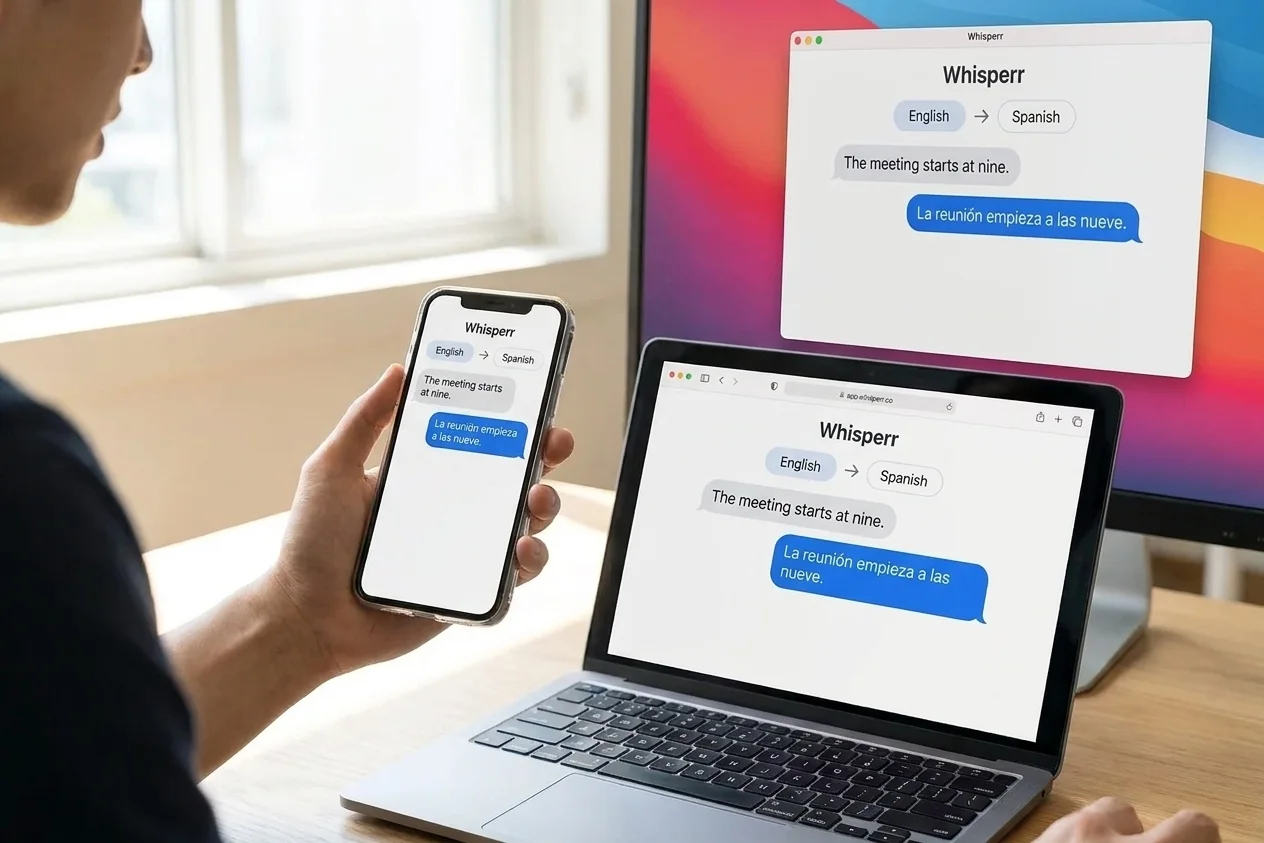
Works Everywhere with One Account
On your phone, in your browser and on your computer.
One app on iPhone and Android, the Web App in your browser, and a desktop app for Mac and Windows. Whisperr is not tied to one phone brand.
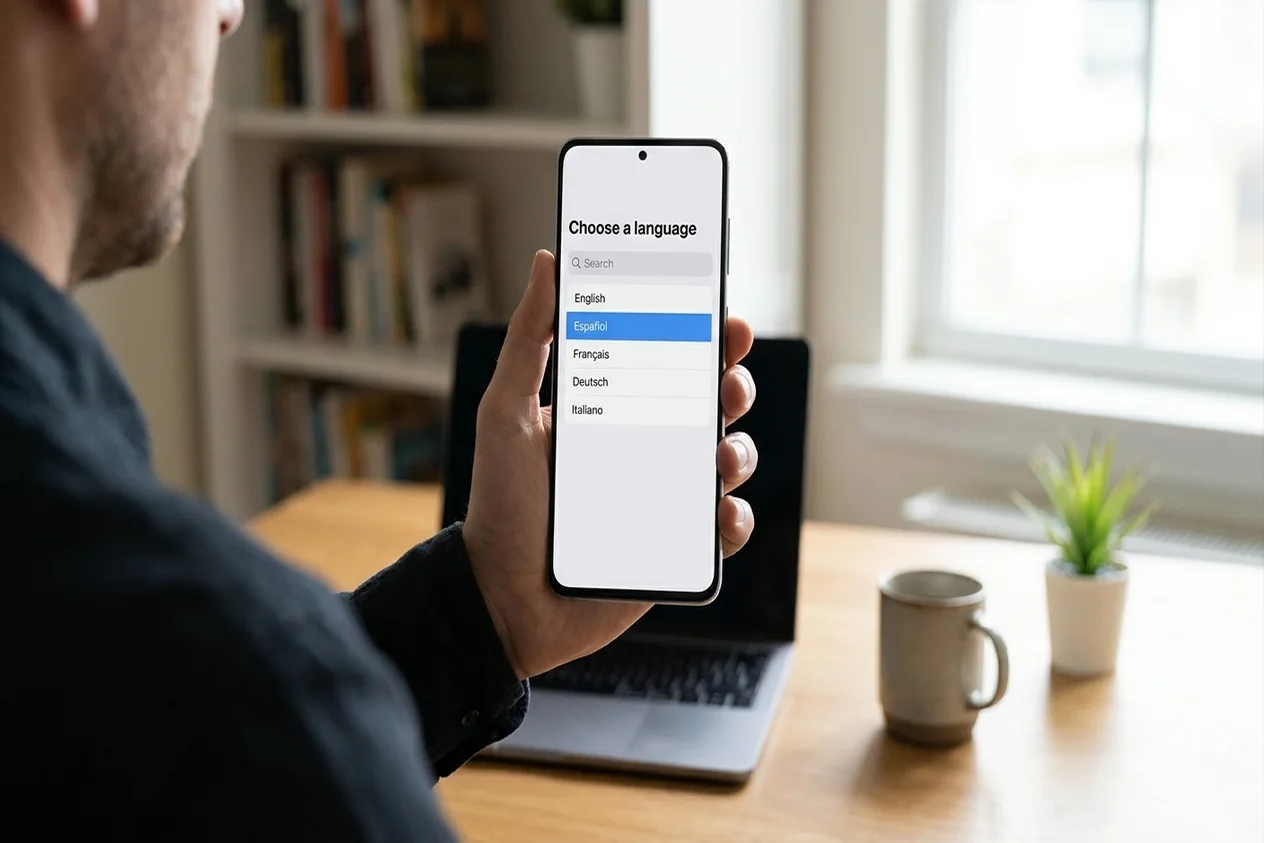
Pick from 60+ languages
Choose any two and swap them whenever you like.
The Web App and the Mac and Windows apps offer 60+ languages. The iPhone and Android apps have their own list in the app, which can differ, so check the picker for your pair.
- 1
Open the language bar
Tap either language in the bar at the bottom of the phone app, or click a language name in the Web App.
- 2
Search and choose
Type to search, then pick the language being spoken and the one you want to read.
- 3
Swap any time
Change a language between recordings. There is no per-language fee.
Talk both ways, translated automatically
Both people speak. Whisperr translates each line into the other language.
- 1
Choose your two languages
One for you and one for the person you are talking to.
- 2
Tap the arrow until it shows ⇄
The arrow sits between the two languages. In two-way mode Whisperr listens for both.
- 3
Press record and talk
No “my turn” button. Each line appears in the language it was spoken in, with the translation underneath.
- 4
Optional: Face-to-Face Mode
On iPhone and iPad, put the phone between you so each person reads their own language the right way up.

Works with any headphones
No special earbuds, and nothing to pair with one brand.
- 1
Put on the headphones you already own
Whisperr listens through the microphone of your phone or computer and shows the translation on its screen.
- 2
Turn on Speak Aloud
Each translation is read out through your device’s normal audio output, the headphones or earbuds it already uses.
- 3
Keep the sound in your ears
On a loudspeaker the microphone can hear Whisperr and transcribe it back. Keep Echo Cancellation on if headphones are not an option.

What users say
Whisperr review
“I love how easy Whisperr is to use and how it accurately understands and translates text and speech across different languages. It's so effective that even in scenarios where other tools might fail, Whisperr performs perfectly. Additionally, the ability to select languages for translation directly on a phone is fantastic. This feature helps us translate church services, ensuring everyone understands without missing anything important. The initial setup was straightforward, making it smooth to start using immediately.”
Fast Translations and a Clear, Easy-to-Read Layout
“It translated really fast, and the way the text appears on the screen—with its clear layout—is very easy to read.”
Whisperr Delivers Lightning-Fast, Highly Accurate Real-Time Translation
“The translation is extremely fast and accurate; after comparing several programs, I consider Whisperr to be the fastest and most accurate real-time translation app.”
Top-Notch Speech Recognition and Flashcard-Style Translations for Fast Study
“Whisperr's speech recognition and translation quality are both top-notch, and better than similar tools I've tried so far. Beyond that, as a Japanese learner, I especially like how Whisperr displays each sentence and its translation almost like flashcards, with a text-to-speech button for each one. That setup makes studying feel fast and efficient, and it's easy to review sentence by sentence.”
Simple Real-Time Translation for Work
“I like best about Whisperr is that it feels simple and straightforward to use.”
Awesome
“This is very useful, extremely user-friendly, easy to use, and the recognition capability is very precise, with very fast speed. It should be the most accurate and fastest translation I've used so far.”
Why people look past the built-in tool
Translation that is not tied to one phone, one brand or one app
Phones, earbuds and glasses ship their own live translation. Whisperr is a separate app, so it goes wherever your audio is.
Any phone, any brand
iPhone, Android and the web app work the same way, whatever model you carry and whether or not it has a vendor AI feature.
Mac, Windows and the web
Use it on a computer too: capture a Chrome or Edge tab, or System audio in the desktop app, instead of being limited to the phone.
Subtitles for video and streams
Translate a YouTube video, a live stream or a recorded lecture playing on your screen, as live subtitles beside it or floating over it.
Meetings and webinars
Follow a Zoom, Teams or Meet call by capturing its audio on your computer. Phone Floating Subtitles cannot overlay those apps.
Share to a whole room
Broadcast Mode turns your speech into live text for anyone with a link: the host language plus 5 more, and viewers need no app or sign-up.
One flat price
The free plan limits session length. Paid plans are a flat fee with unlimited use and no per-minute or per-language metering.
Translate what the built-in feature does not reach
Any phone or computer, any app’s audio. Try Whisperr free.
Start Translating FreeSamsung Live Translate alternative FAQ
Is there a Samsung Live Translate alternative for non-Samsung phones?+
How many languages does Whisperr support?+
Does Whisperr translate both directions automatically?+
Does Whisperr need special earbuds or glasses?+
Can it translate YouTube, a stream or a Zoom meeting?+
Can Whisperr translate a phone call?+
Translate on any device, in any app
Live translation that is not tied to one brand. Free to try.
Get Started Free