Audio to text
Free Audio to Text Converter
Upload a recording and get a full transcript, translated if you want. 20 free minutes every month, in 60+ languages.
20 free minutes every month with a free account. No card needed.
What users say
Whisperr review
“I love how easy Whisperr is to use and how it accurately understands and translates text and speech across different languages. It's so effective that even in scenarios where other tools might fail, Whisperr performs perfectly. Additionally, the ability to select languages for translation directly on a phone is fantastic. This feature helps us translate church services, ensuring everyone understands without missing anything important. The initial setup was straightforward, making it smooth to start using immediately.”
Fast Translations and a Clear, Easy-to-Read Layout
“It translated really fast, and the way the text appears on the screen—with its clear layout—is very easy to read.”
Whisperr Delivers Lightning-Fast, Highly Accurate Real-Time Translation
“The translation is extremely fast and accurate; after comparing several programs, I consider Whisperr to be the fastest and most accurate real-time translation app.”
Top-Notch Speech Recognition and Flashcard-Style Translations for Fast Study
“Whisperr's speech recognition and translation quality are both top-notch, and better than similar tools I've tried so far. Beyond that, as a Japanese learner, I especially like how Whisperr displays each sentence and its translation almost like flashcards, with a text-to-speech button for each one. That setup makes studying feel fast and efficient, and it's easy to review sentence by sentence.”
Simple Real-Time Translation for Work
“I like best about Whisperr is that it feels simple and straightforward to use.”
Awesome
“This is very useful, extremely user-friendly, easy to use, and the recognition capability is very precise, with very fast speed. It should be the most accurate and fastest translation I've used so far.”
What you get
From a recording to text you can use
Whisperr writes down everything that was said and saves it in your account.
Faster than the recording
A 10-minute file with a translation takes about 35 seconds, and a 2-hour file about 6.5 minutes. You can leave the page while it works.
More than 60 languages
Whisperr detects the language spoken in the file automatically, the same 60+ languages as live transcription.
A translation on every line
Pick a language to translate into, and every line of the transcript comes with its translation beside it.
Your audio is not kept
The file goes to our speech recognition provider and is deleted there once the transcript is saved. You can delete the transcript at any time.
Nothing to install
It runs in your browser on any computer. Uploading a file is on the web only for now, not yet in the phone or desktop apps.
Long recordings welcome
Each file can run up to 299 minutes and 500 MB. A subscription includes 10 hours of uploads a month.
Convert an audio file to text
Start at the top of this page. The upload itself happens in your Whisperr dashboard.
- 1
Choose your file
Drop an audio file on the box, or click it to pick one.
- 2
Sign up free
Create a free account, or sign in. Whisperr takes you to your dashboard.
- 3
Upload it in the dashboard
Upload the file and pick a translation if you want one. When it is done, open the transcript.
Transcribe an interview
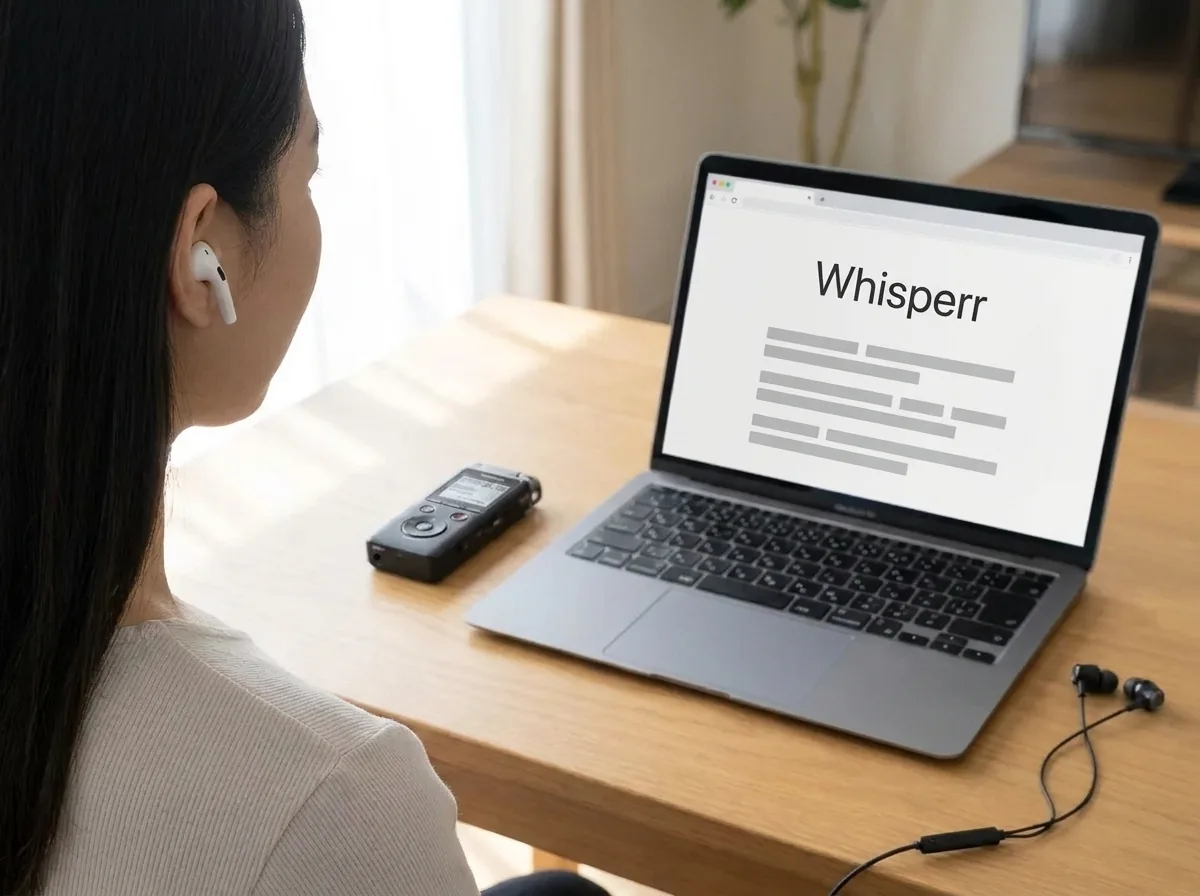
Upload the recording from your voice recorder or phone and get every answer as text you can search and quote. Export the finished transcript when you are ready to write.
Transcribe a lecture
Record the class on your phone, then upload it afterwards and study from the text. If the lecture is in another language, add a translation and read both side by side.

Convert MP3 to text
MP3, M4A, WAV, AAC, FLAC and OGG files all work. Video files, such as MP4, work too: the uploader in your Whisperr dashboard uses only their audio.
Have more recordings to transcribe?
Your dashboard keeps every transcript in one place, and the uploader also takes video files.
Open the Uploader