
Urdu ↔ English
Translate Urdu to English by Voice in Real Time
Whisperr translates spoken Urdu to English — and English back to Urdu — live, with about 0.2 seconds of latency. Two-way, auto-detecting, and ready for conversations, calls, and video.
- 1
Already set to your languages
This demo opens with Urdu and English selected — no setup needed.
- 2
Talk normally
Speak either language into your microphone. Whisperr detects which one and translates it into the other automatically.
- 3
Read — or hear — the translation
Each line appears translated as it’s spoken. Turn on Speech Mode to hear it spoken aloud instead.
Speak Urdu, hear English — voice translation with your microphone
Tap the mic and start speaking — Whisperr listens to spoken Urdu through your microphone and translates it to English in about 0.2 seconds, read aloud or shown on screen. No typing and no text boxes: real-time voice translation built for actual conversation.
It works in both directions automatically: speak English back and it returns Urdu. One phone between two speakers is enough for a whole conversation. Try it with your own voice in the live demo above — free, no sign-up.
How to translate Urdu and English live
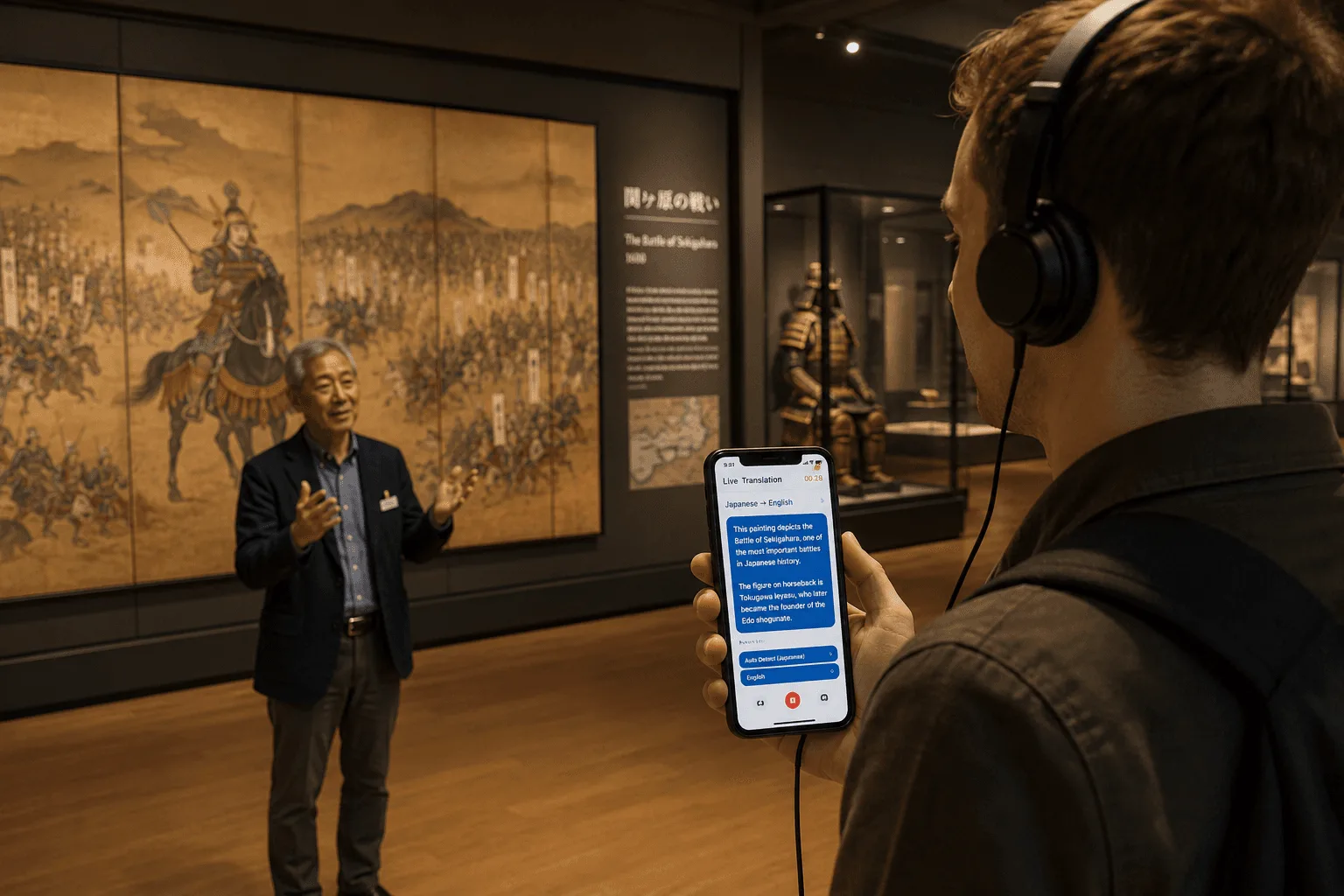
Three ways to use it — face-to-face, on a call, or while watching video.



What users say
Whisperr review
“I love how easy Whisperr is to use and how it accurately understands and translates text and speech across different languages. It's so effective that even in scenarios where other tools might fail, Whisperr performs perfectly. Additionally, the ability to select languages for translation directly on a phone is fantastic. This feature helps us translate church services, ensuring everyone understands without missing anything important. The initial setup was straightforward, making it smooth to start using immediately.”
Fast Translations and a Clear, Easy-to-Read Layout
“It translated really fast, and the way the text appears on the screen—with its clear layout—is very easy to read.”
Whisperr Delivers Lightning-Fast, Highly Accurate Real-Time Translation
“The translation is extremely fast and accurate; after comparing several programs, I consider Whisperr to be the fastest and most accurate real-time translation app.”
Top-Notch Speech Recognition and Flashcard-Style Translations for Fast Study
“Whisperr's speech recognition and translation quality are both top-notch, and better than similar tools I've tried so far. Beyond that, as a Japanese learner, I especially like how Whisperr displays each sentence and its translation almost like flashcards, with a text-to-speech button for each one. That setup makes studying feel fast and efficient, and it's easy to review sentence by sentence.”
Simple Real-Time Translation for Work
“I like best about Whisperr is that it feels simple and straightforward to use.”
Awesome
“This is very useful, extremely user-friendly, easy to use, and the recognition capability is very precise, with very fast speed. It should be the most accurate and fastest translation I've used so far.”
Easy to use
“Whisperr is easy to get started and no hassle at all. A great tool to learn languages and for travelling.”
Exceptional outcomes
“I attempted English to Hindi translation and achieved highly accurate results.”
Amazing
“Using it for Spanish to English and it’s amazing!”
Worth hundreds of thousands of yen
“The same performance as other conversation translation apps. Those charge by the minute, but this one is apparently a one-time purchase, so the value for money is outstanding. Compared with about five similar apps, this one is the best on both performance and price. I wonder whether it was made by a Japanese developer??”
Translated from Japanese
Built for live conversation
Everything you need for Urdu ↔ English
Real-time, two-way voice translation — not a file-based or one-way tool.
Two-way, auto-detect
Speak Urdu or English and Whisperr detects which and translates the other way — no toggling.
Real-time
Translation in about 0.2 seconds, fast enough for natural back-and-forth.
Read or hear it
Show the translation on screen or have Whisperr speak it aloud.
100+ languages
Beyond Urdu and English, Whisperr covers over 100 languages, including long-tail ones.
Every device
Native iOS, iPad, Mac, Windows, and Android apps, plus a web app and Chrome extension.
Broadcast Mode
Share a room link so others read your translated Urdu or English in their browser — no app needed.
Speak Urdu and English without the barrier
Start your next conversation, call, or video with live translation — free to try.
Start Translating FreeWhat to expect translating Urdu and English live
Urdu is largely mutually intelligible with spoken Hindi; the sharp divide is the writing system and formal vocabulary. Whisperr’s speech recognition covers the Urdu spoken across Pakistan and northern India.
English keeps a fixed subject-verb-object order and no grammatical gender, so it is often the structurally simpler side of a pair. Recognition likewise covers the English of North America, the United Kingdom, and far beyond.
Urdu runs right to left while English runs left to right; Whisperr renders each side of the transcript in its own script and direction. Because Whisperr auto-detects which of the two languages is being spoken, Urdu to English conversations flow in both directions without switching anything by hand.
Urdu to English translation FAQ
Can I translate Urdu to English by voice in real time?+
Does it translate both directions?+
Where can I use it?+
Which devices are supported?+
Is it free?+
Can I translate English to Urdu, not just Urdu to English?+
Which Urdu varieties does Whisperr understand?+
Is Urdu displayed right-to-left?+
Ready to translate Urdu and English live?
Break the language barrier in any conversation, call, or video.
Get Started Free